
Digital legacy planning is the proactive process of organizing your digital accounts, assets, and online memories so your wishes are honored after you pass away or become incapacitated. Most people spend years building a meaningful online presence, yet fewer than half have taken any steps to protect it. Your digital estate includes everything from email and social media to cryptocurrency and cloud photo libraries. Without a plan, loved ones face locked accounts, lost memories, and financial assets that simply disappear. The Revised Uniform Fiduciary Access to Digital Assets Act (RUFADAA) now gives digital executors legal standing in 47 U.S. states, but legal authority alone is not enough. Practical access, secure credentials, and clear instructions must work alongside it. Memory Keep exists to help families carry that weight with less grief and more grace.
What are digital assets and how do you identify your digital legacy?
A digital asset is any account, file, or piece of content you own or control online. The scope is wider than most people expect. Financial accounts, social media profiles, email inboxes, cloud photo storage, domain names, loyalty programs, gaming accounts, and creative content all count. So do cryptocurrency wallets, streaming subscriptions, and productivity tools tied to your identity.
Experts recommend grouping your assets into categories for easier prioritization: financial, communication, social, subscription, creative, productivity, and gaming. This structure helps your executor know where to focus first and reduces the risk that valuable or sentimental assets get overlooked.
The most useful tool you can create is a physical account inventory. List every account you hold, the platform name, the associated email address, and the recovery method. Do not include passwords in this document. The inventory is a map, not a vault. Store it somewhere your executor can find it, such as a fireproof home safe or a sealed envelope with your attorney.
-
Financial: Bank accounts, investment platforms, PayPal, Venmo, cryptocurrency wallets
-
Communication: Email accounts, messaging apps, phone backups
-
Social: Facebook, Instagram, LinkedIn, X (formerly Twitter)
-
Subscription: Netflix, Spotify, Amazon Prime, software licenses
-
Creative: Blogs, YouTube channels, digital art, self-published books
-
Productivity: Google Drive, Dropbox, Notion, work-related cloud storage
-
Gaming and loyalty: Xbox, PlayStation, airline miles, hotel points, retail rewards
Commonly overlooked assets include domain names, which can hold real monetary value, and loyalty point balances, which airlines and hotels often allow transferring to a named beneficiary. Review your inventory annually or after any major life change such as a new job, a marriage, or a significant purchase.
How do you appoint a digital executor and grant legal access?
A digital executor, also called a digital fiduciary, is the person you designate to manage your online accounts and digital assets after your death. Choose someone who is both trustworthy and comfortable with technology. The role requires patience, attention to detail, and the ability to navigate platform-specific processes under emotional strain.

RUFADAA, enacted in 47 U.S. states, gives your digital executor legal authority to access and manage your digital assets. The law establishes a clear priority order: platform legacy tools override wills, wills override provider terms of service, and provider terms control if no other instruction exists. This means setting up legacy contacts on platforms directly is the single most powerful step you can take.
Here is how to set up access across the major platforms:
-
Apple Legacy Contact: Go to Settings, tap your name, then Password and Security, then Legacy Contact. Add your chosen person and share the access key with them.
-
Google Inactive Account Manager: Visit myaccount.google.com, select Data and Privacy, then scroll to “Make a plan for your digital legacy.” Set a timeout period and designate up to 10 trusted contacts.
-
Facebook Legacy Contact: Go to Settings and Privacy, then Settings, then Memorialization Settings. Choose a legacy contact who can manage your profile after death.
-
Apple and Google legacy contact setup is free and takes about 10 minutes total for both platforms combined. That is a small investment for a significant protection.
Pro Tip: Add a digital assets clause to your will and reference a separate letter of instruction. The will grants authority; the letter provides the practical details. Keep the letter outside of probate by storing it securely offline.
A strong digital legacy plan must connect legal authority with practical access. Legal authority alone fails when the executor cannot find passwords, recovery codes, or device PINs. Both sides must work together.
How do you securely store and hand off passwords and crypto assets?
Passwords and seed phrases require a different level of care than account lists. The most common mistake people make is including passwords directly in their will. Wills enter probate and become public record. Anyone who searches the court database can read them.
Create a separate access map instead. This document lists where credentials are stored and how to retrieve them, without containing the credentials themselves. Store the access map in a fireproof safe or an encrypted vault, and reference it in your will without reproducing its contents.
For cryptocurrency, the stakes are even higher. Losing a seed phrase means losing the funds permanently. Store seed phrases in two separate physical locations using durable, fireproof materials. Products like Cryptosteel or Blockplate engrave seed phrases onto metal, protecting them from fire and water damage. One copy might live in your home safe; the second might live with your attorney or in a bank safe deposit box.
-
Never store seed phrases digitally on a phone, computer, or cloud service
-
Never photograph seed phrases or store images in a cloud photo library
-
Use a hardware wallet for long-term crypto storage and document the wallet model and PIN location separately
-
Consider a multi-signature wallet arrangement, which requires more than one key to authorize a transaction, adding a layer of protection against single-point failure
-
For crypto held on exchanges, check whether the platform allows a named beneficiary designation
Password managers offer a practical solution for everyday credentials. 1Password Emergency Kit and Bitwarden Emergency Access both allow a trusted contact to request access after a specified waiting period. The emergency kit includes the master password and secret key, stored offline in a secure location. This approach balances security with accessibility.
Pro Tip: Write a non-legal letter of instruction that sits alongside your will. Include device PINs, subscription cancellation steps, photo preservation wishes, and social media preferences. Update it freely without needing an attorney, since it is not a legal document.
What are the practical steps to build and maintain your digital legacy plan?
Building a plan does not require a lawyer on day one. Start with a one-page overview that explains your priorities, names your digital executor, and identifies which accounts need immediate attention. This single page gives your loved ones a starting point when grief makes clear thinking hard.
From there, build out a prioritized account map using four categories:
-
Urgent: Accounts that need immediate action to prevent financial loss or fraud. Bank accounts, investment platforms, and cryptocurrency wallets belong here.
-
Important: Accounts with financial or legal value that can wait a few days. PayPal, domain registrars, and business accounts fall into this group.
-
Archive: Accounts holding sentimental content you want preserved. Cloud photo libraries, email archives, and social media profiles belong here.
-
Optional: Accounts that can simply be closed. Streaming services, gaming accounts, and old forum memberships typically fall here.
For each account, write a brief instruction: preserve, transfer, delete, or memorialize. Social media platforms offer memorialization options that keep a profile visible as a tribute. Email accounts may need to be downloaded and archived before deletion. Financial accounts require formal transfer or closure procedures.
Set up an emergency kit for your password manager. Print the emergency access instructions, seal them in an envelope, and store them with your access map. Leave a note for your executor explaining where to find everything.
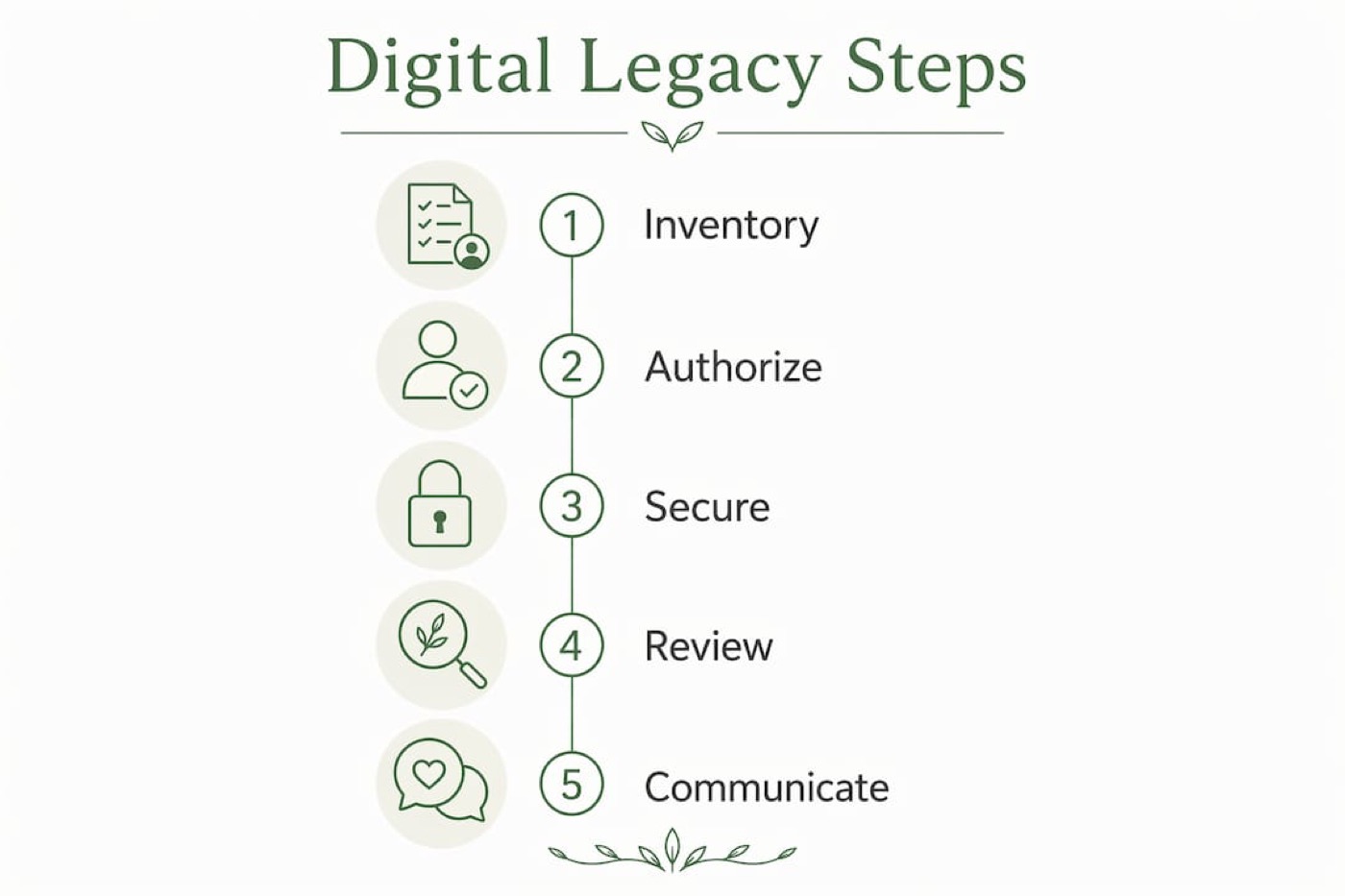
Review your plan annually or after any significant life event: a marriage, a divorce, the birth of a child, a new job, or the addition of a major digital asset. Outdated plans create gaps that are hard to close after the fact.
Talk to your digital executor before you need them. Walk them through the plan, show them where documents are stored, and answer their questions. A plan your executor has never seen is only slightly better than no plan at all.
Key Takeaways
A complete digital legacy plan combines legal authority under RUFADAA, platform legacy tools, secure credential storage, and a regularly updated account inventory to protect both financial and sentimental digital assets.
| Point | Details |
|---|---|
| Inventory your digital assets | Categorize accounts into financial, social, creative, and other groups without storing passwords in the list. |
| Appoint a digital executor | Choose a trusted, tech-savvy person and grant them legal authority through RUFADAA-aligned documents and platform legacy tools. |
| Secure credentials separately | Store passwords and crypto seed phrases in fireproof physical locations, never inside a will that enters public probate. |
| Use platform legacy tools | Set up Apple Legacy Contact and Google Inactive Account Manager; both are free and take about 10 minutes combined. |
| Review annually | Update your plan after every major life event to prevent gaps that leave heirs without access or guidance. |
Why I believe most digital legacy plans fail before they start
The most common failure I see is not a lack of effort. It is a misunderstanding of what a plan actually requires. People write down their passwords, tuck the list into their will, and feel finished. They are not. That will become a public document the moment it enters probate. Every password on that list is exposed.
The second failure is treating legal authority as the finish line. RUFADAA gives your executor the right to access your accounts. It does not give them the ability. If your executor cannot find your password manager’s master password, your recovery codes, or your device PIN, the legal authority is useless. Legal and practical access must work together. One without the other is an incomplete plan.
What actually works is a layered approach: a will that names your digital executor and references an access map, a letter of instruction stored securely offline, platform legacy contacts set up directly, and a password manager with emergency access configured. Each layer covers a gap the others leave open.
The emotional side matters too. Preserving online memories, the photos, the messages, the tributes, gives grieving families something to hold onto. A platform like Memory Keep makes that preservation gentle and lasting. Planning is not just a legal task. It is an act of love.
— Memory
Honoring a life well lived, starting now
Grief arrives without warning, but the care we put into planning can make it lighter. When a family knows exactly where to find their loved one’s photos, messages, and memories, the weight of loss becomes a little easier to carry.
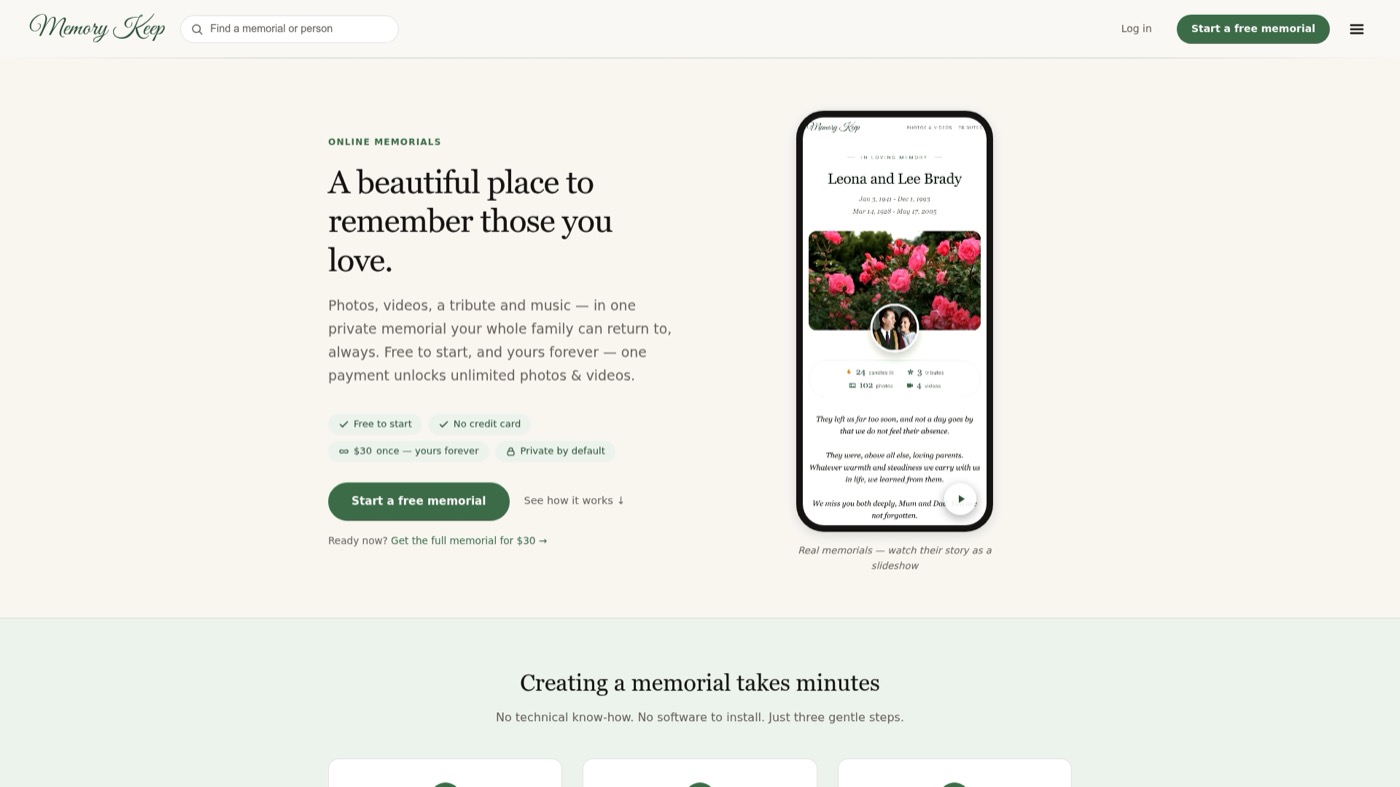
Memory Keep offers online memorial websites where families can preserve and share photos, videos, and tributes for people and pets they have lost. Each memorial has a unique link you can share with family and friends anywhere in the world, and visitors can leave messages of remembrance. Whether you are building your own digital legacy plan or helping a family honor someone they love, Memory Keepgives those memories a permanent, beautiful home.
FAQ
What is digital legacy planning?
Digital legacy planning is the process of organizing your online accounts, digital assets, and access credentials so they can be managed, preserved, or transferred after your death or incapacitation. It combines legal documents, platform settings, and secure storage into one coordinated plan.
What is RUFADAA and why does it matter?
RUFADAA, the Revised Uniform Fiduciary Access to Digital Assets Act, has been enacted in 47 U.S. states and gives digital executors legal authority to access and manage a deceased person’s digital accounts. Without it, platforms can deny access even to immediate family members.
Should I include passwords in my will?
No. Wills enter public probate records, which means any passwords listed in them become accessible to anyone who searches the court database. Store credentials in a separate, secure access map and reference it in your will without reproducing its contents.
How often should I update my digital legacy plan?
Review your plan annually and after any major life event such as a marriage, divorce, new job, or significant new digital asset. Outdated plans leave heirs without access to accounts that may have changed since the plan was written.
What happens to social media accounts when you die?
Most major platforms offer memorialization or deletion options. Facebook allows a legacy contact to manage a memorialized profile. Instagram can be memorialized or removed upon request. Without instructions, accounts may remain active indefinitely or be removed under platform terms of service.