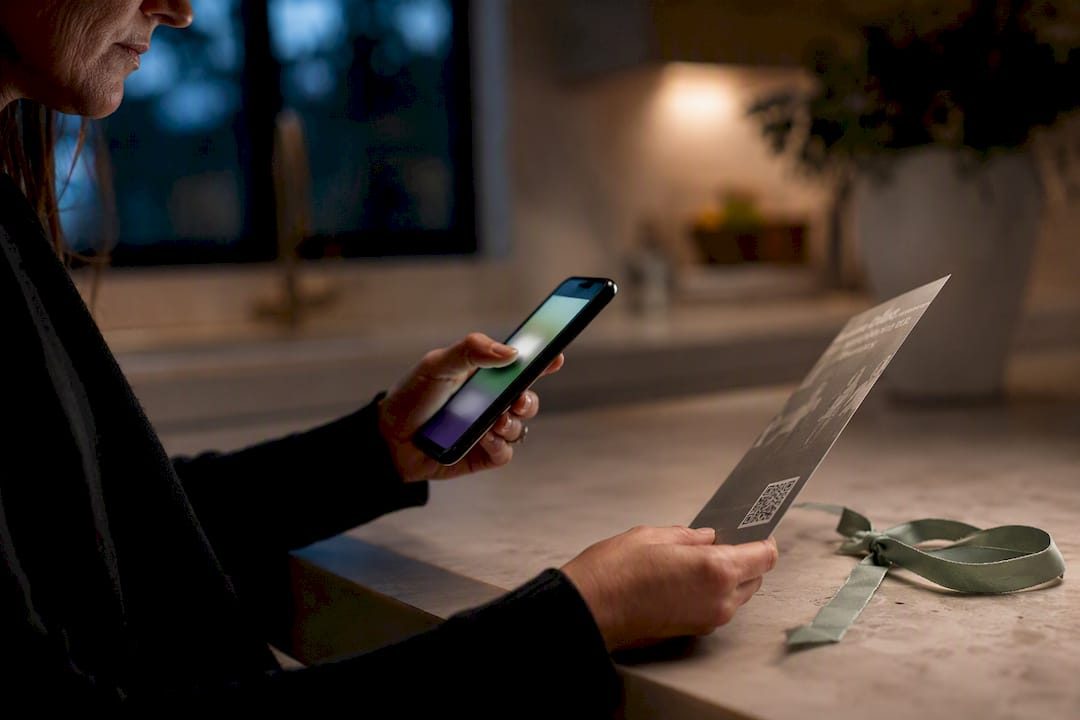

The fastest way to share an obituary online is to publish it on a memorial page or post it directly to social media, then send that single link to family and friends. Social media gets the news out in minutes; a memorial page keeps it findable for years. Both are free to start, and platforms like Memory Keep let you upgrade later if you want a permanent, ad-free home for the story.
TL;DR:
- Using a memorial page for permanence ensures the obituary stays accessible and centralizes multimedia and guestbook contributions over time.
- Share the memorial link across social media, printed materials, and community groups to maximize discoverability and consistency.
- Creating and publishing the memorial page before posting on social media ensures the first shared link is permanent and reliable.
- Confirm all immediate family members are informed and approve the timing and wording before making the obituary public.
- Platforms like Memory Keep allow free creation of a lasting memorial with options to upgrade for unlimited storage and features.
Table of Contents
- Quick Ways to Share an Obituary: Pick a Channel Now
- Step-by-Step: Create, Publish, and Share an Obituary Online
- Where to Post: Comparing Social Media, Memorial Sites, and Newspapers
- Privacy, Consent, and Permission Checklist Before You Post
- How to Share an Obituary on Facebook: Steps and Sample Wording
- How Friends and Family Can Find the Obituary Later
- Why a Memorial Page Anchors the Whole Sharing Process
- Create a Lasting Memorial With Memory Keep
- Sources
Quick Ways to Share an Obituary: Pick a Channel Now
Grief doesn’t wait for you to research the perfect platform, so start with what fits your timeline right now.
- Social media (Facebook, Instagram): fastest reach, best for alerting community and extended family within hours.
- Online memorial platform: creates one permanent link with photos, videos, and a guestbook that outlasts a social feed.
- Funeral home or newspaper page: the formal, archival option many families still want alongside digital sharing.
- Private messaging or email: best for immediate family and close friends before anything goes public.
If speed matters most, post to social media first. If permanence matters most, publish a memorial page and share that instead. A memorial page also solves a real problem: it gives you a single shareable URL you can drop into a Facebook post, a text thread, or a printed program, so you’re never rewriting the same information three different ways.
Step-by-Step: Create, Publish, and Share an Obituary Online
You don’t need to be tech savvy to do this well. Follow these steps in order and you’ll have something shareable within an hour.
- Draft the text first. Cover the full name (include a nickname if used), birth and death dates, a short life summary, and service details. Memory Keep’s guide on how to write an obituary walks through exactly what to include.
- Choose your platform and set visibility. Decide before you publish whether the page is public, shareable by link only, or limited to invited guests.
- Publish the page. Upload photos, confirm service dates, and generate your shareable URL or QR code once everything looks right.
- Share the link. Post it on social media, text or email it to immediate family, and add it to printed funeral programs.
- Moderate responses. Check incoming guestbook messages and comments, and consider a one-time upgrade if you want the page to stay fully accessible with unlimited photos and video.
Pro Tip: Publish the memorial page before you post on social media. That way, your very first social post already has a permanent link attached instead of a promise to “add details later.”
Where to Post: Comparing Social Media, Memorial Sites, and Newspapers
Each channel does one job well and falls short somewhere else, so most families end up using more than one.
- Social media delivers immediate reach and offers memorialization tools, but posts get buried in feeds and aren’t built for long-term discovery unless they link out to something permanent.
- Memorial platforms give you a permanent URL, room for unlimited multimedia, a guestbook, and a QR code you can print, making them the strongest option for a lasting tribute.
- Funeral home and newspaper listings still matter for formal notice and archival record. Be aware that many newspapers charge by the line, and some postings sit behind a subscription paywall, even as families lean more on social sharing to spread the news for free.
The combination that works best for most families: publish a memorial page first, then share that single link everywhere else. It’s the difference between scattering fragments of a story across five platforms and pointing everyone to one place that holds all of it. Memory Keep’s breakdown of memorial site features is worth a look if you’re weighing free versus paid options.
Privacy, Consent, and Permission Checklist Before You Post
Posting too fast is the most common mistake families make, and it’s the one that causes the most hurt feelings.
- Confirm every immediate family member has already been told before anything goes public.
- Leave out financial details, medical specifics, or anything the family wouldn’t want strangers reading.
- Decide who moderates comments and whether guestbook messages need approval before showing.
- Look into memorialization and legacy-contact settings on social platforms, which let a trusted family member manage the account and posts going forward.
- When in doubt about timing or wording, ask permission rather than assume it.
Pro Tip: If relatives are spread across time zones, send a group text or email the night before you plan to post publicly. A few hours of warning prevents someone from finding out through a Facebook notification instead of from you.
Platforms that memorialize accounts typically require documentation like an obituary or news article and won’t hand over login credentials, so it helps to have your written obituary ready before you request memorialization.
How to Share an Obituary on Facebook: Steps and Sample Wording
Facebook remains the platform most families reach for first, and there are three practical ways to do it.
- Share an external link. Paste the memorial page or news obituary URL into a new post; Facebook auto-generates a preview with the photo and headline, so give it a few seconds to load before publishing.
- Type it directly. Write a short announcement in the post box: “With heavy hearts, we share that [name] passed away on [date]. Services will be held [date/location]. Full obituary here: [link].”
- Post a photo or screenshot. Upload an image of the printed obituary or a favorite photo and add context in the caption.
Whichever method you choose, share the memorial link so the preview card shows the name, photo, and dates automatically. Set the post’s audience to “Public” only if the family has agreed; otherwise, “Friends” keeps it within your existing circle. Facebook’s tributes section and legacy-contact tools let a designated family member moderate comments once the account is memorialized. Inform close relatives first, and keep the wording gentle and unhurried.
How Friends and Family Can Find the Obituary Later
An obituary shared once and never found again doesn’t serve anyone. Build in a few habits that keep it discoverable months or years from now.
- Use one permanent URL everywhere, and include the full name, birth and death years, and location directly in the page text so search engines and people alike can find it.
- Share the same link to alumni groups, church or community pages, and any group the person belonged to.
- Print a QR code linking to the memorial page for the gravesite marker or the funeral program.
A short, consistent link works better across every printed piece than retyping the story from memory each time someone asks.
Why a Memorial Page Anchors the Whole Sharing Process
We built Memory Keep around a simple observation: social posts move fast and then disappear under the next hundred posts, but a life deserves a place that doesn’t scroll away. A memorial page with unlimited photos, video, and a guestbook gives family and friends somewhere to return to, not just something to scroll past once. The collaborative guestbook lets cousins, coworkers, and old friends add their own memories long after the funeral is over.
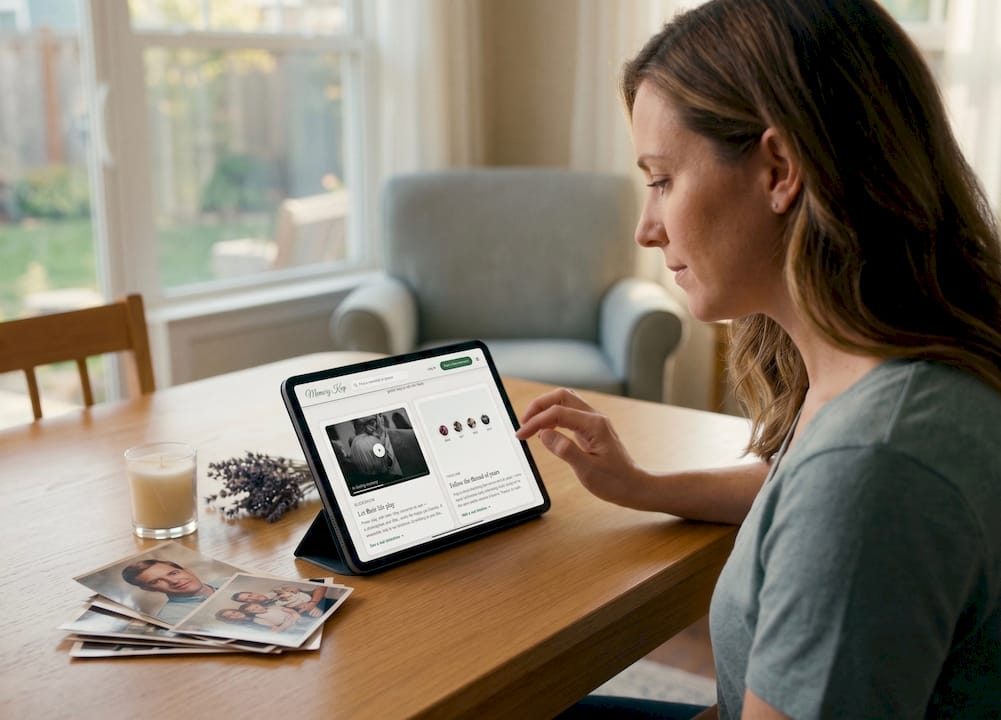
The workflow we recommend: create the memorial page, generate the link and QR code, then share that single link on social media and in the printed program. It keeps the story whole instead of scattered.
Create a Lasting Memorial With Memory Keep
Some platforms give you a permanent memorial page in minutes, with room for unlimited photos, videos, a guestbook for tributes, and a shareable link or QR code you can print on a program or gravesite marker.
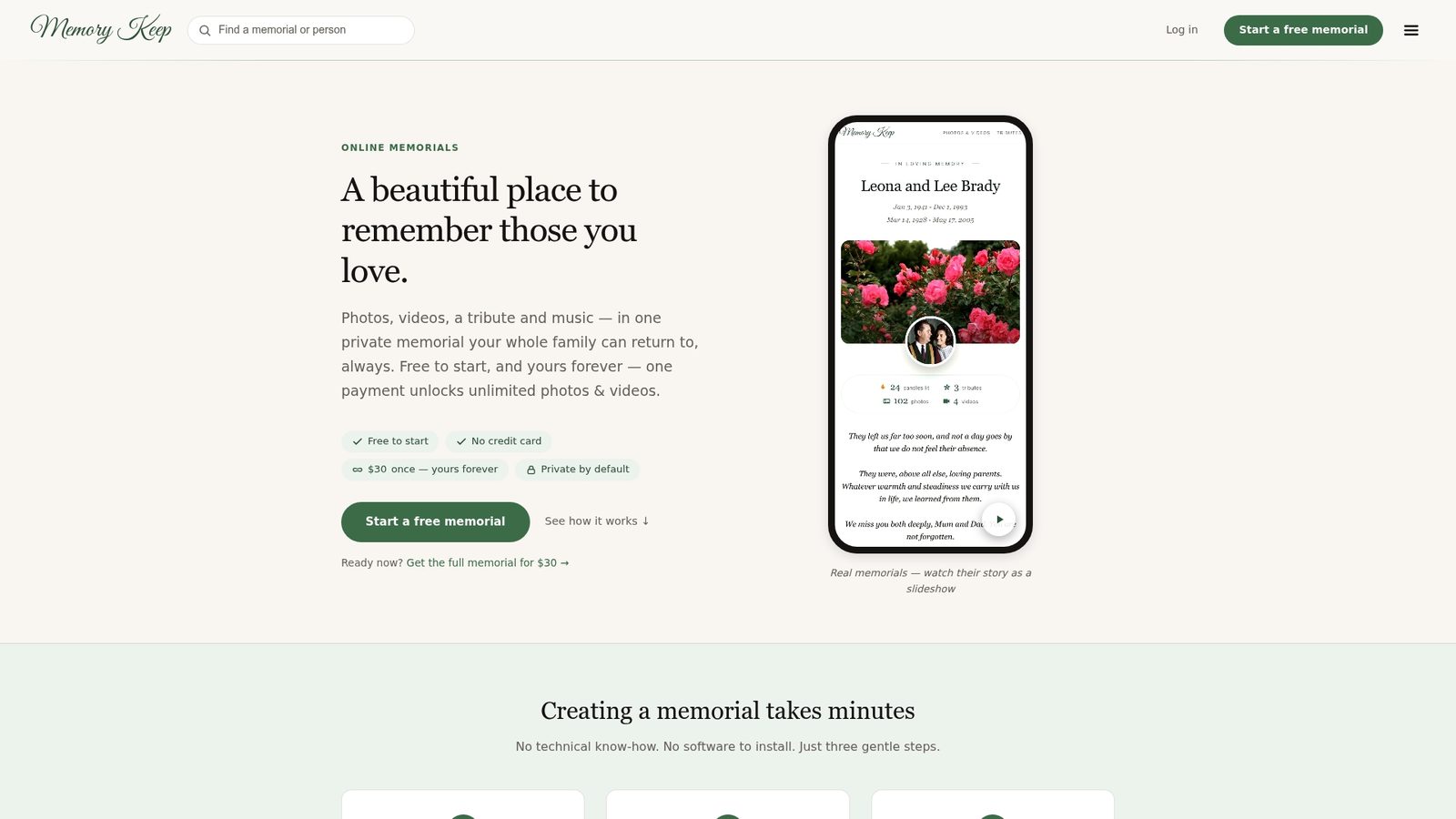
Starting a memorial may be free, and some platforms offer options to upgrade memorials for unlimited storage and features locked in permanently for a fee. Take a look at an example like this memorial gallery to see how the finished page comes together, then explore the full feature set before you start. When you’re ready, create your own memorial page and share the link with the people who need it most.
Sources
Memory Keep’s guides on writing an obituary and choosing a memorial platform cover the details this guide only summarizes, and Willow Tree Funerals’ obituary section shows how formal funeral-home notices are typically formatted.
- How to create Facebook/Instagram memorial page — HospiceBasics
- Updates to memorialization — Facebook Newsroom
- Can You Post Obituaries On Facebook? Complete Guide — FuneralGuideHub