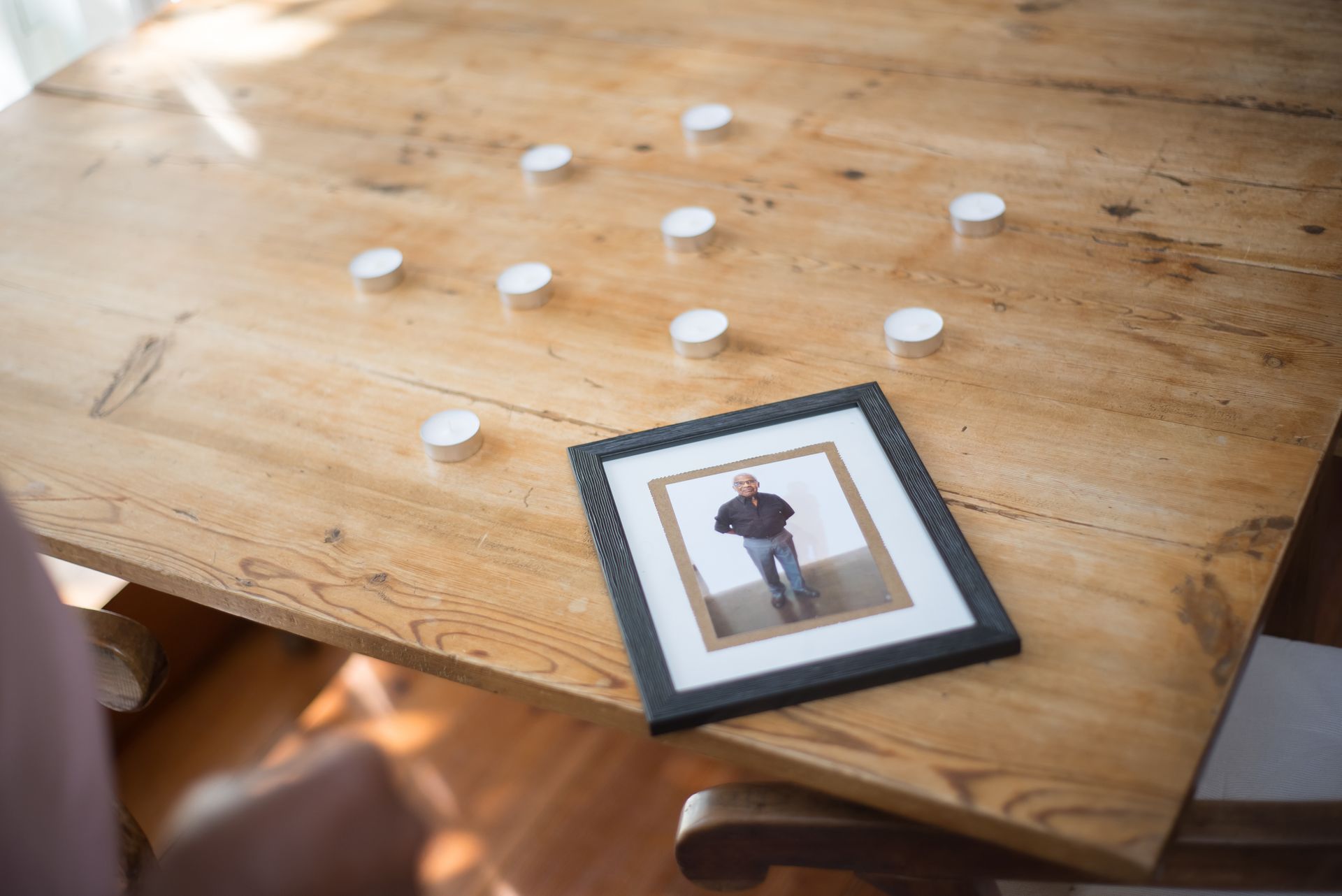
A slideshow of photographs is often the most quietly powerful moment of a memorial — the point at which a room full of grief softens into recognition, and sometimes even laughter. It is also, if you are putting one together in the days before a service, one of the more daunting tasks on the list. The good news: you do not need to be technical, and you do not need it to be perfect. Here is how to make a memorial slideshow that feels like the person, whether you build it yourself or let a tool do the work for you.
How many photos should a memorial slideshow have?
A good rule of thumb is 30 to 60 photos for a slideshow shown during a service. At roughly four to six seconds per photo, that fills a comfortable three-to-five-minute run — long enough to tell a life, short enough to hold everyone's attention within the flow of the service.
If the slideshow will loop quietly in the background at a reception or wake, you can include more; people watch it in passing rather than all at once. Either way, resist the urge to include everything. A carefully chosen set is far more moving than hundreds of near-duplicates — the goal is the essence of a person, not a complete archive.
Choosing the photos
The photographs are the heart of it. Aim to gather images that, together, tell the whole story:
- Span their whole life — childhood, youth, the milestones, and the recent, familiar years. Seeing someone as a laughing child and a grandparent in the same few minutes is what moves people most.
- Include the people they loved — partners, children, grandchildren, lifelong friends. A memorial slideshow is also a portrait of a family.
- Mix posed and candid. The formal portraits matter, but the unguarded shots — mid-laugh, mid-cooking, mid-dance — are often the ones that catch the throat.
- Show them being themselves — at their allotment, on their boat, in their armchair with the dog. The specific, ordinary details are what make it unmistakably them.
- Check the quality. Favour clear, well-lit images. If you are scanning old prints, scan them at a good resolution so they don't look soft on a big screen.
For more on this, see our guide to choosing the best photos for a memorial.
Putting them in order
There are two natural ways to order a memorial slideshow, and both work beautifully:
- Chronological — from earliest to most recent. This tells the arc of a life and is the classic, gently powerful choice.
- Thematic — grouped by family, friends, passions, and places. This suits a personality-led tribute, especially for someone whose life was defined by what they loved.
Whichever you choose, open with a warm, strong portrait so everyone settles into a clear image of the person, and close on something peaceful and resonant — a favourite photo, a landscape they loved, a quiet final smile.
How long should it be?
For a slideshow shown as part of a service, three to five minutes is the sweet spot — matched to one or two pieces of music. A slideshow that runs much longer than a couple of songs can lose the room, however lovely the photos. For a looping slideshow at a gathering afterwards, length matters far less.
Choosing the music
Music does a great deal of the emotional work, so choose it with care:
- Pick songs that meant something — their favourite piece, a hymn, a song from a wedding or a road trip, or something that simply sounds like them.
- One or two songs is right for a service-length slideshow. If the words feel like too much, a gentle instrumental carries the emotion without competing with it.
- Match the tone you want — reflective and tender, or warm and celebratory. Both are valid ways to say goodbye; let it reflect the life.
The ways to make one
There are three common routes, from simplest to most hands-on.
The simplest way — upload to an online memorial. Rather than making a video file yourself, you can upload the photographs (and any short video clips) to an online memorial and let it assemble the slideshow for you — with gentle transitions and background music, playing full-screen on any phone, tablet, or screen at the venue. Because it lives at a shareable link (or a QR code), family and friends who can't attend can watch it too, and it stays afterwards as something to return to. This is what Memory Keep does: you upload the photos and choose the music, and the slideshow is built automatically — nothing to render, export, or learn. You can start one for free.
DIY slideshow software gives you full manual control if you would rather build it frame by frame. Common options include Apple Photos and iMovie (on Mac and iPhone), Google Photos, Canva, and PowerPoint or Keynote. You arrange the photos, add the music, and export a video file to bring to the venue on a laptop or USB stick. It takes longer and there is more to learn, but you control every detail.
Ask the funeral home. Many funeral directors will put a slideshow together for you from photos you provide, and can play it on the day. If time or energy is short, this is a perfectly good option — just ask what format they need the photos in and by when.
A few gentle tips
- Start gathering early. The photos almost always take longer to collect than the slideshow takes to make — ask relatives to send their favourites as soon as you can.
- Test it on the real screen. Play it once on the actual device or venue screen beforehand, and check the sound. It saves a stressful moment on the day.
- Keep a copy. Whether it's a video file or an online memorial, the slideshow becomes a keepsake — something the family will quietly return to for years.
- Don't chase perfect. A heartfelt, slightly imperfect slideshow moves people far more than a flawless one. If the photos show the person clearly and warmly, it is already right.
A memorial slideshow is not really a technical project. It is a love letter written in pictures — and however you choose to make it, what matters is that the people watching see the person they loved, clearly and warmly, one photograph at a time.