

What types of Animoto alternatives work best for memorial videos?
When you’re creating a tribute for someone you love, the tool you choose shapes the story you tell. Animoto alternatives generally fall into three distinct categories, each with its own strengths for memorial work:
-
AI-powered automated tools: These generate video drafts from text prompts or uploaded media. They work quickly, but the best ones for memorials let you retain control over pacing, music, and narrative rather than handing everything to an algorithm.
-
Browser-based drag-and-drop editors: Platforms like Canva and Clipchamp sit in this space. They’re accessible to family members of any skill level, require no software download, and offer enough template flexibility for a heartfelt tribute.
-
Professional-grade editing suites: Tools like Adobe Premiere Pro and Camtasia give you full creative control over every cut, transition, and audio layer. They carry a steeper learning curve, but they reward the effort with deeply personal results.
What separates memorial video creation from ordinary marketing work is the source material. Legacy media ingestion — the ability to upload old photographs, home recordings, and scanned documents — matters far more than generative AI for this kind of project. A tool that accepts your grandmother’s VHS-converted clips and your grandfather’s voice recordings is worth more than one that generates stock footage on demand.
Pro Tip: Before choosing any platform, gather all your media first: photos, short video clips, audio recordings, and any written tributes. Knowing what formats you have will tell you immediately which tool can actually handle your project.
Table of Contents
How do the major video tools compare for memorial projects?
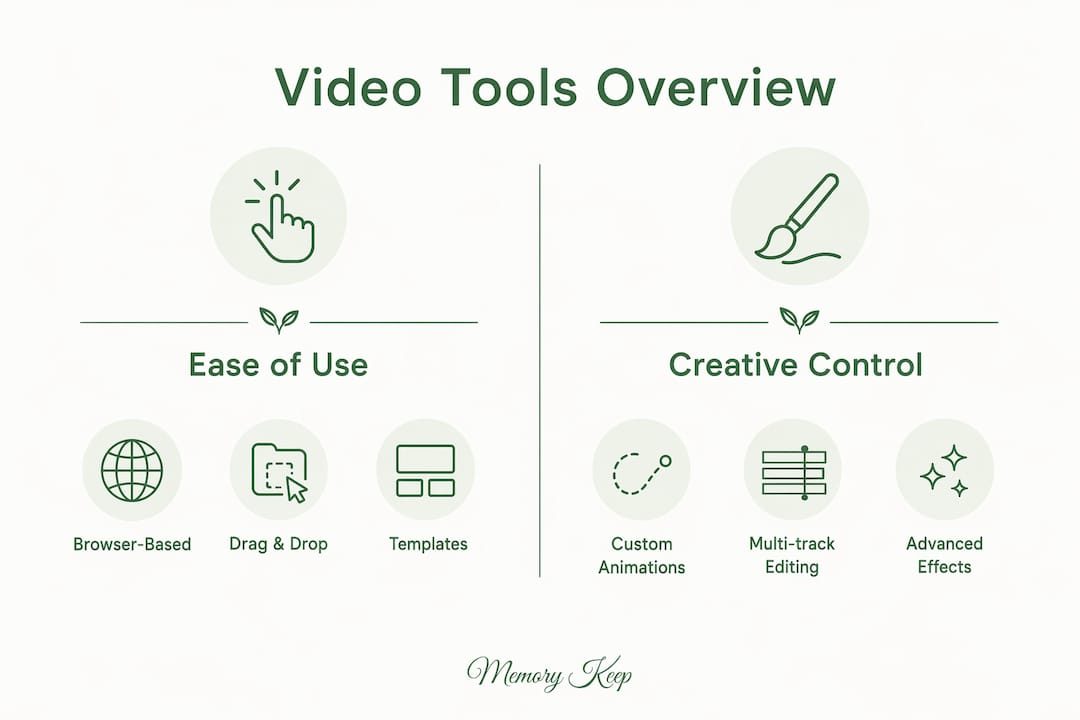
The six tools most relevant to memorial video creation each occupy a different position on the ease-of-use and creative-control spectrum. Pricing models vary just as widely, and for iterative memorial projects where you may revise a video many times, that difference adds up.

Users often switch from template-first editors because rigid layouts make every tribute feel similar. The tools below address that gap in different ways.
| Tool | Type | Memorial-specific features | Ease of use | Creative control | Pricing model | Export options | Collaboration |
|---|---|---|---|---|---|---|---|
| InVideo | AI-powered | Prompt-to-video, stock footage, voiceover | Moderate | Moderate | Freemium, credit-based paid tiers | MP4, social formats | Limited |
| Zebracat | AI-powered | Text-to-video, automated scene building | Easy | Low to moderate | Freemium, paid tiers | MP4, social formats | Limited |
| Canva | Browser-based drag-and-drop | Brand kit, templates, stock library | Very easy | Moderate | Free; paid plans vary | MP4, GIF, PDF | Strong |
| Clipchamp | Browser-based drag-and-drop | Captions, stock assets, simple timeline | Very easy | Low to moderate | Free; Microsoft plans vary | MP4 | Basic |
| Camtasia | Professional suite | Screen recording, clip editing, audio polish | Moderate | High | Paid; one-time or subscription | MP4, GIF, various | Moderate |
| Adobe Premiere Pro | Professional suite | Full timeline editing, audio mixing, color grading | Steep learning curve | Very high | Subscription | MP4, MOV, many formats | Strong |
Costly credit-based pricing can escalate quickly when you’re refining a memorial video through multiple drafts. Flat-fee or subscription models offer more predictable costs for families who expect to revisit and revise their tribute over time.
Platform compatibility also shapes the decision. Canva and Clipchamp run entirely in a browser, which means a relative in another state can contribute without installing anything. Camtasia and Adobe Premiere Pro are desktop applications, which limits spontaneous collaboration but delivers more precise editing.
How do you choose the right video tool for a memorial?
Choosing a video creation tool for a memorial is different from choosing one for a marketing campaign. The stakes feel higher. The media is irreplaceable. And the people involved may not be comfortable with technology at all.
These criteria matter most:
-
Legacy media compatibility: Can the tool accept the formats you already have? JPEG, MP4, MOV, and MP3 are standard, but older family recordings may need conversion first.
-
Ease of use for all family members: Family-friendly interfaces with clear defaults reduce frustration for less tech-savvy relatives who want to contribute.
-
Pacing and music control: A memorial video needs room to breathe. Tools that let you adjust clip duration and sync music manually produce more emotionally resonant results than fully automated editors.
-
Export and sharing options: You’ll likely want to share the finished video by link, embed it on a memorial page, and possibly download a high-resolution copy for safekeeping.
-
Pricing transparency: Know whether you’re paying per video, per export, or per month. Credit-based models can surprise you mid-project.
The ease-of-use versus creative-control trade-off is real. Browser-based editors like Canva get a tribute finished in an afternoon. Professional suites like Adobe Premiere Pro take longer but produce something that feels genuinely crafted. For most families, the middle ground — a tool with guided templates and manual override options — works best.
Pro Tip: If less tech-savvy family members will be involved, choose a browser-based editor and assign one person to handle final edits. Collaborative uploads work best when one person holds the “final cut” responsibility.
Customer support and tutorial resources deserve more weight than most people give them. A platform with video walkthroughs and responsive help staff can mean the difference between a finished tribute and an abandoned project during an already difficult time. Learning how to make a memorial slideshow before you start saves real heartache later.
What makes memorial video creation uniquely challenging?
Memorial videos carry emotional weight that marketing videos simply don’t. The shift away from stock-heavy templates toward source-led, context-aware creation reflects exactly what memorial creators need: a tool that starts with your material, not a generic layout.
Several challenges come up repeatedly for families working on tributes:
-
Narrative flow: A memorial video tells a life story. It needs a beginning, a middle, and a quiet, dignified close. Tools that only offer marketing-style cuts and fast transitions can feel jarring.
-
Music selection: The right song carries grief gently. Look for platforms that let you upload a personal track or choose from a licensed library with calm, instrumental options.
-
Compassionate pacing: Human-in-the-loop control over clip timing and transitions prevents the impersonal, rushed feel that fully automated AI editors sometimes produce.
-
Privacy and sharing: Some families want a public tribute; others prefer a private link shared only with close relatives. Check the platform’s sharing settings before you commit.
-
Iterative editing costs: Credit-based tools charge for every re-render. If you expect to revise the video after the service, a flat-fee or subscription model protects your budget.
AI tools that generate narrative from prompts can assist with preserving elder stories and structuring a life’s timeline, but they work best as a starting point rather than a finished product. The most meaningful tributes still reflect deliberate human choices about which moments to include and how long to linger on each one.
What templates and use cases work well for memorial videos?
Memorial video templates tend to fall into a few recurring formats, each suited to a different moment in the remembrance process.
A photo slideshow tribute is the most common format: a sequence of photographs set to music, often with simple text overlays for names, dates, and short captions. Canva and Clipchamp both handle this format well, with enough template variety to avoid a generic look.
A life story narrative goes further, organizing photos and clips into chapters: childhood, family life, career, later years. This format benefits from a tool with timeline editing, like Camtasia, where you can control the exact duration of each segment and add voiceover narration from a family member.
A tribute compilation gathers short video messages from friends and relatives and weaves them together with photographs. This use case demands strong collaboration features and the ability to ingest video files in multiple formats. Adobe Premiere Pro handles this with the most precision, though Canva’s collaborative editing makes it accessible to non-editors.
For families creating lasting digital memorials, the video is often one element within a broader tribute page that includes written remembrances, an interactive life map, and visitor messages. In that context, the video doesn’t need to carry the entire story alone — it can focus on a single chapter or a collection of favorite moments, leaving the rest to the memorial page itself.
Exploring digital memory keepsakes beyond video — audio recordings, photo books, written tributes — can also help families decide how much weight to place on the video itself versus other forms of remembrance.
Memory Keep offers a permanent home for the tributes you create
Every video you make deserves a place where it will live permanently, not disappear when a subscription lapses. Memory Keep is built specifically for families who want to preserve and share tributes for people and pets they have lost, and it goes well beyond video hosting.
A Memory Keep memorial page holds unlimited photos, videos, and audio recordings after a one-time upgrade fee of $15, with no recurring monthly charges. Family members anywhere in the world can contribute their own photos and messages through a unique shareable link, and a QR code connects physical memorials like headstones or memorial cards directly to the digital page. Grief support resources and writing helpers are built in for families who need them. Visit Memory Keep’s features to see everything included, or go directly to memorykeep.online to create a memorial page today.
Key takeaways
The most effective approach to memorial video creation combines a tool that accepts your existing media with a platform that gives the finished tribute a permanent, shareable home.
| Point | Details |
|---|---|
| Three tool categories | AI-powered, browser-based, and professional suites each suit different skill levels and memorial needs. |
| Legacy media matters most | The ability to ingest your own photos, clips, and recordings outweighs generative AI features for meaningful tributes. |
| Watch pricing models | Credit-based tools can escalate costs across multiple drafts; flat-fee or subscription models offer more predictability. |
| Balance ease with control | Browser-based editors suit collaborative family projects; professional suites reward the extra effort with deeply personal results. |
| Memory Keep’s role | Memory Keep provides a permanent memorial page with unlimited media storage for a one-time $15 upgrade, beyond what any video tool alone offers. |