

Memory Keep is the best choice for most U.S. families and pet owners who want a permanent, private, multimedia memorial they fully control. It offers three visibility levels (public, link-only, and restricted), a clear data-export option so you keep your content no matter what, and QR code integration that connects a headstone or keepsake card directly to a living digital tribute.
- Private by default. Choose link-only or restricted visibility so only the people you invite can view the memorial.
- Exportable archive. Download a complete copy of photos, videos, and guestbook entries at any time.
- Physical-to-digital QR integration. Generate a QR code for a headstone, urn, or card and link it to the full multimedia page.
Pro Tip: Before you sit down to create the memorial, gather a hero photo, the full name and dates, and a 200–400 word tribute or life story. Having those three things ready cuts setup time substantially.
Table of Contents
- What should you look for in an online memorial site?
- Why privacy and ownership are the two criteria that matter most
- How Memory Keep covers the checklist
- How to set up a memorial page in one session
- Key Takeaways
- Why Memory Keep focuses on dignity, privacy, and permanence
- Memory Keep: create a free memorial and see what’s possible
- Further reading and sources
What should you look for in an online memorial site?
The best memorial sites share a handful of qualities that protect your family’s memories for years to come. Online memorial pages function as a central hub where service details, photo and video galleries, guestbook messages, and interactive elements live together in one permanent, shareable space. Here is what to check before you commit to any platform.
Privacy and visibility controls. Look for at least three levels: fully public, link-only (unlisted), and password-protected or restricted. Memorial experts recommend platforms that default to link-only or private pages to reduce spam and unwanted exposure of sensitive photos.
Data export and ownership. You should be able to download a complete archive — photos, videos, guestbook entries — at any time. Industry practitioners advise looking for explicit data-ownership language and a working export function before you upload a single photo.
Media support and upload limits. Free tiers often cap photo counts or video length. Confirm whether a paid upgrade lifts those limits entirely or just raises them.

Collaboration and admin controls. Multiple administrators, contributor permissions, and guestbook moderation matter when extended family and friends are adding content from different states.
Customization and sharing. Unique shareable links are standard; QR codes that bridge physical memorials to a digital page are a high-impact feature worth prioritizing.
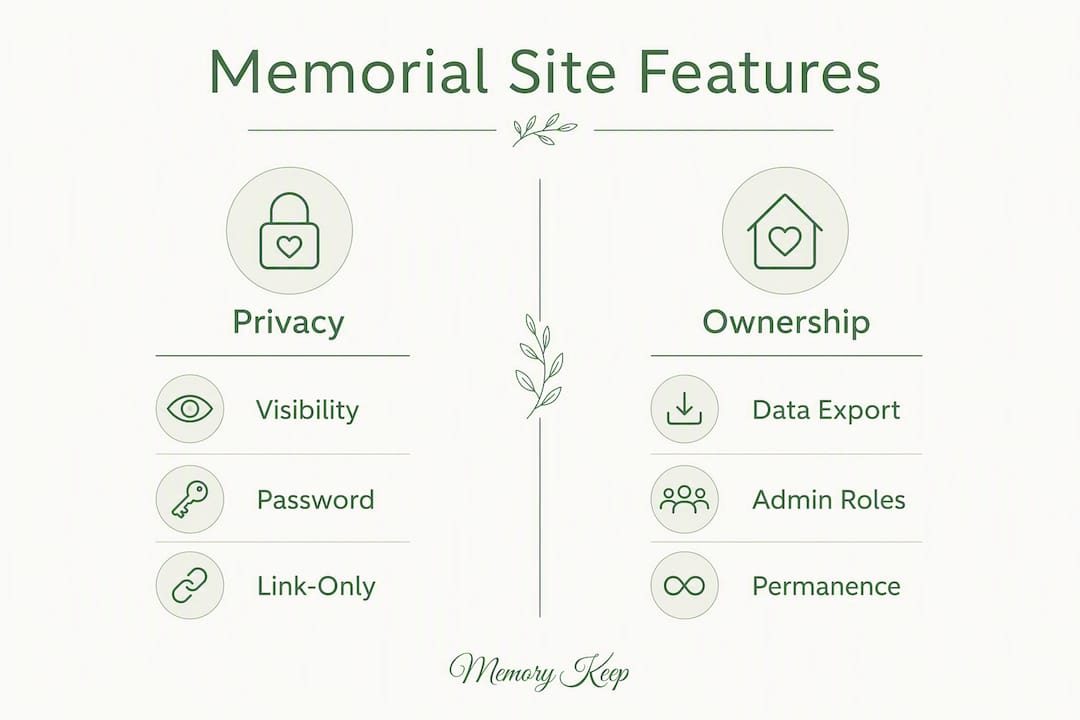
Permanence policy. Read the terms of service for any language about sunsetting, backups, or archiving. A platform that cannot tell you what happens to your memorial in ten years is a risk.
Pricing model. Dedicated memorial builders typically offer a free basic tier with paid one-time or subscription upgrades for unlimited media, custom domains, and QR codes. A one-time unlock is usually better value than an ongoing subscription for a permanent tribute.
Support and grief resources. Obituary-writing guides, grief articles, and responsive customer support reduce the burden on families during an already difficult time.
Mobile access and social sharing. Mobile uploading is a practical requirement for collaborative memorials where distant contributors are sending photos from their phones.
Pro Tip: Check the platform’s review profile and look specifically for mentions of data loss, account closures, or unresponsive support — those are the failure modes that matter most for a permanent memorial.
Why privacy and ownership are the two criteria that matter most
Privacy and data ownership are not just nice-to-have features. They are the two decisions that determine whether a memorial remains a safe, lasting tribute or becomes a source of additional grief.
When visibility defaults to public, sensitive photos can surface in search results, attract spam comments, or be reused without permission. A link-only or restricted page keeps the memorial within the circle of people who actually knew and loved the person or pet. Grief arrives without warning, and the last thing a family needs is a stranger’s comment on a photo shared in mourning.
Ownership matters just as much. Platforms change, get acquired, or shut down. Practitioners advise families to verify export options and keep local backups — a downloaded ZIP of images and an exported guestbook — as insurance against platform changes. If a service cannot show you an export button before you pay, treat that as a warning.
A quick trust-signal check for any platform: look for a visible download or export option, documented admin roles, transparent pricing with no hidden renewal fees, and a clear statement about long-term page preservation. Four signals, five minutes of research.
Pro Tip: Set visibility to link-only when you first create the memorial. You can always open it to the public later, but you cannot undo accidental exposure during the most tender days of grief.
How Memory Keep covers the checklist
Memory Keep was built around the criteria above. Here is how its features map to what families actually need.
- Privacy and visibility. Public, link-only, and restricted modes are all available from the moment you create a memorial.
- Data export and ownership. You can download your complete archive at any time, and Memory Keep’s terms are clear about your ownership of the content you upload.
- Media support. The free plan supports limited uploads. The one-time $15 upgrade unlocks unlimited photos, videos, and audio for that memorial, with no recurring fee.
- Collaboration and admin controls. Multiple family members can be added as administrators or contributors, with guestbook moderation built in.
- Customization and sharing. Every memorial gets a unique shareable link. QR codes for headstones, urns, and cards are available, connecting a physical memorial to the full digital tribute instantly.
- Permanence and archiving. Memory Keep documents its commitment to long-term preservation, and the export option means your archive is never held hostage.
- Pricing. Free to start. One-time $15 upgrade per memorial for unlimited media and lifetime feature access. No subscription, no renewal anxiety.
- Support and grief resources. How-to guides, obituary-writing help, and grief resources are available through the Memory Keep resource library.
Memory Keep also supports pet memorials with the same feature set as human memorials. Pet memorial pages follow the same structure: a profile photo, key dates, a short obituary, photo and video galleries, and a guestbook. The $15 upgrade applies equally, whether you are honoring a person or a beloved companion.
Pro Tip: When you first create a memorial, assign at least one other family member as an administrator. If something happens to your account, the memorial stays accessible and manageable.
How to set up a memorial page in one session
A memorial page can be created quickly with a short biographical paragraph and a small set of photos. A basic page can be created quickly, while a full-featured page with a life timeline, video gallery, and QR code may take several hours.
Before you start, gather:
- A hero photo (clear, well-lit, meaningful)
- Full name, birth date, and passing date
- A 200–400 word obituary, life story, or memory
- Permission for any photos contributed by others
- A donation link, if you are collecting memorial funds
Quick setup steps:
- Create a free account and start a new memorial.
- Set visibility to link-only or restricted before adding any content.
- Enter the name, dates, and a short obituary or tribute.
- Upload the hero photo and a small gallery of meaningful images.
- Enable the guestbook and set contributor permissions for family and friends.
- Add a life timeline or map of meaningful places if time allows.
- Generate a QR code if you need one for a headstone, card, or printed program.
- Share the unique link with family and close friends.
Mobile uploading works well for contributors sending photos from their phones. For video, check the platform’s embedding limits before the service so there are no surprises. Moderate guestbook entries before they go live during the first few days, when traffic is highest and emotions are raw.
Key Takeaways
Memory Keep is the recommended memorial platform for U.S. families and pet owners who want privacy controls, data export, unlimited multimedia on a one-time upgrade, and QR code integration for physical memorials.
| Point | Details |
|---|---|
| Privacy first | Set visibility to link-only or restricted when creating the memorial to protect sensitive content. |
| Verify export before you upload | Confirm the platform offers a downloadable archive of photos, videos, and guestbook entries. |
| One-time upgrade beats subscriptions | Memory Keep offers a one-time upgrade fee that unlocks unlimited media for one memorial, with no recurring cost. |
| QR codes connect physical and digital | A QR code on a headstone or card links visitors directly to the full multimedia tribute. |
| Memory Keep covers people and pets | The same feature set and pricing apply to memorials for both people and beloved pets. |
Why Memory Keep focuses on dignity, privacy, and permanence
We built Memory Keep because we believe every life deserves a tribute that lasts, one that families can return to for comfort long after the loss. Privacy and permanence are not afterthoughts here. They are the foundation. Every feature, from visibility controls to the data-export option, reflects our commitment to keeping your memories safe and in your hands.
If you need help getting started, our how-to guides and obituary-writing resources are there whenever you are ready. And if you have questions, our support team is available to walk you through every step. You do not have to figure this out alone.
Memory Keep: create a free memorial and see what’s possible
A permanent, private memorial for someone you love, or a cherished pet, is free to start on Memory Keep. The one-time $15 upgrade unlocks unlimited photos, videos, and audio for that memorial, adds QR code support for headstones and keepsake cards, and includes printable photo books and slideshow videos you can keep forever.
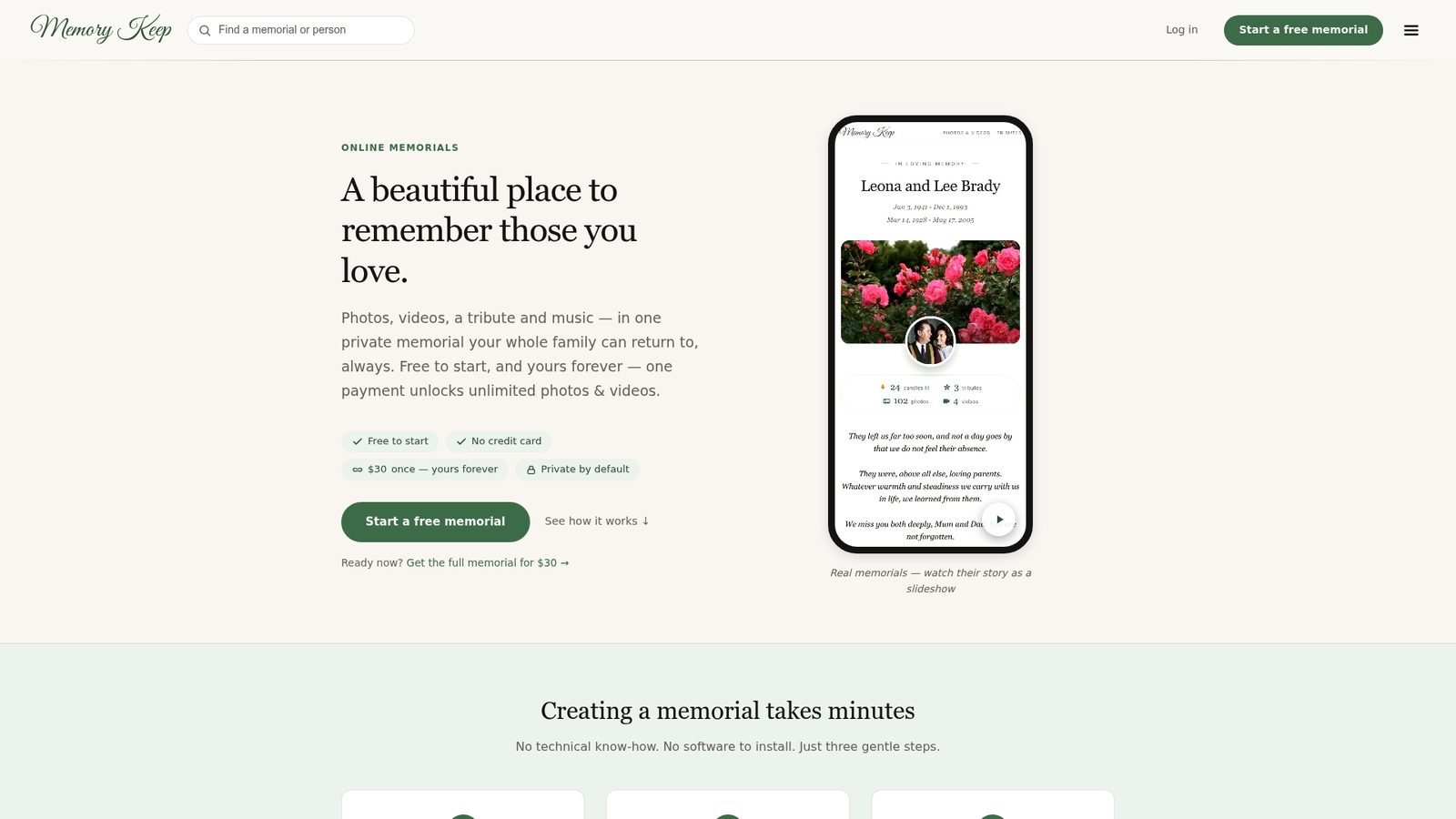
Your content stays yours. You can download a complete archive at any time, and Memory Keep’s permanence policy means the tribute you build today will still be there years from now. Visit Memory Keep to create a free memorial, or explore the full features overview to see exactly what the upgrade includes. When you are ready to begin, the step-by-step setup guide will walk you through the whole process at your own pace.
Further reading and sources
- Memorial Website Builders: A 2025–2026 Comparison Guide — End of Life Tools Blog
- Creating a Lasting Digital Memorial — Memory Keep
- How to Write an Obituary — Memory Keep
- QR Codes for Memorials — Memory Keep