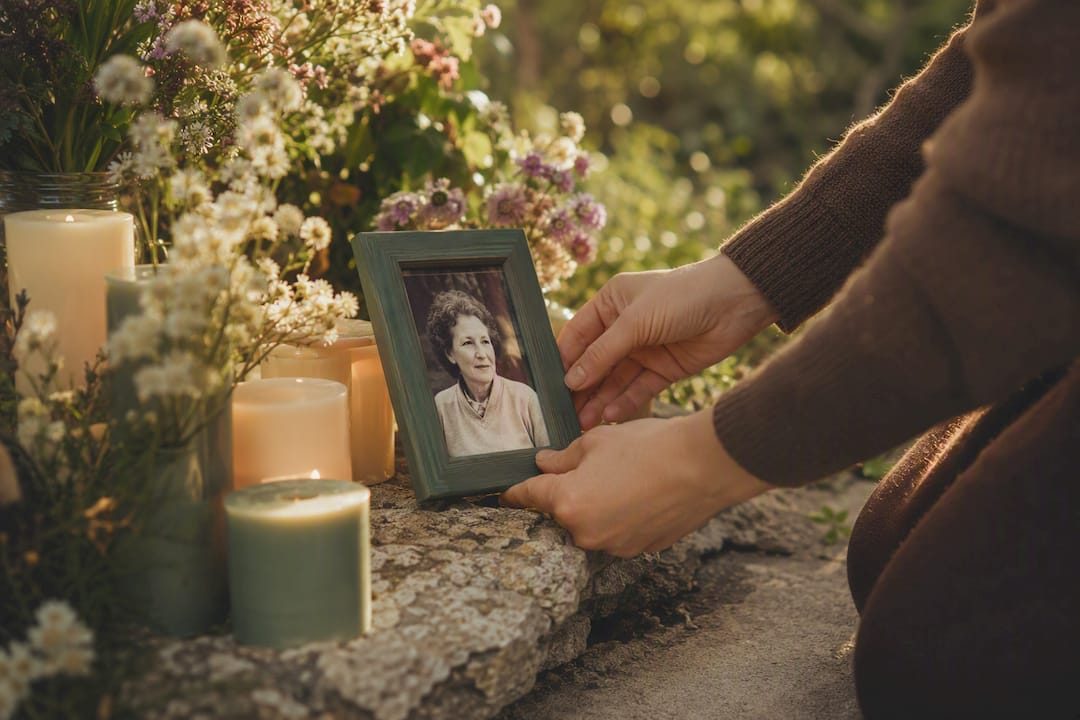

A good Facebook death announcement is short, honest, and calm: it names the person, states when they died, offers one gentle line of tribute, and points people toward service details or says more will follow. Something like: “With heavy hearts, we share that our beloved mother, Linda Marie Torres, passed away peacefully on March 3, 2026. Services will be announced soon. We ask for your patience and love as our family grieves.” That single sentence, adjusted to your family, covers most of what a public post needs.
Before you post anything, three things matter more than wording:
- Call or text the closest family members yourself. Nobody should learn of a death from a Facebook notification.
- Decide who is actually going to post. It should be one person, not several competing versions.
- Gather the basic facts: full name, date of death, and whatever service information exists so far.
Once the announcement is up, you can also notify Facebook directly to either memorialize the account or request its removal, depending on what the person would have wanted.
Pro Tip: Write your announcement in a private note or text message first, and let one trusted relative review it before it goes public. A second set of eyes catches typos and tone issues you won’t notice while grieving.
Key Takeaways
The most respectful Facebook death announcement is short, factual, and posted only after close family has been told privately.
| Point | Details |
|---|---|
| Notify family first | Call or text immediate family before posting anything publicly on Facebook. |
| Keep the post short | Include the full name, date of death, one tribute line, and service details or a note that they’re coming. |
| Choose one poster | Assign a single trusted person to write and manage the announcement and its comments. |
| Notify Facebook officially | Use the memorialization form with a death certificate or obituary to memorialize or delete the account. |
| Preserve memories long-term | Pair the Facebook announcement with a permanent memorial page, like Memory Keep, for lasting photo and tribute storage. |
Table of Contents
- Templates You Can Copy for a Facebook Obituary Post
- What Belongs in a Death Announcement on Facebook?
- Who Should Post, and When Is the Right Time?
- How Do You Notify Facebook of a Death?
- Managing a Memorialized Facebook Profile
- Handling Hurtful Comments and Difficult Requests
- Why Consider a Dedicated Memorial Page Too?
- A Gentler Way to Think About the Whole Process
- A Permanent Home for the Memories Facebook Can’t Hold
- Where to Learn More
- Frequently Asked Questions
- Sources
Templates You Can Copy for a Facebook Obituary Post
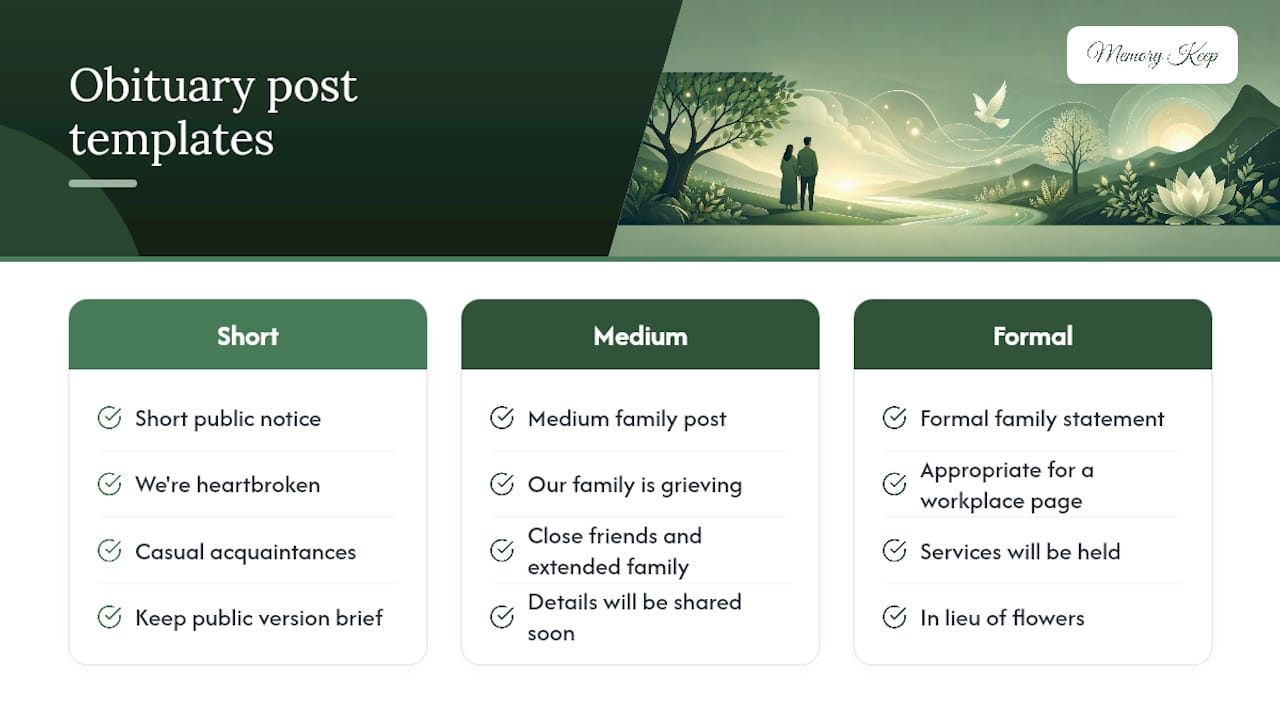
Different relationships call for different lengths. Here are three you can adapt in minutes.
Short public notice, for wide circles of friends and acquaintances:
“We’re heartbroken to share that [Name] passed away on [Date]. He/She will be deeply missed by all who knew him/her. Funeral details to follow.”
Medium family post, for a closer network that wants more context:
“Our family is grieving the loss of [Name], who passed away on [Date] at [age/circumstance, optional]. [Name] was a devoted [role, e.g., father, sister, friend] who loved [detail, e.g., gardening, coaching Little League]. A service will be held on [date/location], or details will be shared soon. Thank you for the outpouring of love.”
Formal family statement, appropriate for a workplace page or a more public figure:
“The family of [Full Name] announces with sadness his/her passing on [Date], at [age]. [Name] is survived by [names, optional]. Services will be held at [location/date]. In lieu of flowers, the family requests [donation link or preference].”
Use the short version for casual acquaintances, the medium version for close friends and extended family, and the formal version when a workplace, community group, or public audience needs a more measured tone. A Funeralocity guide on social announcements recommends keeping the public version brief and saving fuller stories for the funeral or a memorial page.
Pro Tip: Check your privacy setting before posting. “Friends only” limits the post to people who already know your family, while a public setting lets it be shared widely, which can be a comfort or a burden depending on your family’s wishes.
What Belongs in a Death Announcement on Facebook?
A death announcement needs surprisingly little to do its job. At minimum, include:
- The deceased’s full name
- The date of death
- One brief, warm tribute line
- Service or memorial details, or a note that they’re coming soon
Optional additions include a link to a full obituary, a donation request in place of flowers, and a single respectful photo. Sample frameworks from funeral guidance sites consistently point to this same short list: name, date, a line of tribute, and next steps.
Leave out anything graphic about the cause of death, speculation about what happened, and any hint of family disagreement. A public Facebook post is not the place to settle old scores or explain medical details. If you’re not sure whether something belongs, ask yourself whether the deceased would want it shared with acquaintances and former coworkers, not just close family.
Pro Tip: Choose one clear, recent photo rather than a collage. A single image keeps the post visually calm during a moment that’s already emotionally loud.
Who Should Post, and When Is the Right Time?
The right person to post is usually the closest immediate family member, or someone that family has explicitly asked to handle it. Delegating this task to one trusted friend can genuinely help; it frees the people closest to the loss from managing a comment section while they’re still absorbing the news.
Timing follows a simple rule: tell the inner circle first, then wait, often somewhere in the range of 24 to 48 hours, before posting publicly. There’s no strict deadline. What matters is that grandparents, siblings, and close friends hear it from a person, not a notification.
Before publishing, decide whether the post should be public or friends-only, and whether you want to ask people not to reshare it. Etiquette guidance from grief resources consistently recommends a somber, understated tone over anything elaborate.
Pro Tip: If timing feels impossible to get right, a private message to close friends explaining “we’re not ready to post yet” buys you space without leaving people confused.
How Do You Notify Facebook of a Death?
Facebook gives families two formal paths once someone has died, and the choice depends on what documentation and preferences exist.
- Visit the Facebook memorialization request form to request either memorialization or permanent deletion.
- Submit proof if asked. Facebook may request a death certificate, obituary link, or other documentation confirming the death.
- Alternatively, use the Facebook contact form if you need to report a death or request account changes directly.
Memorialization adds the word “Remembering” above the person’s name and freezes the profile as a tribute space; permanent deletion removes it entirely. Immediate family members, a legacy contact, or an estate executor can typically submit these requests.
Before you start, have ready:
- A death certificate or obituary as proof
- Documentation showing your relationship to the deceased, if requested
- Any record of the account holder’s stated wishes, if known
Managing a Memorialized Facebook Profile
Once an account is memorialized, no one can log into it, and it stops appearing in birthday reminders or “people you may know” suggestions. The timeline stays visible to whoever could see it before, based on the deceased’s existing privacy settings.
Family members or a designated legacy contact can still take useful moderation steps:
- Pin a family announcement or tribute post to the top of the timeline
- Turn off new friend requests to prevent impersonation attempts
- Limit who can post or leave tributes, depending on the platform’s current settings
Some families choose permanent deletion instead of memorialization, usually when the deceased specifically requested it, or when ongoing tribute traffic feels more painful than comforting to those closest to the loss.
Handling Hurtful Comments and Difficult Requests
Comment sections on death announcements can turn painful fast, whether from careless remarks, arguments among relatives, or outright trolling. You have real control here:
- Hide or delete individual comments that feel intrusive or inappropriate
- Report and block anyone posting harassment or spam
- Switch the post to a more limited audience if things get overwhelming
A short reply like “Thank you for your kindness during this time” covers most well-meaning comments without opening a back-and-forth. If someone pushes for details you’re not ready to share, a simple “We’ll share more soon” redirects gently. If comments cross into threats or harassment, use Facebook’s reporting tools, and involve local authorities if the behavior feels unsafe.
Pro Tip: Assign one calm family member as the designated moderator so the grieving parent, spouse, or child isn’t the one reading every comment.
Why Consider a Dedicated Memorial Page Too?
Facebook is built for speed and reach, not permanence. Posts get buried in feeds, photo quality compresses over time, and there’s no real way to organize decades of memories in one place. A dedicated memorial platform solves a different problem: long-term preservation.
- Facebook works well for immediate reach: telling your network quickly and gathering initial condolences.
- A dedicated memorial site works better for lasting curation: high-resolution photos, video, voice recordings, and contributions from multiple family members in one organized space.
The two work well together. Post your announcement on Facebook, then include the memorial link in that same post and pin it to the profile so it stays visible. If friends have already shared tagged photos on Facebook, download tagged photos from Facebook and upload them to the memorial site to build one centralized archive instead of memories scattered across dozens of individual profiles.
Pro Tip: Ask contributors to upload directly to the memorial site rather than only tagging photos on Facebook. It saves you the step of tracking down and downloading Facebook photos for the memorial later.
A Gentler Way to Think About the Whole Process
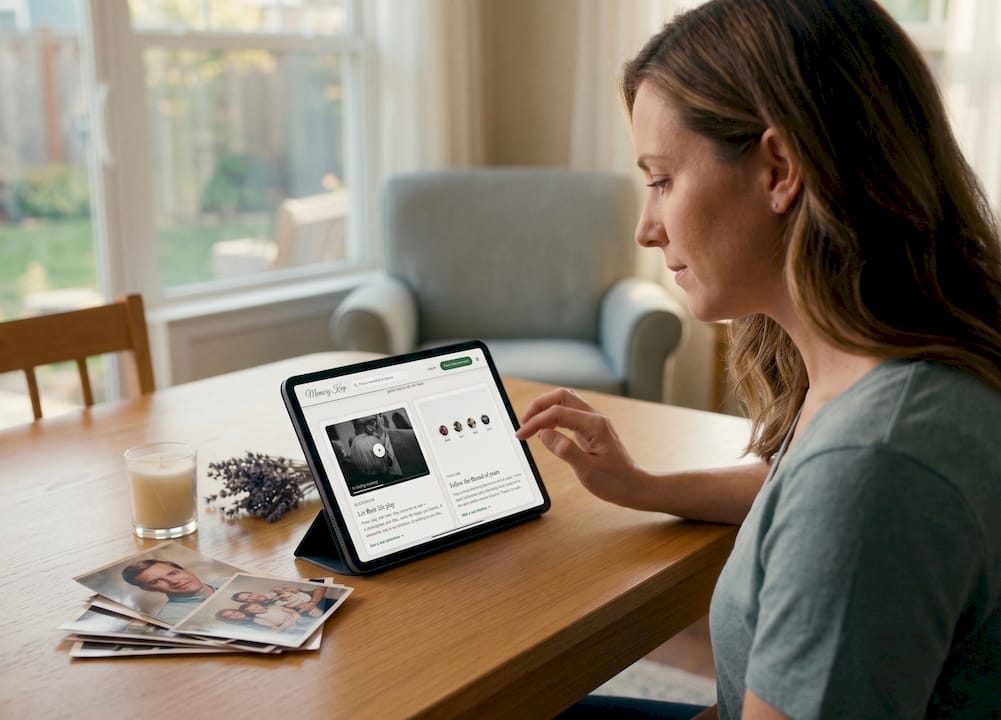
Grief doesn’t move in a straight line, and neither should the steps you take after a loss. We’ve found the calmest approach is staged: private calls to the people who need to hear it from you, then a brief, honest Facebook announcement, then, when there’s room to breathe, a permanent memorial space that isn’t tied to a news feed. Give whoever is closest to the loss room to simply grieve instead of moderating a comment section.
A Permanent Home for the Memories Facebook Can’t Hold
Facebook does one thing very well: it tells people fast. What it doesn’t do is preserve. Posts sink in the feed, photo quality degrades, and there’s no real way to gather decades of memories from a dozen different contributors in one place. That’s the gap Memory Keep fills.
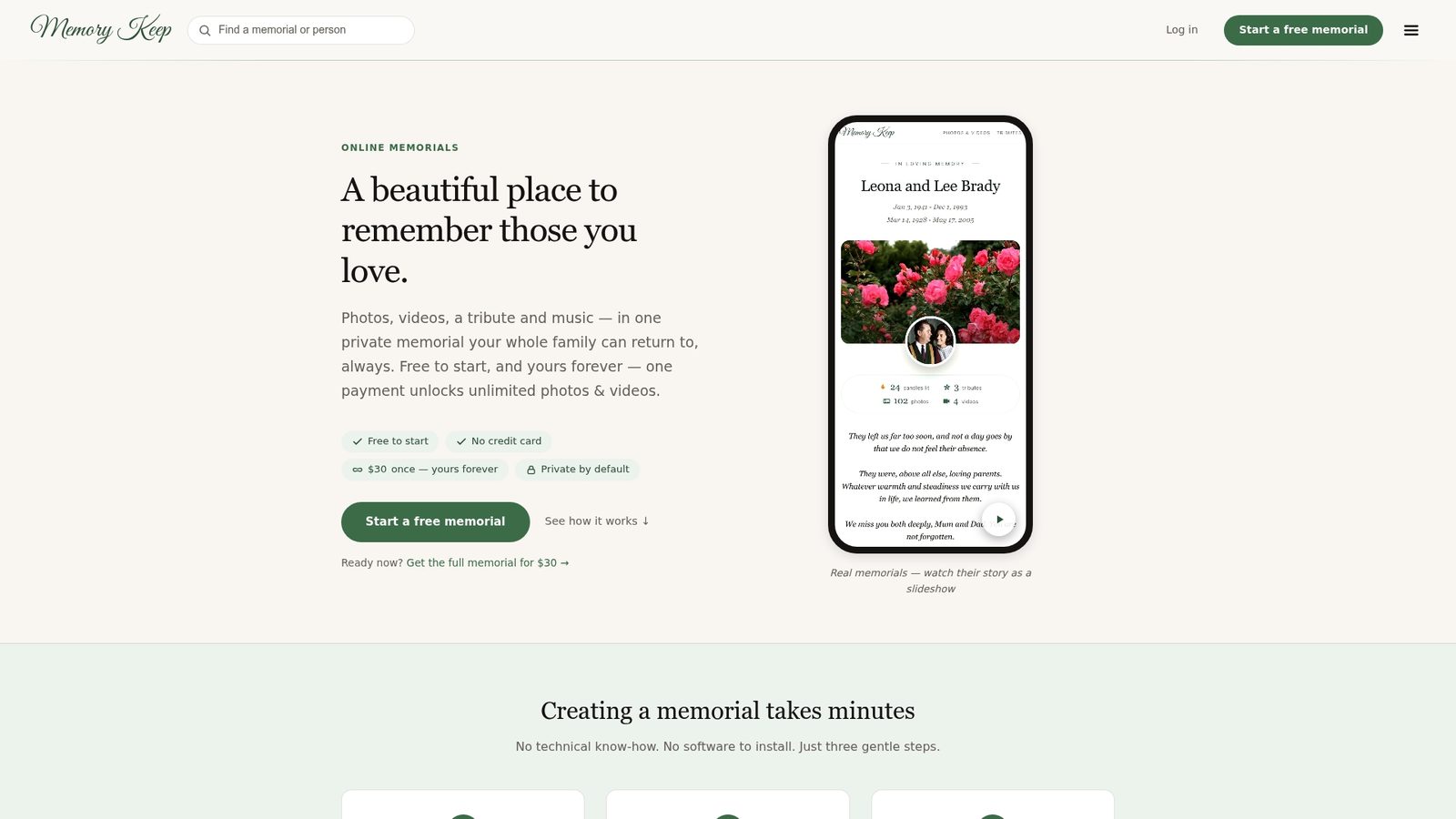
A Memory Keep memorial gives your family one permanent link where anyone can add photos, videos, voice memories, and written tributes, all in one place instead of scattered across comment threads. You can pin that link directly to your Facebook announcement so future visitors always land somewhere lasting, and if you want something physical, a QR code can connect a headstone or memorial card straight to the same page. Explore Memory Keep’s features and start building a memorial that will still be there years after the Facebook post has scrolled out of view.
Where to Learn More
- Facebook Help — Memorialized Accounts: the official process for memorializing or deleting an account, including documentation requirements.
- Funeralocity’s social media announcement guide: etiquette advice on private notification and public wording.
- Pure Cremation’s death announcement guide: sample templates and formatting suggestions.
- Aura’s gentle guide to announcing a death: tone and privacy setting recommendations.
Frequently Asked Questions
How do I announce a death on Facebook without oversharing? Stick to the name, date of death, one tribute sentence, and service details or a promise that they’re coming. Leave out cause of death specifics, medical details, or family conflict.
Should I post on Facebook before the funeral is arranged? Yes, that’s common. A short notice saying “details to follow” is perfectly appropriate; you don’t need every logistic settled before making the announcement.
Can I request that Facebook delete a deceased person’s account instead of memorializing it? Yes. Submit a request through Facebook’s memorialization form with proof of death, and specify deletion if that matches the person’s known wishes.
Who is allowed to manage a memorialized Facebook profile? Typically a legacy contact the deceased assigned in their settings, or immediate family who can provide documentation, can request memorialization or removal and manage some tribute settings afterward.
What’s the benefit of creating a memorial page in addition to a Facebook post? A dedicated memorial preserves full-quality photos and videos permanently, lets multiple family members contribute over time, and isn’t subject to a social feed’s clutter or algorithm changes.
Sources
- Facebook Help — Memorialized Accounts
- How to announce the death of a loved one on social media — Funeralocity
- How to share a death announcement on Facebook — Pure Cremation
- Announcing a death on Facebook: Gentle guide — Aura