

For a permanent memorial honoring a person or pet you’ve lost, a dedicated memorial platform with guaranteed export, QR code support, and guest-link posting is the right choice — not a group e-card service. Among the options available, Memory Keep stands out for its combination of archival permanence, downloadable keepsake photo books and slideshow videos, headstone QR codes, and a quiet, dignified aesthetic that feels right for grief.
Here’s a quick shortlist of the alternative categories worth considering:
- Dedicated memorial platforms (Memory Keep, EverLoved, ForeverMissed) — built for permanence, photos, audio, and lasting tribute pages
- Legacy and storytelling platforms (Tribute.co) — focused on video tributes and life-story narratives
- Online group card services (GroupGreeting) — easy to use, but designed for celebration, not long-term remembrance
- Downloadable-archive tools — export-first options that prioritize keepsake files over hosted pages
Memory Keep earns the top recommendation because it combines all four essentials in one place: permanent hosting, high-resolution keepsake exports, a shareable guest link that requires no account to post, and a calm visual tone that honors the weight of loss.
Table of Contents
- How do the top Kudoboard alternatives compare for memorial pages?
- How do you choose the right alternative to Kudoboard for a memorial?
- How do you create a permanent memorial in four steps?
- Which alternative should you choose?
- How do user reviews and support quality compare?
- Key Takeaways
- What we’ve learned about building memorials that last
- Memory Keep: a permanent memorial, ready when you are
- Useful resources and references
How do the top Kudoboard alternatives compare for memorial pages?
The table below covers the decision-critical dimensions for each platform category. Note that group e-card platforms are included for context — they serve a different purpose and carry real limitations for long-term memorialization.
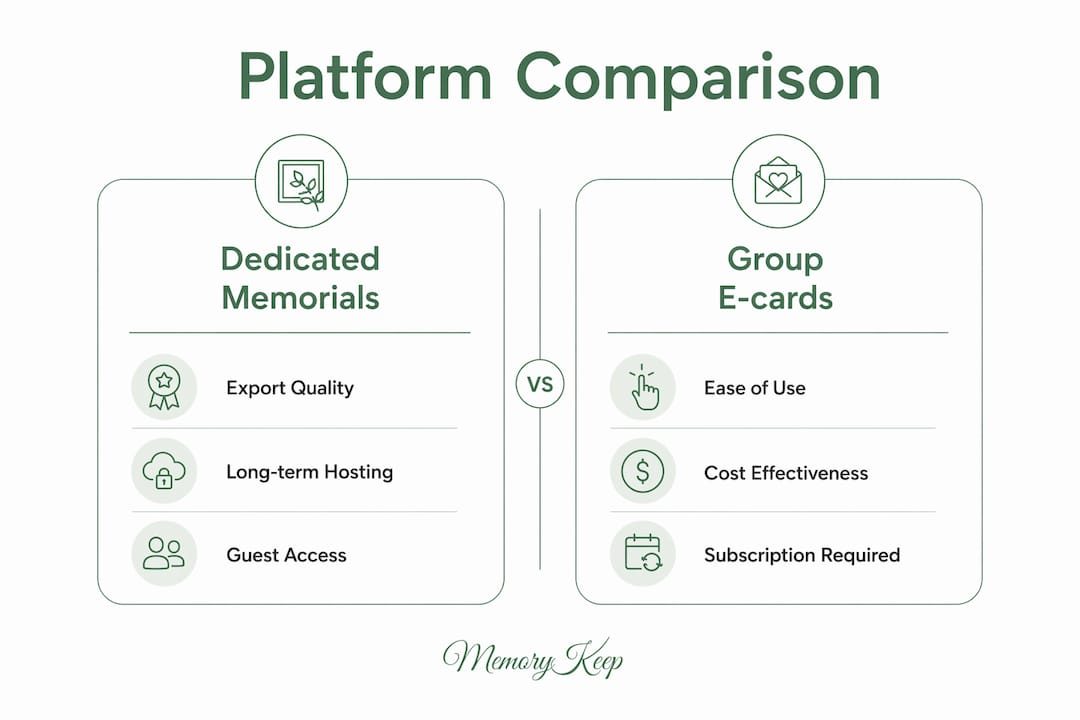
| Feature | Memory Keep | EverLoved | ForeverMissed | Tribute.co | GroupGreeting |
|---|---|---|---|---|---|
| Best for | People & pet memorials with keepsakes | Funeral planning + memorial pages | Long-term memorial pages | Video tribute creation | Group messages for any occasion |
| Permanence / export | Permanent hosting + photo book & slideshow export | Permanent hosting; export options vary | Permanent hosting; export not prominently listed | Video download available | No archival guarantee; temporary card platforms risk content removal |
| Media types | Photos, video, audio | Photos, video | Photos, video | Video-first | Photos, GIFs, messages |
| Guest contributions | Guest link, no account needed | Account may be required | Account may be required | Shareable link | Guest link, no login |
| QR / shareable link | QR code + unique shareable link | Shareable link | Shareable link | Shareable link | Shareable link only |
| Downloadable keepsakes | Photo books + slideshow videos | Limited | Not prominently listed | Video download | PDF export (low-res) |
| Privacy & access controls | Privacy settings per memorial | Privacy controls available | Privacy controls available | Privacy controls available | Basic privacy options |
| Pricing model | Free tier + $15 one-time upgrade | Free + paid tiers | Free + paid tiers | Subscription-based | Free + paid per card |
Pros and cons by category:
- Dedicated memorial platforms (Memory Keep, EverLoved, ForeverMissed): built for grief, permanent by design, support rich media — but require more setup than a quick card
- Legacy/storytelling platforms (Tribute.co): excellent for video narratives; less suited for collaborative photo archives or printed keepsakes
- Group card services (GroupGreeting): low friction, familiar to most people — but animated celebratory features and bright palettes can feel jarring on a memorial page, and archival is not guaranteed
- Export-first tools: good for families who want a file archive rather than a hosted page; check resolution and format carefully
Pricing callout: Some platforms ask you to build the full memorial before revealing a paywall at the final step. Confirm you can preview the complete experience before paying — and always check whether links stay active if you stop a subscription.
Pro Tip: Ask each platform directly: “What file formats does your export produce, and what resolution?” Export quality varies widely — some produce static, low-res PDFs that lose embedded audio and video entirely.
How do you choose the right alternative to Kudoboard for a memorial?
Start with permanence. A memorial page that disappears when a subscription lapses is not a memorial — it’s a temporary message board. Once you’ve confirmed a platform offers genuine long-term hosting, work through this checklist:
- Permanence and export — Does the platform guarantee hosting? Can you download a high-resolution photo book or slideshow video?
- Media quality — Are photos stored at full resolution? Can you embed audio tributes?
- Guest friction — Can family and friends post without creating an account? The fewer steps, the more tributes you’ll collect.
- Privacy controls — Can you make the memorial private or password-protected for family only?
- Grief-support features — Does the platform offer writing prompts, guidance resources, or a calm aesthetic that supports remembrance?
- Pricing transparency — Is the upgrade fee one-time or recurring? What happens to the page if you stop paying?
Questions worth asking the support team:
- “Can I download a high-res photo book with embedded audio?”
- “Will the memorial link stay active if I don’t renew?”
- “Can guests post photos without signing up?”
Red flags to avoid:
- Every contributor must create an account before posting
- No clear archival or export policy on the pricing page
- Export produces only low-resolution PDFs
- Bright, animated design built for celebrations, not mourning
Trust-signal checklist before you commit:
- Privacy policy clearly states how data is stored and for how long
- Export documentation shows sample file formats and resolution
- Refund policy is stated plainly
- Testimonials or sample memorial pages are publicly visible
- You can preview the full memorial before paying
How do you create a permanent memorial in four steps?
Creating a lasting digital memorial follows a clear, manageable process — even when grief makes everything feel heavy.
-
Choose a template and tone. Select a platform with muted palettes and calm typography — design choices that help visitors process grief rather than feel jarred by bright colors. Gather your photos, audio clips, and any video before you start.
-
Create a shareable guest link or QR code. Set up the memorial’s sharing options early. A QR code can be printed on a headstone, a memorial card, or a keepsake tag. Memory Keep’s memorial QR codes work for both people and pets.
-
Invite contributors via the guest link. Send the link to family and friends so they can add photos, videos, and written tributes without needing to create an account. Here’s a short invite message you can copy and adapt:
-
Finalize and export your keepsake. Before paying any upgrade fee, preview the full memorial. Then export a photo book or slideshow video as your permanent archive. Confirm the file format and resolution before finalizing.
Pro Tip: Build the entire memorial — photos, tributes, layout — before upgrading. Some platforms reveal a paywall only at the sharing step. Preview everything first so there are no surprises.
Which alternative should you choose?
For most families creating a permanent tribute, a dedicated memorial platform with export guarantees and guest-link access is the right choice. Permanence matters because grief doesn’t have an expiration date — and neither should the place you’ve built to hold it.
- Families who want printed keepsakes → choose a memorial-first platform with photo-book and slideshow exports (Memory Keep)
- Those honoring a pet → look for a platform that explicitly supports pet memorials with QR codes for tags or headstones
- Small groups who need a quick, collaborative tribute → a group card service works for short-term sharing, but plan to export and archive before the page expires
- Families focused on video storytelling → a legacy/video platform suits narrative tributes, though printed keepsake options may be limited
One honest trade-off: lower-cost or free platforms often limit export quality or require subscriptions to keep links active. Paying a one-time upgrade fee for permanent hosting and high-resolution exports is usually worth it for a memorial you intend to keep.
How do user reviews and support quality compare?

Across review platforms, dedicated memorial services tend to earn praise for emotional sensitivity and ease of use, while group card services receive higher marks for speed and simplicity. The gap shows up most clearly in support quality: memorial platforms that specialize in grief tend to offer more patient, context-aware customer service than general e-card tools.
Memory Keep is designed with grief in mind from the first interaction. The platform’s benefits of online memorials resource reflects that orientation — practical guidance paired with emotional care. Group card services like GroupGreeting earn strong reviews for workplace occasions but aren’t built to handle the weight of a permanent tribute, and their support teams reflect that focus.
When evaluating any platform, look for documented testimonials that mention long-term use, not just the creation experience. A memorial that feels right on day one should still feel right years later.
Key Takeaways
For permanent memorials, a dedicated platform with export guarantees, guest-link access, and a dignified aesthetic will serve your family far better than a group e-card service.
| Point | Details |
|---|---|
| Permanence comes first | Confirm the platform guarantees long-term hosting and that links stay active without an ongoing subscription. |
| Guest links collect more tributes | Platforms that allow posting without an account receive significantly more contributions from family and friends. |
| Verify export quality | Ask for sample export files — some platforms produce only low-res PDFs that lose audio and video entirely. |
| Check pricing before you build | Some platforms reveal a paywall only at the sharing step; preview the full memorial before paying. |
| Memory Keep is the recommended choice | Memory Keep offers permanent hosting, QR codes, downloadable photo books and slideshows, and guest-link posting with a one-time $15 upgrade — with no recurring fees after the upgrade. |
What we’ve learned about building memorials that last
The most common mistake we see is choosing a platform based on familiarity rather than fit. Group e-card tools feel easy because many of us have used them for birthdays or farewells at work. But a memorial deserves more than a message board. Soft, muted design, layered media, and a downloadable keepsake aren’t luxuries — they’re what separates a page that fades from one that endures.
We also believe that contributor friction is an underestimated problem. When a platform requires every family member to create an account before posting a tribute, many simply don’t. The memorial ends up thinner than it should be, and that loss is felt later. Guest-link access isn’t a minor feature — it’s the difference between a rich, collaborative tribute and a sparse one.
Pick a platform that respects both the memory and the people trying to contribute to it. The right tool makes grief a little lighter, not harder.
Memory Keep: a permanent memorial, ready when you are
Memory Keep was built for exactly this moment — when you want to honor someone you’ve lost without wrestling with technology or worrying whether the page will still exist in five years.
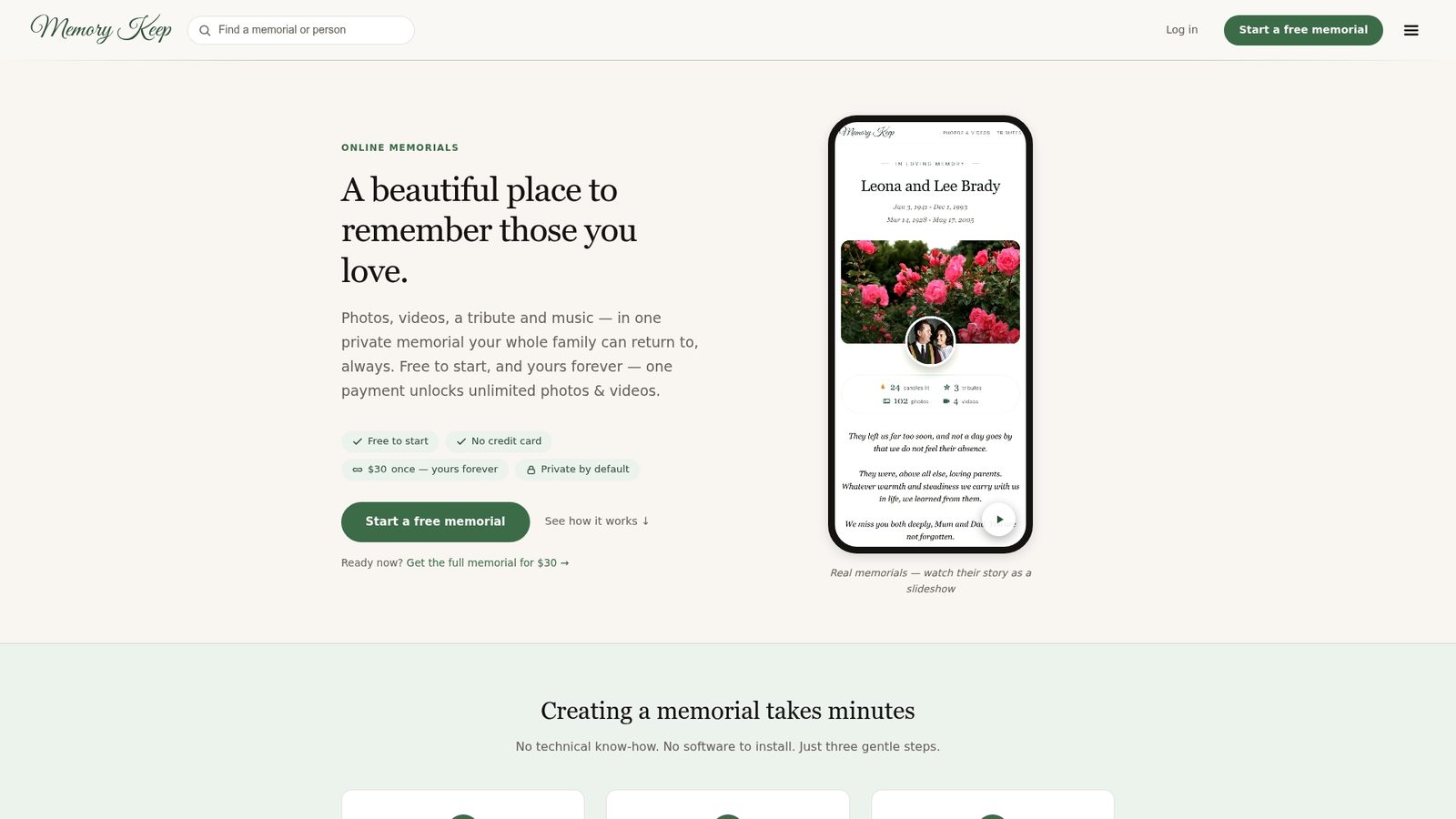
With Memory Keep, you get permanent memorial hosting, a unique shareable link, and a QR code for headstones or keepsake cards — all included. Family and friends can add photos, videos, and written tributes through a guest link, no account required. When you’re ready, export a high-resolution photo book or slideshow video to keep forever. The one-time $15 upgrade unlocks unlimited uploads and storage, and there are no recurring fees after the upgrade.
- Permanent hosting with no subscription required after upgrade
- Downloadable photo books and slideshow videos in high resolution
- QR codes for headstones, memorial cards, and pet tags
- Guest-link posting — contributors need no account
- Grief-support resources and tribute-writing guidance included
Start a memorial on Memory Keep and see how it feels to have a place that holds the memories, gently and permanently. Visit the features page to explore everything included, or check pricing for full plan details.
Useful resources and references
- Creating a Lasting Digital Memorial — Memory Keep — how Memory Keep approaches permanence, QR codes, and long-term hosting
- Benefits of an Online Memorial — Memory Keep — emotional and practical reasons to create a dedicated memorial page
- Digital Legacy Planning: Your Complete 2026 Guide — Memory Keep — in-depth guidance on long-term digital preservation
- Types of Digital Memory Keepsakes: Your 2026 Guide — overview of keepsake formats and what to look for in export quality
- Digital Legacy Tools for Families: A 2026 Guide — practical perspective on archiving and family use cases
- GroupGreeting — context on group card contributor flow and guest-link access
- GroupTogether — Best Kudoboard Alternatives — source for export quality comparisons and aesthetic design guidance
- GatheredCards — source for paywall timing and preview recommendations