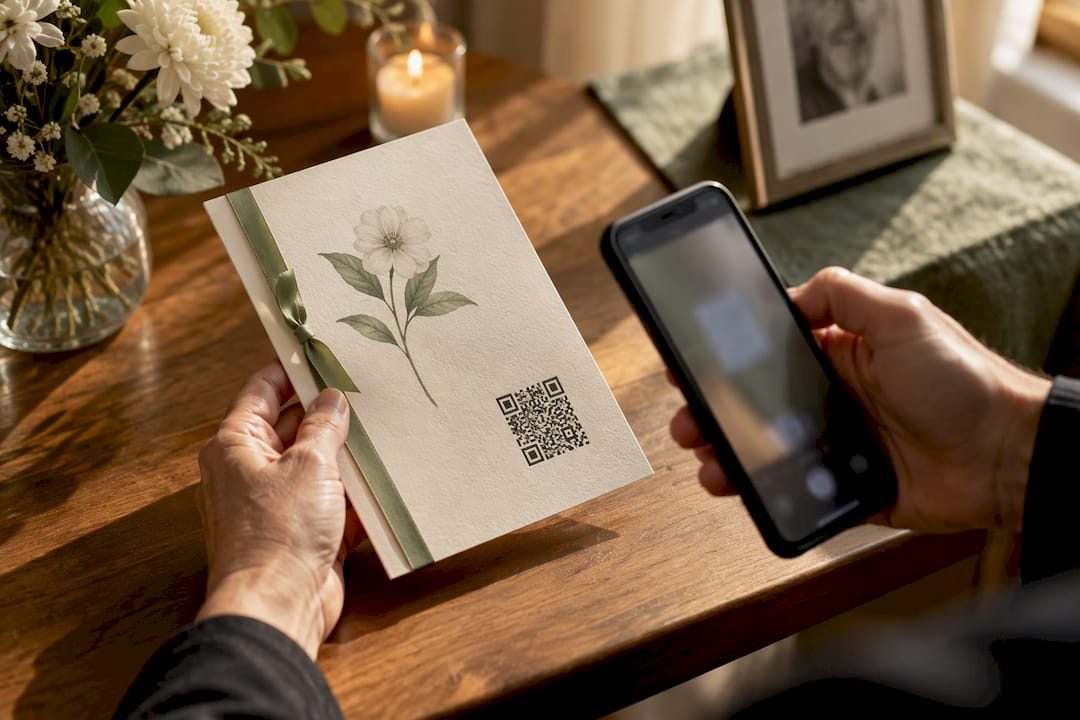

You can turn an obituary or memorial page into a working QR code today: publish a stable page, generate a high-contrast code, and test it on a few different phones before you print anything. The priorities are simple. Make it easy to scan, give visitors a way to reach the memorial even if scanning fails, and choose a link that will still work months or years from now.
TL;DR:
- Using a dynamic QR code allows easy updates of the memorial link without reprinting items; avoid relying solely on static codes for long-term accessibility.
- Ensure the memorial page is hosted on a durable platform with a permanent URL, and consider privacy needs when choosing between public, hidden, or password-protected pages.
- Design QR codes with high contrast, appropriate size, and a clear quiet zone to optimize for older guests, low-light environments, and outdoor weather conditions.
- Print a test copy at the actual size and scan it with an older phone before final printing to verify scannability and durability.
- Place QR codes on suitable materials and sizes depending on location, such as programs or headstones, and confirm readability with a final test proof before production.
Table of Contents
- How to publish the page, generate the code, and test it
- Design and printing choices that keep the code scannable
- Making the link last and respecting privacy
- Where to place the code and what to make it out of
- How Memory Keep supports this workflow
- Choosing permanence over privacy, gently
- Start a memorial page and get your free QR code
- Primary sources and helpful references
- Sources
- FAQ
How to publish the page, generate the code, and test it
Creating a reliable memorial QR code is less about technology and more about sequence. Do these steps in order, and the finished code will hold up on paper, on a plaque, or tucked into a program.
- Publish the memorial page first. Choose a platform where the page will stay live long term, decide whether it should be public, hidden, or password protected, and confirm the link before you generate anything.
- Choose dynamic over static when you can. A static QR code has the destination baked in permanently, while a dynamic code redirects through a link you control, so you can fix a broken URL later without reprinting a single card or plaque.
- Set or shorten the permalink. A clean, permanent link is easier to type as a backup and less likely to break; third-party shorteners work but add a dependency outside your control, so use one only if the platform itself doesn’t offer a permalink.
- Generate the code with a trustworthy tool. Export at high resolution, PNG or SVG, and raise the error correction level slightly so the code still scans if it gets a small scuff or smudge.
- Test before you commit to print. Scan the finished code on at least two or three different phones, in dim light and bright light, and print the full URL beneath the code so anyone whose camera struggles can type it in by hand.
This whole process, from publishing the page to holding a tested QR code, can be completed efficiently, and the QR Codes for Memorials overview walks through the same sequence with a bit more detail on each step.
Design and printing choices that keep the code scannable
A QR code is only useful if a phone can actually read it, and the visitors most likely to need help, older guests, people in dim chapel lighting, or those with low vision, are also the ones a poor design fails first. Accessibility Bytes No. 8 recommends high contrast, dark modules on a light background, as a baseline for reliable scanning, along with a clear quiet zone and a visible text alternative.
A few practical rules make the difference between a code that works and one that frustrates people:
- Use black on white or another strongly contrasting pair, never light gray on white or a pastel overlay that looks nice but reads poorly to a camera.
- Size the code to its viewing distance: a program card can be an inch or so across since it’s held close, while signage and plaques need to be larger because guests read them from several feet away.
- Keep a clear quiet zone, the blank margin around the code, and export at a high enough resolution or as a vector file (SVG) so edges stay crisp when the code is enlarged for a plaque or banner.
- Avoid decorative changes that hurt readability, including translucent backgrounds, embedded logos over the code’s pattern, or heavily rounded corners on the modules.
- Add alt text in any digital version and print the full URL near the code so a visitor who can’t scan still has a path in.
Pro Tip: Print a test copy at the actual final size and scan it with an older phone before sending anything to a printer or engraver.
Making the link last and respecting privacy
A QR code is only as good as what it points to, so the memorial’s home matters as much as the code itself. A page hosted on a durable platform will still resolve years later, while a link buried in a social media post can vanish with an account change or a platform redesign.
- Host the memorial somewhere built to last, not a single social post that depends on one account staying active.
- Use a dynamic QR code if there’s any chance you’ll need to edit the destination, since it lets you redirect the same printed code without reprinting anything.
- Be cautious with generic URL shorteners; a platform-managed permalink is more dependable because it doesn’t rely on a separate third-party service staying online.
- Decide on privacy up front: a fully public page suits a community-wide tribute, a hidden link suits a smaller circle, and a password-protected memorial works when the family wants control over who visits.
- Print a fallback: the full short URL plus a line like “contact the family” gives visitors a way through if a code won’t scan at all.
Where to place the code and what to make it out of
Good placements depend on the setting and how close people will be. Printed programs, guestbook pages, small keepsake cards, service signage, and memorial plaques are all common and each has slightly different sizing needs.
- Programs and keepsakes work well at a small size since they’re held in the hand and read up close.
- Headstones and metal plaques need larger modules and stronger contrast, since stone or metal engravings can lose crispness over time; an attached stainless plaque with a printed or etched code is often easier to keep scannable than direct engraving into stone. Memory Keep’s guide on adding a QR code to a headstone or memorial marker covers vendor options in more depth.
- Matte finishes reduce glare outdoors, and any outdoor plaque should use weatherproof material so the code doesn’t degrade in rain or sun.
- Always ask the printer or engraver for a test proof at actual size before the final run, since a code that looks fine on a screen can fail at full scale.
- Costs vary widely: a printed program costs very little, while an engraved plaque runs higher, so many families use a free digital or printed code for the service and save an engraved version for later, if at all.
How Memory Keep supports this workflow
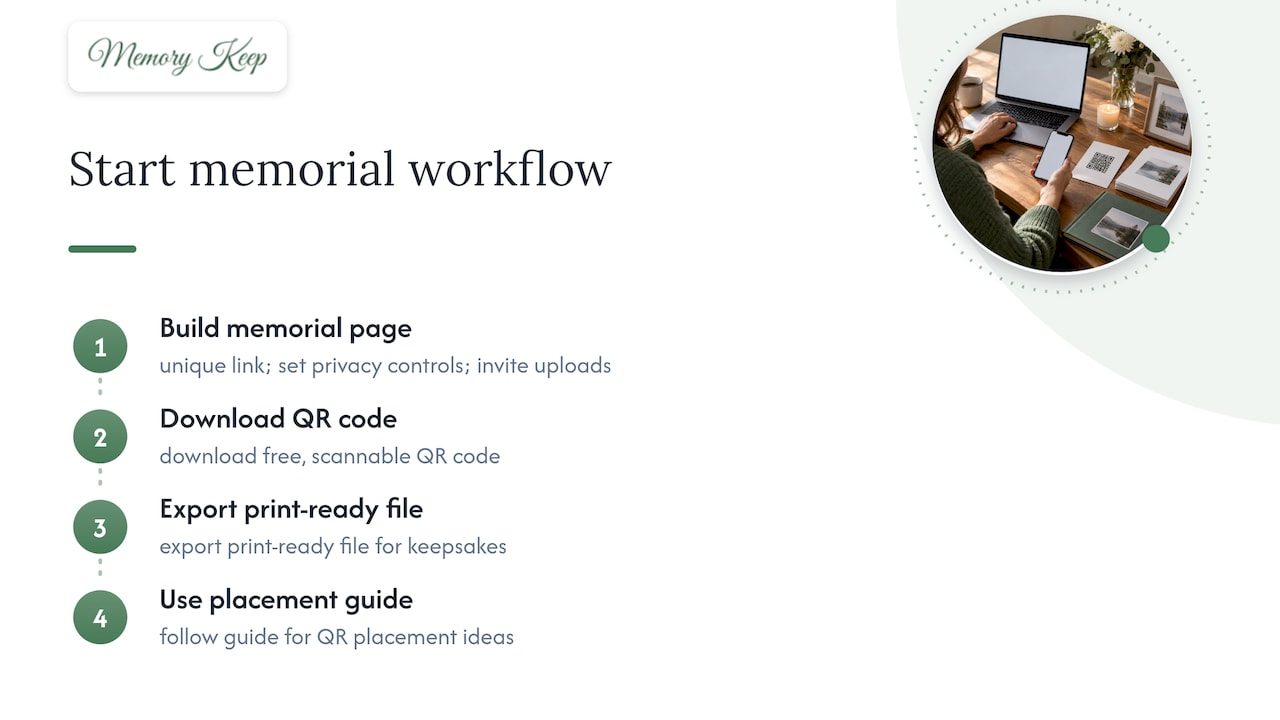
An online memorial platform can provide each memorial with a permanent page, a unique shareable link, and a free, scannable QR code. Families may combine that code with printable programs and keepsakes generated from the memorial, set privacy controls, invite others to upload photos and videos, and have the option to unlock unlimited storage with a one-time upgrade. To get started, build the memorial page, download the QR code, export a print-ready file, and use the meaningful ways to use your memorial QR code guide for placement ideas.
Choosing permanence over privacy, gently
A public memorial helps a wider circle grieve together, while a private or password-protected page suits families who want quiet control. Tell guests plainly whether to scan or visit a URL, and who keeps the page updated. Save copies of photos and messages somewhere outside the live page, just in case.
— Memory Keep
Start a memorial page and get your free QR code
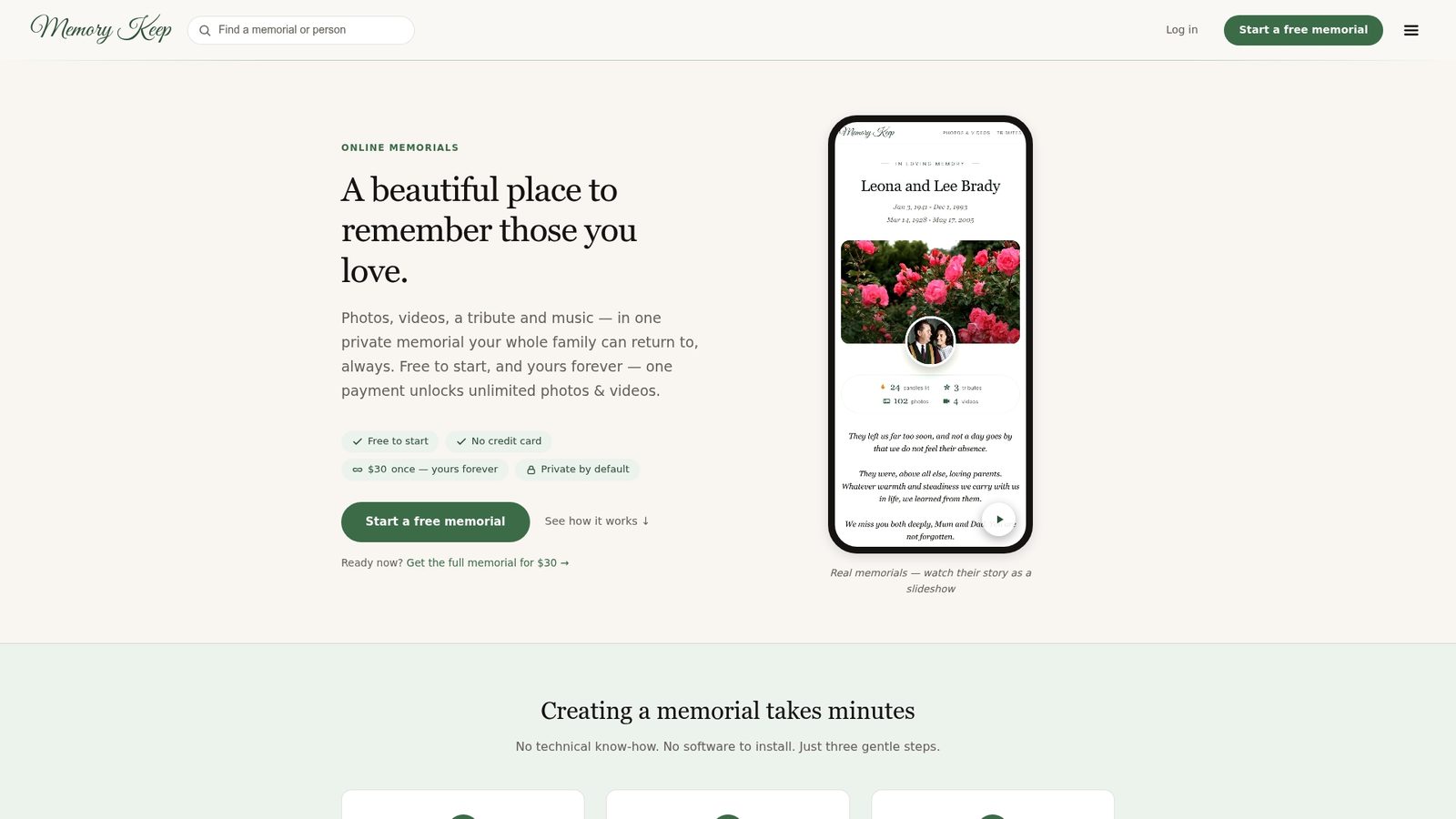
Memory Keep gives you a permanent memorial page, a free QR code, and printable keepsakes in one place, so you’re not stitching together separate tools during an already hard week.
| Next step | Where to go |
|---|---|
| Create a memorial page and get a free QR code | Pricing |
| See features and printable keepsake options | Features |
See finished examples like In Memory of Jupiter or browse pet memorial websites for a sense of how a page comes together. If you want help choosing words for the page itself, Mandy Capeheart’s writing on grief is a gentle place to start, and Musify’s farewell playlists can add music to the finished memorial.
Primary sources and helpful references
Accessibility guidance comes from Section508.gov’s QR code guide and the FCC’s accessible browser guidance. Memory Keep’s own QR code resources cover templates and setup.
Sources
- Section508
- Accessible Internet Browsers Built into Mobile Phones | Federal Communications Commission
FAQ
How do I turn an obituary into a QR code?
Publish the obituary or memorial page somewhere stable, then feed that link into a QR code generator and export a high-resolution image. Test the finished code on a couple of different phones before printing it on a program, card, or plaque.
How can I make a digital obituary for free?
Several online memorial platforms, including Memory Keep, let you build a memorial page on a free plan with limited uploads and features. You can add photos, a tribute, and a shareable link without paying, and upgrade later if you want unlimited storage.
Where can I find a memorial plaque with a QR code?
Printers, engravers, and specialty memorial vendors offer plaques with an attached or engraved QR code, and some sellers offer printable templates that pair a design with a scannable code, similar to this Etsy welcome sign listing. Memory Keep also has a guide on adding a QR code to a headstone or marker for families exploring that option.
How much does it cost to put a QR code on a gravestone?
Costs depend on the material and method, since engraving directly into stone typically costs more than attaching a separate metal plaque with the code printed or etched onto it. Ask the engraver for a scan test at actual size before committing to the final version.