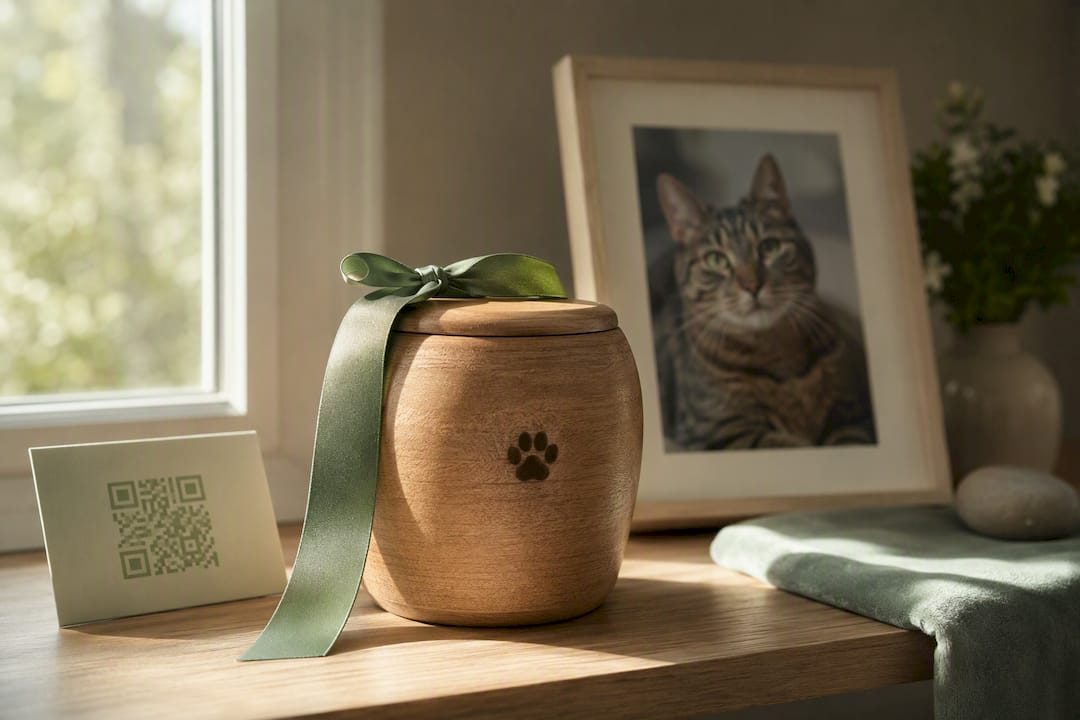

A cat memorial page is a shareable online tribute where you gather photos, a short life story, and messages from friends and family in one lasting place. The clearest next step is simple: start one today, even a small version, or browse a few sample memorials for inspiration before you begin. Some online memorial platforms make this possible in minutes, not hours.
TL;DR:
- Most online memorial platforms allow you to create a simple page in minutes, with options to include photos, videos, and a guestbook.
- A memorial should focus on a few meaningful images and a short, personal story rather than elaborate features or lengthy text.
- Connecting physical keepsakes like QR codes or engraved items to the online page enables a tangible remembrance, accessible instantly.
- Privacy settings and the platform’s permanence policy should be carefully checked before sharing the memorial link publicly or storing valuable memories.
- Starting small with a single photo or brief tribute is recommended, as memorials can grow gradually and grief often influences the pace of creation.
Table of Contents
- What Should a Cat Memorial Page Include?
- How Do You Build a Cat Memorial Page Step by Step?
- What Should You Write on a Cat Memorial Page?
- Can a Cat Memorial Page Connect to Physical Keepsakes?
- What Should You Check Before Publishing a Memorial Page?
- Memory Keep as an Example of a Cat Memorial Platform
- A Brief Note From Memory Keep
- Ready to Create Your Cat’s Memorial Page?
- Sources
- FAQ
What Should a Cat Memorial Page Include?
A good cat tribute page doesn’t need to be elaborate. It needs to feel like your cat, which means a handful of thoughtful elements matter more than a long list of features.
- A curated photo and video gallery. Choose images that capture personality over posed portraits. A few well-chosen video clips (chasing a red dot, curled in a sunbeam) often move visitors more than a dozen still photos.
- A short life story. Name, birth and passing dates, and a few lines about who your cat was. This doesn’t need to read like an obituary. It can read like a letter.
- A guestbook. Many successful memorial pages include a space where friends and family leave messages and share their own photos, which spreads the emotional weight of remembrance across everyone who loved your cat.
- Privacy controls, a shareable link, and a QR code option. You decide who sees the page and how they find it.
- A donation button or printable keepsake option. Some families prefer directing memorial gifts toward animal shelters instead of flowers, and nonprofit pages like Best Friends Animal Society’s pet memorials often build this in directly.
How Do You Build a Cat Memorial Page Step by Step?
Building a memorial doesn’t require design skill or a lot of free time. It requires a little patience and a plan.
- Select 5 to 10 photos, and lightly edit them. Crop out clutter, fix bad lighting if you can, and choose one photo as your anchor image, the one that appears first and represents your cat best.
- Draft a short tribute. Open with a line that captures who your cat was, add one or two personal details (a habit, a nickname, a favorite windowsill), and close with a simple statement of love or loss.
- Set your privacy and guestbook settings. Decide whether the page is link-only, fully private, or open for anyone to find, then choose whether guestbook entries need your approval before they post.
- Invite collaborators. Send the link to family and close friends so they can add their own photos and memories rather than leaving that job to one person.
- Add extras. Background music, a slideshow, a printable keepsake, or a QR code linking to a physical item like a collar tag or garden marker all deepen the tribute without much extra work.
- Check the permanence policy and back up your files. Before you finish, confirm whether the platform keeps pages online indefinitely, since some free pet memorial services advertise ad-free permanence but still recommend confirming their policy directly.
Pro Tip: Don’t try to finish the whole page in one sitting. Build the photo gallery first, walk away, and come back to write the tribute when you feel ready. Grief has its own pace, and the page will wait for you.
What Should You Write on a Cat Memorial Page?
The best tributes focus on small, specific details rather than trying to summarize an entire life in formal language. A single vivid habit says more than a paragraph of general praise.
Try these prompts to get started:
- What did your cat do every single day without fail?
- What nickname did only your family use?
- Where was their favorite spot to nap or watch the world?
- What sound or gesture meant they wanted attention?
Example openers you can adapt:
- “Biscuit ruled this house from the top of the refrigerator, and we let her.”
- “Milo greeted every visitor at the door like they’d been gone for years.”
- “Luna never once let a lap go empty if she could help it.”
For a short inscription or closing line, gentle quotes work well: “Gone from our sight, but never from our hearts.” Or simply: “Forever curled up in our memory.”
Can a Cat Memorial Page Connect to Physical Keepsakes?
Yes, and this is where digital memorials become more than a webpage. A QR code printed on a headstone, urn, or sympathy card can link directly to your cat’s online memorial, so anyone standing at a garden marker can pull out their phone and see photos, hear stories, or read guestbook entries instantly.
Pair the online page with physical items for a fuller tribute:
- Printable memorial cards for a small gathering
- A photo book compiling the gallery into something you can hold
- A slideshow video for playing at a remembrance
- Engraved keepsakes, like the personalized options at Signature Laser Designs, or commemorative jewelry from GeoKeeps
Digital pages have one real advantage over anything printed: you can update them. A photo book is fixed the day it’s printed, but an online memorial can grow as new memories surface.
What Should You Check Before Publishing a Memorial Page?
Before you share the link widely, a few practical questions protect both your privacy and your peace of mind.
- Is the page link-only, or can it be found publicly? Choose based on your comfort level.
- Is the free tier permanent, or does it expire? Free options vary, and it’s worth confirming before you rely on one.
- What do paid upgrades unlock, storage, unlimited photos, printable extras?
- Can you moderate guestbook entries before they appear publicly?
- Can you edit or remove the page later if your needs change?
A Funeral notes that starting small, even with a single photo or short ceremony, is often more comforting early in grief than attempting something elaborate right away.
Memory Keep as an Example of a Cat Memorial Platform
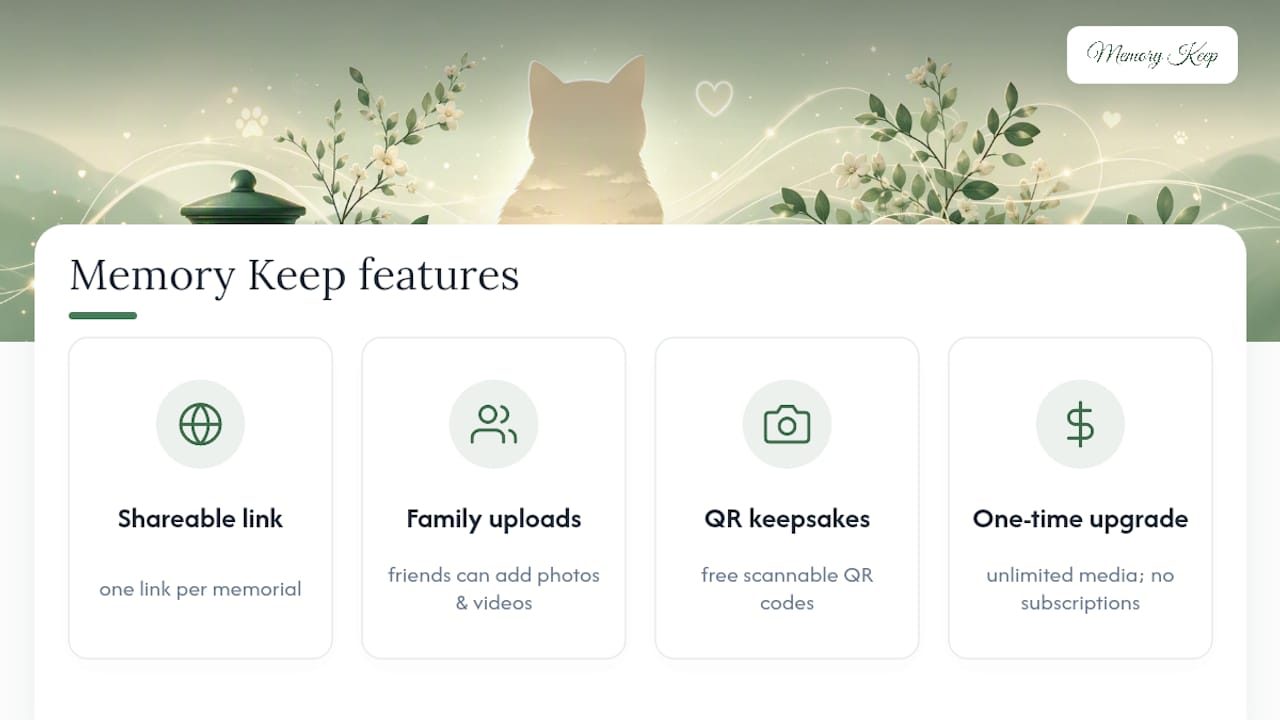
Memory Keep illustrates how these pieces fit together in practice. Every memorial gets a unique shareable link, and family or friends can upload their own photos and videos directly, so no single person carries the whole project. Physical keepsakes connect back to the page through free scannable QR codes, while printable keepsakes and slideshow videos give families something tangible to hold. Some services offer a one-time upgrade to unlock unlimited photos, video, and storage for a memorial, without ongoing subscriptions. Readers exploring grief support alongside memorial building can visit the Memory Keep blog for further guidance.
A Brief Note From Memory Keep
Grief doesn’t wait for the perfect memorial page, and you don’t owe anyone a finished one right away. Start with one photo and a single sentence if that’s all you have today. You can always add more later, and our blog on coping with pet loss is there whenever you need it.
— Memory Keep
Ready to Create Your Cat’s Memorial Page?
Some platforms let you start a memorial for free, with no obligation to upgrade until you know it’s the right fit. When you’re ready for unlimited photos, video, and storage on a specific memorial, the Full plan unlocks it for a one-time payment, no subscriptions, no renewals.

Browse the features page to see collaborative uploads, QR codes, and printable keepsakes in detail, or head straight to Memory Keep to create your cat’s memorial page today.
Sources
- Funeral
- Free Online Pet Memorial Page | Dog & Cat Memorials | FuneralFolio
- Pay tribute to your best friend’s memory with a pet memorial or pet memorial donation — Best Friends
FAQ
How Do I Honor My Deceased Cat Online?
Create a cat memorial page with photos, a short life story, and a guestbook where others can leave messages. You can keep it private and link only, or share it more widely, and adding a printable keepsake or QR code lets you connect the page to a physical marker.
What Should I Write on a Cat Memorial?
Focus on specific, personal details rather than general praise, like a favorite nap spot, a signature meow, or a daily habit. A short opener followed by one or two vivid memories usually resonates more than a formal obituary style.
Is There a Free Website for Memorializing Pets?
Yes, several platforms offer free, ad-free pet memorial pages with guestbooks and printable keepsakes, though it’s worth confirming each site’s permanence policy before relying on it long term. Memory Keep offers a free tier to start, with a one-time upgrade available if you want unlimited photos and storage.
What Is a Short Quote to Remember a Cat That Passed Away?
A simple line like “Gone from our sight, but never from our hearts” works well as an inscription or closing message. Shorter, gentler phrasing tends to fit better on cards, QR-linked markers, or the top of a memorial page than longer poems.