

What is a memorial slideshow template?
A memorial slideshow template is a ready-made, customizable digital framework that lets you combine photos, music, and personal text into a touching tribute video honoring someone you love. Rather than building a presentation from scratch during one of the hardest seasons of life, you start with a thoughtfully designed layout and make it your own.
These templates come in several widely used formats, each with its own strengths:
- PowerPoint (.pptx): Familiar, offline-friendly, and deeply customizable with transitions, animations, and text overlays. Works on nearly any Windows or Mac computer.
- Google Slides: Free, browser-based, and easy to share with family members for collaborative editing without software downloads.
- Canva video templates: Drag-and-drop online editing with built-in music libraries and the ability to export as 1080p MP4, ready for playback at a service or sharing online.
- Visme presentation templates: Polished HD layouts (1366x768, 16:9) downloadable as PDF, PPTX, or MP4, with animation and audio support.
Each format supports uploadable photos, editable text, slide transitions, and music integration. The right choice depends on how comfortable you are with technology and where the slideshow will be shown.
Table of Contents
- What features matter most in a tribute slideshow template?
- How to create a tribute video using a template, step by step
- Tips for choosing photos and music that honor the person you love
- Why Memory Keep is a trusted space for memorial tributes
- Where to find free and premium memorial slideshow templates
- How to organize your slideshow content before you start
- Memory Keep gives you a permanent home for every memory
- Key Takeaways
What features matter most in a tribute slideshow template?
A good template offers more than a pretty background. The features below shape how personal and emotionally resonant the finished tribute feels:
- Text editing: Change names, dates, quotes, and captions directly on each slide.
- Photo arrangement: Reorder images to tell a story, not just fill space.
- Slide timing controls: Set how long each photo stays on screen.
- Color themes: Choose palettes that match the mood, whether soft and muted or warm and celebratory.
- Transitions and animations: Subtle fades keep the focus on the person being remembered; flashy effects can distract.
- Music integration: Upload a personal song or choose from a built-in library.
- Sharing and export options: Download as MP4 for a venue screen, share a link online, or embed on a memorial page.
Pacing and narrative flow matter as much as visual design. A solemn tribute calls for slow, gentle transitions and quiet music. A celebration of life might welcome brighter colors and an upbeat song. The template you choose should support the emotional tone you want to set, not fight against it.
How to create a tribute video using a template, step by step
- Choose your format. Pick Canva for ease and online access, PowerPoint for offline control, or Google Slides for free collaborative editing. Match the tool to your comfort level and the venue’s technical setup.
- Upload and arrange your photos and videos. Gather images that span the person’s life: childhood, milestones, everyday moments, and candid shots. Arrange them in a sequence that tells their story naturally.
- Add text and captions with care. Include the person’s name, birth and passing dates, and a meaningful quote or short phrase. Keep captions brief so they support the photos without competing with them.
- Select music thoughtfully. Choose a song with personal significance, or browse a built-in library for something that fits the tribute’s tone. Our funeral slideshow song guide offers curated recommendations for families navigating this choice.
- Preview for flow and timing. Watch the full slideshow before finalizing. Check that each slide has enough time to be absorbed and that the music aligns with the pacing.
- Export and test playback. Save as MP4 for venue screens, and confirm AV compatibility well before the service. Check cables, screen type, and file format on the actual device you plan to use.
Tips for choosing photos and music that honor the person you love
Thoughtful media selection is what separates a moving tribute from a simple slideshow. A few guiding principles:
- Reflect identity, not just milestones. Candid photos of everyday moments often carry more emotional weight than posed portraits. Include images that show personality.
- Balance quantity with pacing. Thirty well-chosen photos shown at a comfortable pace land harder than eighty rushed ones. Quality over volume.
- Choose music with personal meaning. A song the person loved, or one that holds shared family significance, connects viewers in a way a generic track cannot.
- Consider your audience. Older attendees need more time to read text and absorb images. Diverse audiences may respond differently to musical choices.
- Write captions that honor, not explain. A name, a year, or a single tender phrase is often enough. Avoid long descriptions that pull attention away from the photo itself.
For deeper guidance on selecting meaningful photos, Memory Keep’s resource library walks you through the process with care.
Pro Tip: Adjust slide timing so that emotionally significant photos stay on screen for at least five to seven seconds. Viewers need a moment to feel, not just see.

Why Memory Keep is a trusted space for memorial tributes
Memory Keep was built specifically for this purpose: preserving and sharing the lives of people and pets we have lost. Unlike general-purpose design tools, Memory Keep’s platform centers every feature around remembrance and connection.
- Unlimited photos, videos, and audio uploads on a permanent memorial page, so nothing is lost to storage limits.
- Collaborative contributions: family and friends anywhere in the world can add their own photos and memories, creating a richer, more complete tribute.
- Downloadable slideshow videos and keepsake photo books, ready to share at a service or keep forever.
- Unique shareable links and QR codes for headstones or memorial cards, so loved ones can visit the memorial from anywhere.
- Visitor messages of remembrance, turning a static page into a living space of community support.
Memory Keep also offers detailed guidance on creating memorial slideshows, written with the same compassion that shapes every part of the platform.
Where to find free and premium memorial slideshow templates
Several platforms offer templates at no cost or for a modest fee. SlidesCarnival provides free PowerPoint and Google Slides funeral memorial templates, including a 17-slide “In Loving Memory” layout with customizable beige-and-black design and built-in transitions. Animoto offers an “In Memoriam” video template with a minimal black-and-white aesthetic and a melancholy music track. Canva’s template library includes funeral slideshow designs with drag-and-drop editing and MP4 export. For premium options with more polish, platforms like Visme offer HD presentation templates downloadable in multiple formats. Families planning broader memory preservation can also explore digital memory keepsake options that complement a slideshow beautifully.
How to organize your slideshow content before you start
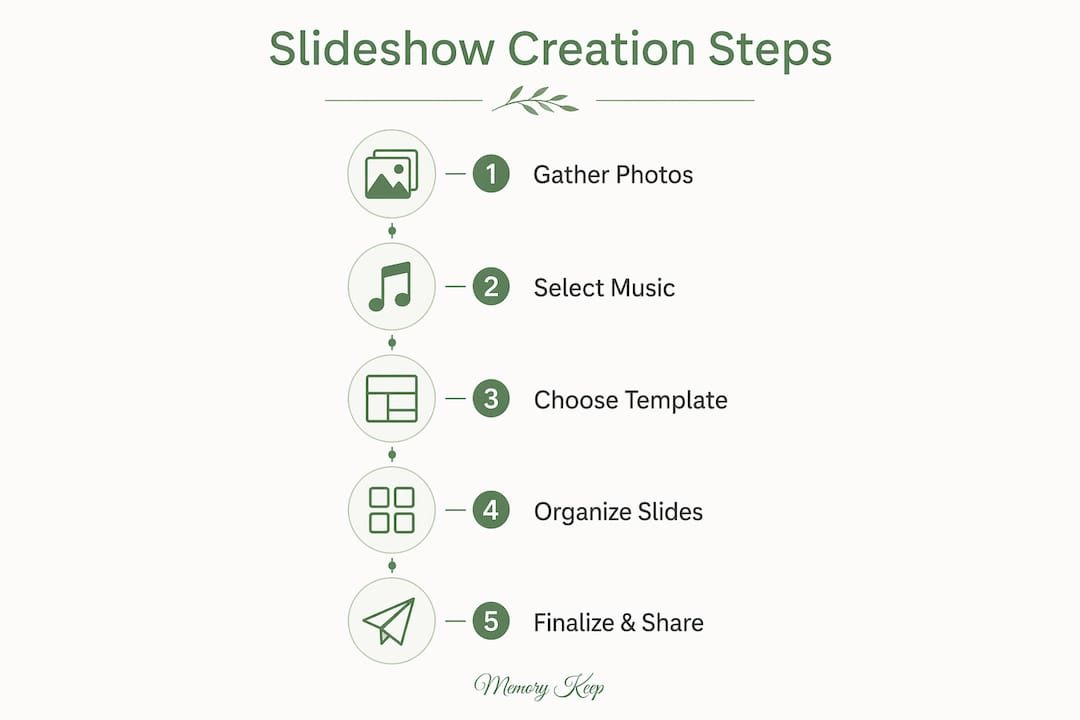
Storyboarding before you open any template saves time and produces a more coherent tribute. Start by gathering all available photos into a single folder, then sort them loosely by life phase: early years, young adulthood, family life, later years. From there, identify five to eight “anchor” images that best represent the person, and build the sequence around those. Think of the slideshow as a short film with a beginning, a middle, and a close. The opening slide sets the tone; the final slide should leave viewers with a feeling of warmth or peace, not abruptness. Planning memory keepsakes as a family, rather than alone, often surfaces photos and stories no single person would have thought to include.

Memory Keep gives you a permanent home for every memory
When a slideshow plays at the service and the day ends, those memories deserve a place to live on. Memory Keep offers families a dedicated online memorial where photos, videos, tributes, and the slideshow itself can be preserved permanently and shared with anyone, anywhere. There is no monthly subscription: a one-time $15 upgrade unlocks unlimited uploads and every feature the platform offers, or you can begin with the free plan today.
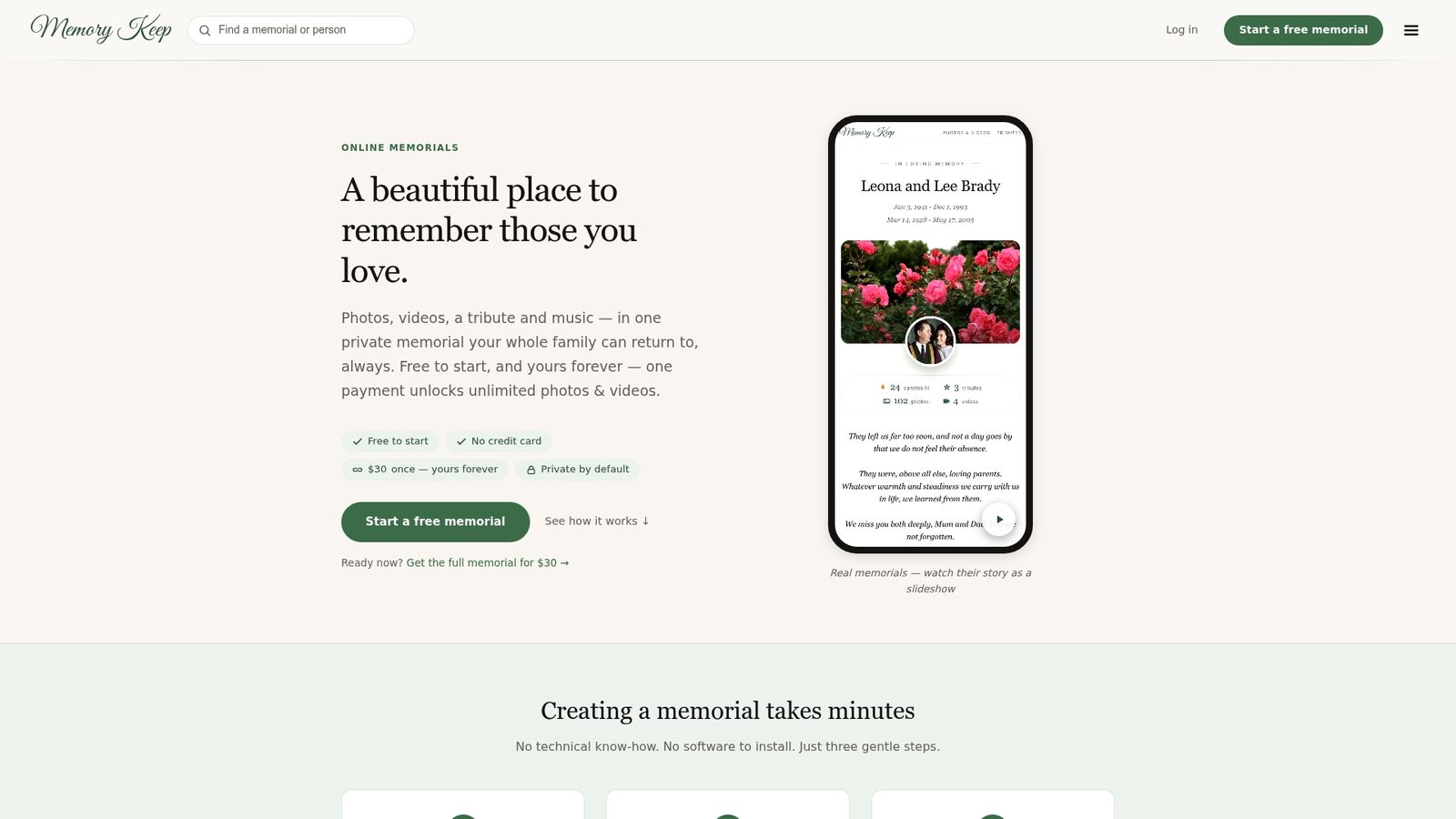
Creating a memorial is one of the most loving things we can do after a loss. Memory Keep is here to help you do it with care. Visit Memory Keep to create a memorial page and preserve every memory that matters.
Key Takeaways
A memorial slideshow template works best when it combines thoughtful photo selection, fitting music, and a narrative structure that honors the person’s full life.
| Point | Details |
|---|---|
| Choose the right format | PowerPoint, Google Slides, and Canva each suit different comfort levels and venue needs. |
| Pacing shapes emotion | Slide timing and narrative flow matter as much as visual design for a moving tribute. |
| Storyboard before you build | Sorting photos by life phase and identifying anchor images produces a more coherent slideshow. |
| Test AV compatibility early | Confirm cables, file format, and screen type at the venue well before the service. |
| Memory Keep preserves it all | A one-time $15 upgrade gives families unlimited uploads, collaborative tools, and a permanent memorial page. |