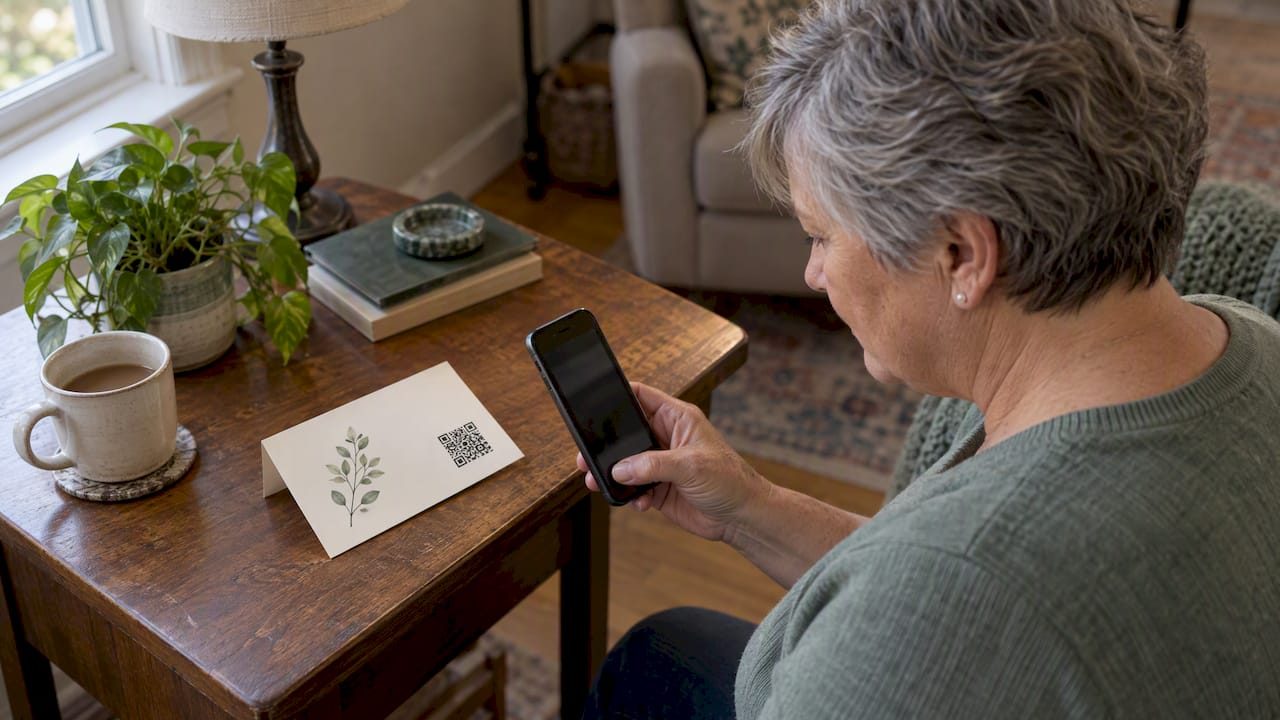

A QR code on a thank you card can carry your gratitude one step further. The card says thank you for the flowers, the meal, the hours at the service. The code opens a memorial page where those same people can see photos, read stories and leave a message of their own. This guide covers what the code should link to, how to place and print it so it scans, what to write beside it, and how to avoid the small mistakes that turn a gentle gesture into a frustrating one.
If you are writing these cards in the weeks after a loss, you are already doing a great deal. Nothing here needs to be done quickly or perfectly. A handwritten note with no code at all is still a complete thank you. The code is simply an option for families who want to share a place of remembrance.
TL;DR
- Decide what the code opens before you print: a memorial page works best, because guests can view photos and leave messages without an account.
- Print the code at least about 1 inch by 1 inch, with a clear blank border, dark ink on a light background, and test the printed card before ordering a batch.
- Add a short line such as “Scan to visit the memorial” and the plain web address underneath, for anyone whose camera can’t read the code.
- Choose a service that keeps the link active permanently, so a card sent today still works years from now.
- Memory Keep gives every memorial a free QR code and a unique link, and a one-time upgrade removes the limits on photos and videos.
Table of Contents
- Why a QR code belongs on a sympathy thank you card
- Decide what the code should open
- What to write on the card
- Making the code scan reliably
- Think about the link behind the code
- How recipients scan, and how to help those who struggle
- Digital thank you cards as a companion
- Where else the same code can go
- Our perspective: a card is a doorway, not a finish line
- Starting a memorial for your card
- A simple checklist before you print
- FAQ
- Sources
Why a QR code belongs on a sympathy thank you card
After a funeral or celebration of life, many families send acknowledgment cards to those who sent flowers, cooked meals, traveled or simply showed up. The cards are short, and that is as it should be. Yet people who receive them often want to do something more: see a photo, share a memory they didn’t get to tell, or look at the pictures from the service.
A QR code answers that quietly. It doesn’t ask the reader to do anything. They can scan it now, next week or next year, and the memorial will be there. For relatives overseas or friends who could not attend, it can be the first time they see the person’s life gathered in one place.
It also lightens your load. Instead of mailing photo prints, answering the same “do you have any pictures?” messages, or forwarding links one by one, you give everyone the same doorway on a single card.
Decide what the code should open
A QR code is only a container. According to Apple’s developer documentation on QR recognition in iOS, a code can hold a web address, a contact card or other supported data, and what happens on scanning follows what was encoded. That means the first decision is not about design. It is about destination.
For a thank you card, there are three realistic choices:
| Destination | Best for | Watch out for |
|---|---|---|
| A memorial page | Photos, tributes, stories, visitor messages | Check the privacy setting so it shows what you intend |
| A single photo or video file | A short slideshow of the service | It can’t collect messages from guests |
| A contact card (vCard) | Sharing a family contact for estate matters | Not suited to a memorial; use a separate, private channel |
For most families the memorial page is the right answer. It grows over time, it welcomes messages, and a guest who scans in a year sees more than a guest who scans today.
Public, link-only or private
Before printing, think about who should be able to open the page. Cards go to many hands: neighbors, coworkers of the person, distant cousins. If the page is meant for people you know, a link-only setting can suit that, while a fully public page may suit a person who was widely loved in their community. Check your service’s privacy options first, and look at the page from a logged-out browser to see what a stranger would see.
What to write on the card
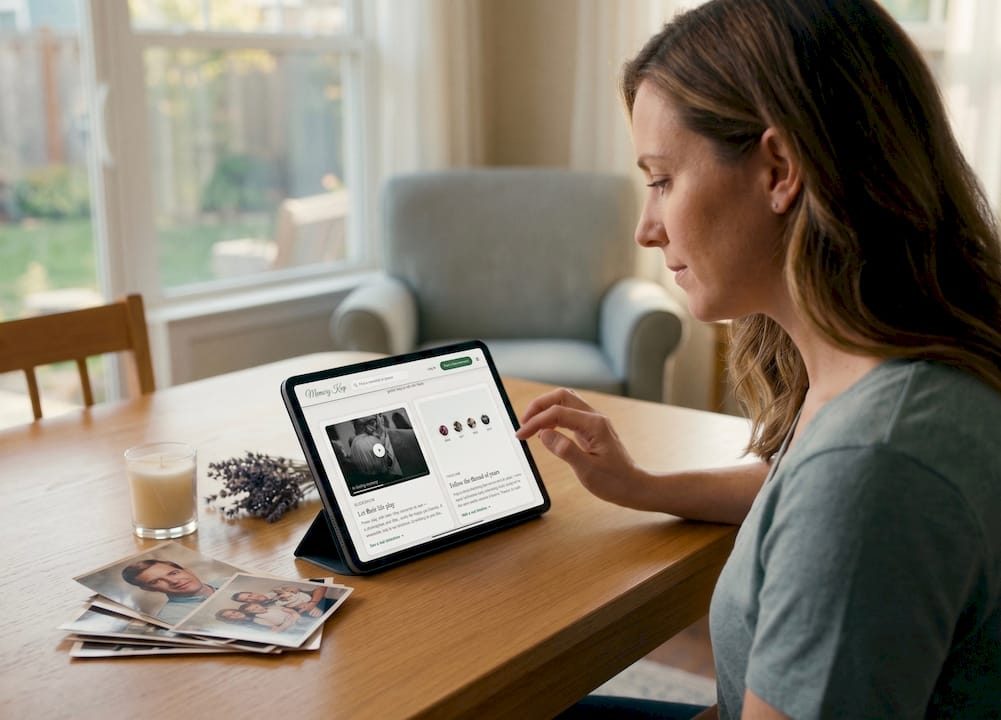
The code needs a small amount of context. Without it, a recipient may not know why a square pattern is sitting beside your signature. Keep the words simple and warm.
- Thank them first. The thank you is the heart of the card. Write it as you normally would, naming the gesture if you can: the casserole, the drive from out of state, the call that came at the right moment.
- Invite, don’t instruct. One short line beside the code is enough.
- Give a fallback. Print the web address in plain text beneath the code.
Here are a few lines you might adapt:
- Thank you for holding us up this week. If you would like to see photos of Dad and share a memory, you are welcome to scan the code.
- Your kindness meant more than we can say. Mom’s memorial page is open to all who loved her. Scan to visit.
- Thank you for being there. We have gathered some of Max’s favorite photos here, and you are welcome to add your own.
If you want more help finding words for the memorial page itself, our guide to memorial page content and ready tribute lines offers wording you can borrow, and memorial tribute quotes collects short passages for cards and programs.
A note on tone
Avoid urgency or anything that sounds like marketing. Phrases such as “Don’t miss” or “Visit now” feel wrong on a card about loss. Think of the code as a lantern left on, not a request.
Making the code scan reliably
A code that fails in someone’s hands is worse than no code, because it adds a small frustration to a tender moment. Most problems are preventable, and the fixes are practical.
Size
QR Code Generator’s size guidance suggests small and medium printed pieces generally use a code of at least 2 cm by 2 cm, roughly 1 inch by 1 inch, and larger if it will be scanned from farther away. A standard folded thank you card is held in the hand, so about 1 to 1.25 inches works well. If you can spare more room, a slightly bigger code is easier for older eyes and steadier for shaky hands.
The blank border
Every code needs empty space around it. Their design rules call for a quiet zone of at least four modules (the small squares that make up the code) on every side, plus strong dark-on-light contrast. In practice, that means do not tuck the code against a decorative border, a floral corner or the fold of the card. Give it a clean white or cream patch.
Artwork and logos
Resist the urge to dress the code up. Pale ink, patterned backgrounds, and images placed over the code can all prevent a scan. The same guidance advises keeping any logo away from the three corner markers. For a memorial, a plain black code on white needs no decoration, and it will scan in dim funeral home lighting as well as at a kitchen table.
File format and paper
When you can, export the code as an SVG or PDF so it stays sharp when resized, rather than stretching a small image. Matte paper is kinder than glossy, which can throw glare under overhead lights and make a code hard to read.
Test the printed card
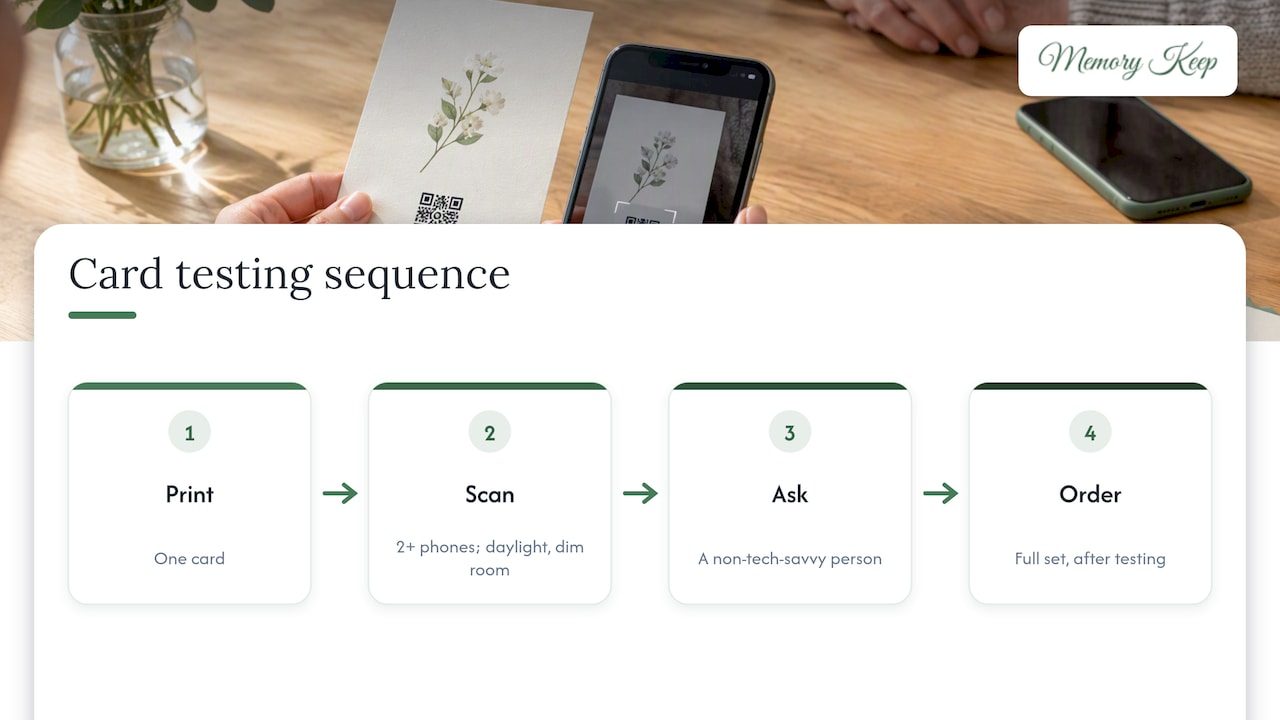
Do not trust the screen preview. Print one card, then scan it with at least two phones, in daylight and in a dim room. Ask someone who isn’t tech-savvy to try as well. Only then order the full set. QR Code Generator’s troubleshooting page lists common causes of failed scans, and nearly all are about print quality or the link behind the code.
Think about the link behind the code
The printed pattern never changes once it is on paper. What matters is whether the address it points to stays alive and stays correct.
This is the question to ask any service before you print fifty cards:
- Will the link keep working indefinitely, or does it depend on a subscription that might lapse?
- If you change a privacy setting or add content, does the same code still lead to the right place?
- Who controls the link if the account holder passes away or no longer wants to manage it?
QR Code Generator notes that a redirect lets the destination change while the printed pattern stays the same, but only if the service keeps that redirect active. For a memorial, permanence is the whole point. A code printed on a thank you card, a funeral program or a headstone should not expire with a billing cycle.
How recipients scan, and how to help those who struggle
Most people reading your card will have a recent smartphone. On an iPhone, they open the Camera app, point it at the code and tap the notification that appears. Apple says iOS recognizes QR codes natively, so no separate app is needed for an ordinary web address.
Still, some of your recipients will be older, will have an older phone, or simply won’t have tried it before. A few small touches make the card kinder to them:
- A five-word instruction, such as “Point your phone camera here.”
- The plain web address printed in a readable size under the code.
- A short link, which is easier to type than a long string of characters.
- A line inviting them to call or write if they would like help seeing the page.
Also remember that opening a web page requires an internet connection. A card read on a flight or in a rural area may need to wait until the reader is back online, which is another reason the printed address matters.
Digital thank you cards as a companion
Not every thank you needs paper. A digital card can be sent as a link or image through email, text or messaging apps, and the recipient usually opens it in a browser rather than installing anything, as Create Greeting’s overview of digital thank you cards describes. This can be a good fit for colleagues, distant friends, or the many people who sent condolences by message.
A practical approach many families find comfortable:
- Mail printed cards with a QR code to close family, elders and those who sent flowers or cards.
- Send the memorial link by text or email to friends and coworkers, with a few warm lines.
- Keep a short, standard message ready so that each reply takes a minute rather than an hour.
The code and the link lead to the same page, so everyone shares the same place of remembrance, however they received the invitation.
Where else the same code can go
Once you have a memorial link and a code, you will find it useful beyond the thank you card. Families often add it to funeral programs, prayer cards, memorial bookmarks, and eventually a headstone or marker. We have written about meaningful ways to use your memorial QR code and about adding a QR code to a headstone or memorial marker, including what to consider for outdoor materials.
If you are remembering a companion animal, the same idea applies. Our guide to QR codes for pet memorials shows how a card of thanks to the vet, the groomer or neighbors who loved your dog or cat can carry a link to their photos. For a closer look at building the page, see our steps for a dog memorial page or a cat memorial page.
Our perspective: a card is a doorway, not a finish line
We built Memory Keep because we kept hearing the same story. A family pours love into a tribute, shares it for a few weeks, and then worries it will vanish, or that keeping it online will cost them every year. Grief does not keep to a billing schedule, and we don’t think remembrance should either.
That is why each memorial on Memory Keep is paid for once, not by subscription, with no renewals to remember at a time when you have enough to carry. It is why every memorial gets a scannable QR code for free, so that a thank you card, a program or a headstone can all point to the same place. And it is why we keep the space free of ads and never sell your data. A memorial page is not a product to monetize. It is a place that belongs to your family.
Our advice for the thank you card is simple. Write the thanks in your own voice and let the code be a quiet extra. Keep the wording short, give people the web address in words, test the card in your own hands, and choose a home for the memorial that will still be there when a cousin finds the card in a drawer years from now. Someone you thank today may scan it on a hard anniversary, and find the photos and kind words waiting.
— Memory Keep
Starting a memorial for your card
If you do not yet have a page to link to, you can begin with our free plan, which has limited uploads and features, and add more when you are ready. The Full plan is a one-time $15 per memorial, with no subscription, and unlocks unlimited photos, videos and features. You can compare both on the pricing page, see everything included on the features page, or read more about QR codes for memorials before you decide. Whenever you are ready, you can start from our home page.
A simple checklist before you print
- Memorial page created, with the privacy setting chosen and checked while logged out.
- Photos and a short tribute added, so the first scan shows something meaningful.
- QR code downloaded as SVG or PDF where possible.
- Code sized at about 1 inch square or larger, with a clear blank border on all sides.
- Dark code on a light, matte background, with no artwork over it.
- A short invitation line and the plain web address printed beneath.
- One test card scanned on two or more phones, in different light.
- Cards printed, signed by hand and sent when you feel ready.
FAQ
Can I put a QR code on a sympathy thank you card?
Yes. Many families add one so guests can see photos and leave messages on a memorial page. Keep the main message a personal thank you, and place the code as a small, optional invitation with a short line of explanation.
What should a thank you card QR code link to?
A memorial page is usually the best choice, because it can hold photos, a tribute and visitor messages, and it can grow over time. Decide on the destination first, since the code opens whatever it was made to hold, whether a web page or a contact card.
How big should the QR code be on the card?
For small printed pieces, QR Code Generator suggests at least about 1 inch by 1 inch (2 cm by 2 cm), and larger if it will be scanned from a distance. Leave a clear border around it, and test a printed copy before ordering the full batch.
What if someone can’t scan the code?
Print the plain web address beneath it, so they can type it into a browser or ask a family member to open it for them. Adding a short instruction like “Scan with your phone camera” also helps people who haven’t scanned a code before.
Will the code still work in a few years?
It will if the service keeps the link active. Before printing, confirm that the memorial doesn’t depend on a subscription that could lapse. At Memory Keep, a memorial is a one-time purchase with no renewals.
Sources
- QR Code Recognition on iOS 11, Apple Developer
- QR Code Minimum Size Guidelines, QR Code Generator
- 10 QR Code Design Rules for Flawless Scans, QR Code Generator
- QR Code Scanning Problems: Common Issues and Fixes, QR Code Generator
- Digital Thank You Card, Create Greeting