
Post one meaningful photo, name the person you are honoring, share a single clear memory, and invite others to add their own in the comments rather than listing medical details or cause of death. A gentle, specific caption does more good than a long one. Before you publish, take a breath, check with close family, and choose words you would be comfortable reading again next year.
TL;DR:
- Coordinate with close family before posting, and wait 24–48 hours if relatives still need private calls; confirm whether they prefer one shared announcement or separate posts.
- Lead with a clear portrait and add two or three candid or milestone photos; use a video only when you have a meaningful clip.
- Avoid medical or final days imagery, identifying details, and children’s photos without guardian approval; ask before tagging relatives or using public hashtags.
- Turn on Hidden Words and comment filters, pin a gentle response request, and ask someone you trust to monitor messages when you need a break.
- Download original photos before memorialization changes account access; Instagram adds Remembering above the name and makes the account harder to find through search.
Table of Contents
- Quick memorial post ideas and caption starters
- Choosing images and formats: photo, carousel, or short video
- Crafting a meaningful caption: formula and longer examples
- Hashtags, tagging, privacy, and memorialization basics
- Managing comments, DMs, and boundaries after you post
- Timing and etiquette: when and how to announce a death on Instagram
- Creative formats and extra ideas: montages, Stories, and printed keepsake integration
- Memory Keep guidance: preserving Instagram posts and building a lasting memorial
- A brief compassionate note from Memory Keep
- How Memory Keep can help: start a free memorial or upgrade for unlimited features
- FAQ
- Sources
Quick memorial post ideas and caption starters
Finding the right words while you are grieving is hard, and you do not need to write something perfect. Funeral Basics recommends choosing a meaningful photo or video, writing from the heart, adding a personal detail, and including an optional call to action before you post. Below are starter templates you can adapt in a few minutes, organized by the tone you want to set.
Announcement style:
- “We are heartbroken to share that [name] passed away on [date]. They were [one defining trait], and we will miss them every day.”
- “It is with heavy hearts that we share [name] left us peacefully on [date], surrounded by family.”
- “Our family is grieving the loss of [name], who meant so much to so many of us.”
Memory-invite style:
- “If [name] gave you a memory worth keeping, we would love for you to share it below.”
- “Tell us your favorite [name] story. We are collecting them all to hold onto.”
Celebratory or life-affirming style:
- “[Name] lived loudly, loved fiercely, and left the world a little brighter. Here is to a life well lived.”
- “Today we celebrate everything [name] gave us: laughter, patience, and the best [specific trait] in the family.”
Pet-specific style:
- “Our sweet [pet name] crossed the rainbow bridge on [date]. Thank you for every walk, every nap, and every year of unconditional love.”
- “[Pet name] was more than a [species]. They were family, and our home feels quieter without them.”
A short optional call to action rounds out any of these: a link to an obituary, an invitation to share a memory, or a note pointing toward a cause the person cared about. If you add a link, mention it plainly, and skip anything that reveals a private address, a hospital name, or another detail the family might not want public.
Choosing images and formats: photo, carousel, or short video
The image you choose carries most of the emotional weight of the post, so give it real thought. A clear portrait works well as a first image because it lets visitors immediately recognize the person you are honoring. Candid shots, milestone photos (a wedding, a graduation, a favorite trip), and hobby pictures (gardening, fishing, playing music) round out the story and show who someone was beyond a single moment.
- Choose one strong portrait as your lead image, then add two or three candid or milestone shots in a carousel.
- Use a short video (15 to 30 seconds) when you have a clip of the person laughing, talking, or doing something they loved; keep editing minimal so the focus stays on them.
- Avoid images that show medical equipment, a hospital room, or anything from the final days unless the family has specifically asked for it.
- Blur or crop out identifiable details like house numbers, license plates, or a child’s school uniform if you are not certain everyone in the photo wants to be shown publicly.
- Check with parents or guardians before including photos of children, even if the child is smiling in the background.
Pro Tip: Pick photos that make you smile before you pick photos that make you cry. Joyful images tend to invite warmer, more specific comments from the people who loved them too.
Crafting a meaningful caption: formula and longer examples
A caption does not need to be long to be moving. A simple formula works for almost any post: name the person, share one specific memory, add a small detail that made them unique, then invite a response.
- Name them clearly. Start with their full name or the name friends and family used most often.
- Share one memory. Pick a single moment rather than trying to summarize an entire life.
- Add a detail. A favorite phrase, a habit, a song they loved, anything that makes the memory feel like them.
A short caption suits a single photo post: “Dad taught me how to fish before I could ride a bike. I will carry that patience with me forever. We love you, Dad.” That is enough for a quiet, focused tribute.
A longer caption works better for a carousel or video, where you have more images to support the extra context: “Mom had a way of making every kitchen smell like Sunday mornings. She taught all four of us to cook, argue about seasoning, and laugh until the sauce burned anyway. These photos span fifty years, and every one of them makes us miss her more. If you have a memory of Mom, we would love to hear it.”
A few dos and don’ts keep the tone respectful:
- Do mention how the person lived rather than focusing on how they died.
- Do use the present tense when describing their personality (“she is still the funniest person I know in my memory”) if that feels true to you.
- Don’t include graphic medical details, final-hours descriptions, or anything that could upset someone encountering the news for the first time.
- Don’t speak for family members who have not agreed to be named or quoted.
Hashtags, tagging, privacy, and memorialization basics
Public hashtags like #memorial or #RIP can help distant friends find the post, but they also open it to strangers, which is not right for every family. A private or custom family hashtag, agreed on in advance, works well when you want relatives scattered across different cities to find every related post without broadcasting it widely.
- Ask before tagging extended family members, especially if they have not been told the news yet through a private channel.
- Reserve public hashtags for posts the family has agreed should reach a wider audience.
- Use a simple, consistent tag (like a nickname plus a year) if multiple family members plan to post separately.
It helps to understand what Instagram itself does with an account after someone dies. Meta’s memorialization policy preserves the account and adds the word “Remembering” above the name, which protects it from being altered or found through search in ordinary ways. That is a technical safeguard, separate from the tribute you choose to post, and it does not replace the caption, photo, or memory you share with the people who knew them.
Managing comments, DMs, and boundaries after you post
Once your post goes up, comments and messages will arrive quickly, and that can feel like a lot while you are still grieving. Instagram gives you tools to manage the flow without shutting the conversation down entirely.
- Turn on Hidden Words in your settings so likely offensive or spam comments route automatically into a folder you do not have to open, a feature Instagram built specifically to reduce unwanted comments and abusive messages.
- Use comment filters for specific words tied to arguments or misinformation you want to avoid seeing.
- Pin a comment near the top explaining how you would like people to respond, which Funeral Basics suggests as a way to guide tone gently.
- Keep three short replies ready: “Thank you for thinking of us,” “We would love to hear a memory if you have one,” and “We cannot respond to everyone right now, but we see and appreciate every message.”
- Ask a sibling, close friend, or other family member to check comments on days you need to step away.
Pro Tip: You do not owe every commenter a reply. Thanking the group as a whole in one comment is enough on the hardest days.
Timing and etiquette: when and how to announce a death on Instagram
There is no single right moment to post, but a little coordination prevents painful surprises for people who have not yet heard the news privately.
- Decide as a family whether to announce immediately, wait 24 to 48 hours, or hold off until after the service; funeral professionals often recommend waiting 24 to 48 hours to give immediate family time to reach everyone close to them first.
- Ask the primary family contact who still needs a personal phone call or visit before the news goes public.
- Confirm whether the family wants a single unified post or allows individual posts from different relatives.
If someone posts before the family is ready, a polite private message asking them to delay or remove the post, followed by a coordinated follow-up once everyone has been informed, usually resolves the situation without conflict.
Creative formats and extra ideas: montages, Stories, and printed keepsake integration
A simple photo montage set to a favorite song can say more than paragraphs of text, and you do not need editing experience to make one. Most phones include a basic slideshow tool, or a free app can string together five or six photos in a few minutes.
- Use Instagram Stories for smaller, less formal tributes, and save them to a Highlight labeled with the person’s name so the tribute stays visible on your profile long after the original post scrolls away.
- Revisit that Highlight on birthdays or anniversaries and add a new photo or memory each year.
- Photograph a printed memorial card, a framed photo, or a small keepsake and include it in your carousel. Services like Holy Land Tree’s memorial card ideas offer wording and gift options that pair naturally with a printed tribute you can photograph and share.
- For veterans, a small home display of service photos or mementos, like the ideas at Warbeard Project, can make a thoughtful backdrop for a tribute photo.
Memory Keep guidance: preserving Instagram posts and building a lasting memorial
An Instagram post lives in a feed that moves fast, which is part of why many families choose to build a dedicated memorial page alongside it. A Memory Keep page lets you gather unlimited photos, videos, and messages from visitors in one lasting place, with a shareable link you can send to anyone, anywhere.
If you want to preserve the original photos from an Instagram post, download them before memorialization changes how the account can be accessed. Our guide to downloading original Instagram photos walks through the steps so nothing gets lost to compression or time. From there, you can add those images to a memorial page alongside new contributions from family, protected by privacy controls that keep the space as public or as private as your family wants. For more on how a dedicated page complements what you share on social media, our article on the benefits of an online memorial covers the difference in depth.

A brief compassionate note from Memory Keep
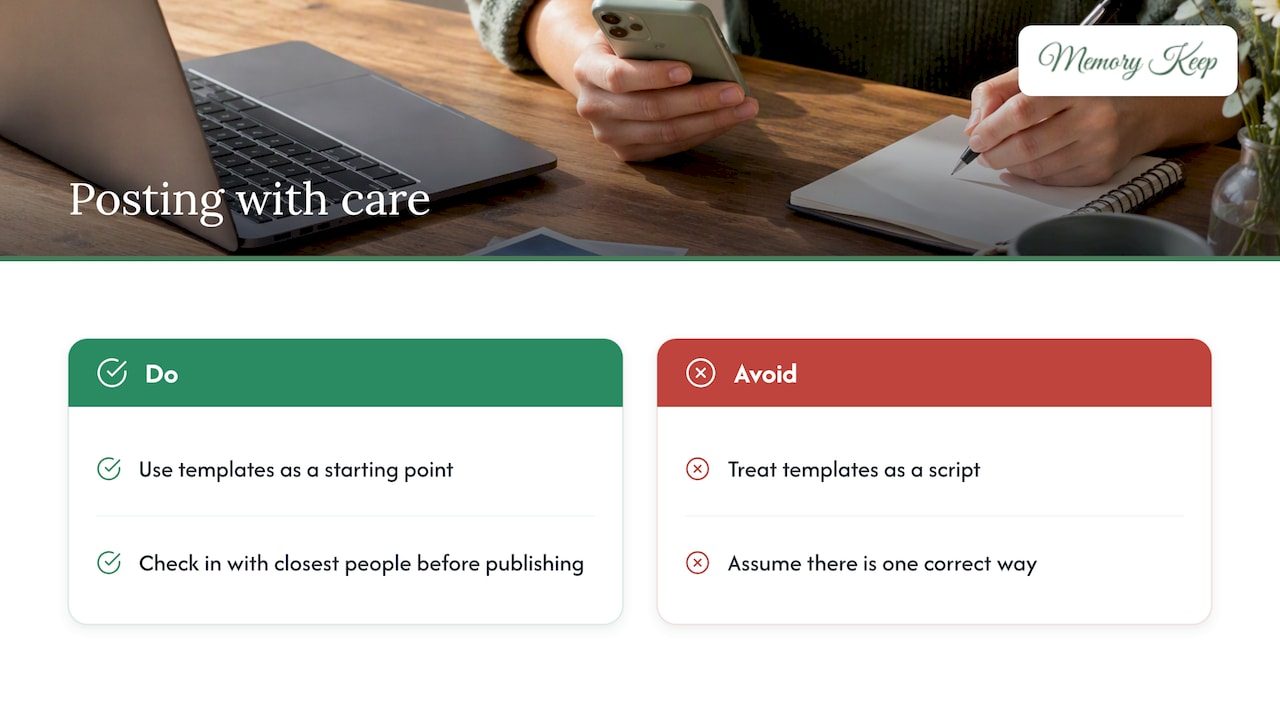
There is no single correct way to post about someone you loved, and we would gently push back on anyone who tells you otherwise. Some families write a long tribute the same day; others wait weeks and share something quiet. Both are right if they feel true to you.
Use these templates as a starting point, not a script, and check in with the people closest to the person you lost before you publish. Grief moves differently through every family, and the post that helps you heal might look nothing like the one that helps your sibling. For more grief-informed guidance as you navigate the weeks ahead, our twelve essential grief insights may be worth a quiet read.
— Memory Keep
How Memory Keep can help: start a free memorial or upgrade for unlimited features
An Instagram post is a beautiful first tribute, but it is not built to hold a lifetime of photos, videos, and messages from everyone who loved someone. A Memory Keep page gives that material a permanent home, with a shareable link, a scannable QR code for a headstone or program, and downloadable keepsakes like photo books and slideshow videos.
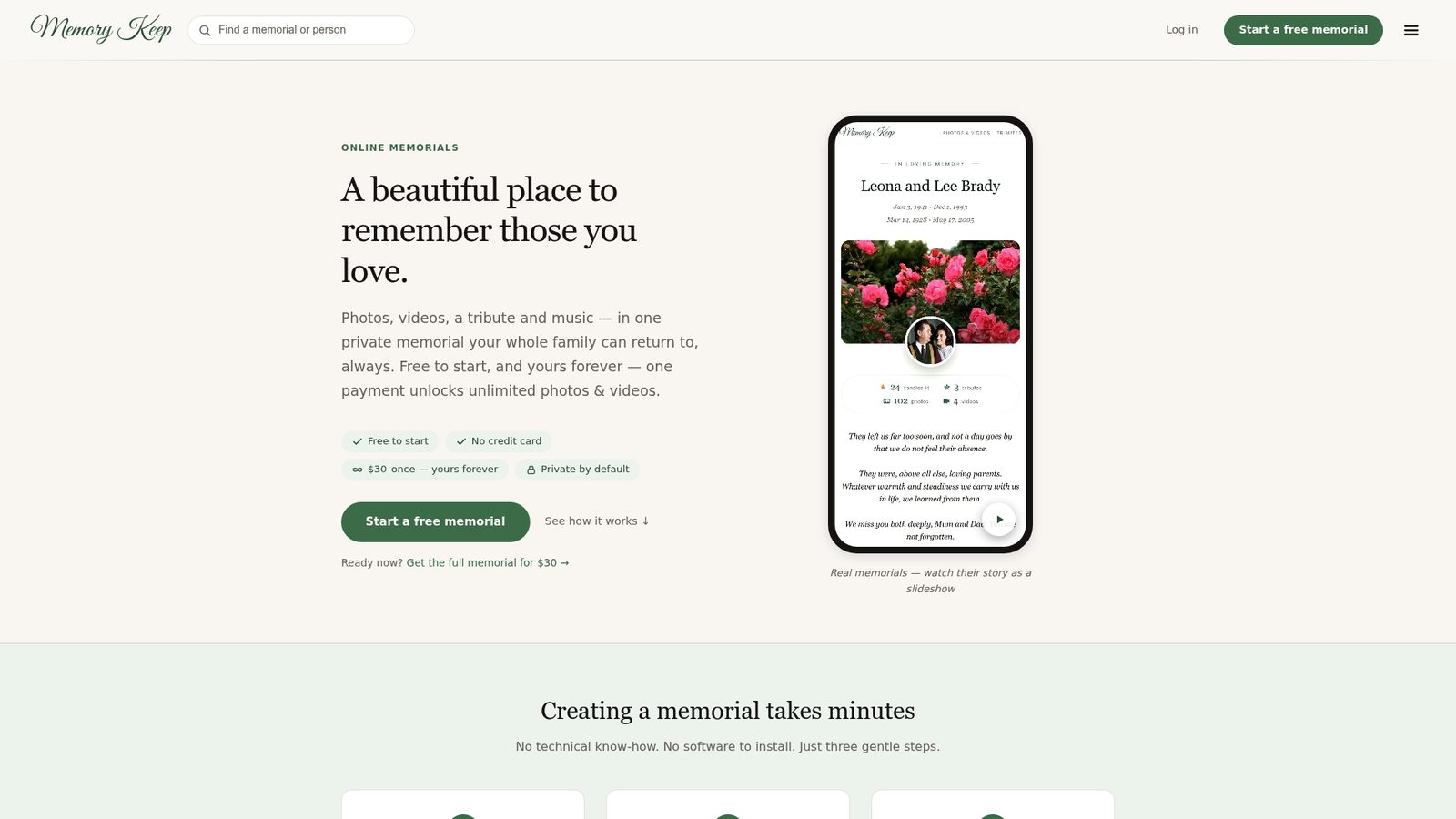
- Start a memorial for free and invite family to add their own photos and memories right away.
- Upgrade once for a one-time $15 fee to unlock unlimited storage and features, with no subscription to manage.
- See how a finished page looks with a sample memorial gallery or browse the full feature list before you begin.
FAQ
What is a good caption for a memorial post?
A good caption names the person, shares one specific memory, and invites others to add their own in the comments rather than listing broad condolences. Short, sincere captions tend to feel more genuine than long, formal ones, and a single honest sentence can carry more weight than several generic lines.
Should I post on Instagram about a family member’s death?
Posting is a personal choice, not an obligation, and Funeral Basics notes that sharing a tribute can be a meaningful way to reflect and invite support, though there is no requirement to do so. Check with close family first, especially if some relatives have not yet been told privately.
What should I write on a memorial post?
Focus on how the person lived rather than the details of how they died, and include one clear memory alongside their name. Psychology Today’s grief guidance suggests inviting specific memories from others tends to create more meaningful connection than a general request for condolences.
What should I post when someone passes away?
A single meaningful photo or short video paired with a sincere caption is usually enough for a first post, and you can follow up later with more memories or a carousel of images. If you want those photos and messages preserved beyond the feed, moving them into a dedicated memorial page keeps them from getting lost over time.
Sources
- How to make grief a little less lonely – Psychology Today
- Memorialization | Transparency Center — Meta
- Protecting Our Community from Abuse on Instagram — Meta
- Tips for Writing a Memorial Post on Social Media — Funeral Basics