

The best memorial guestbook message is sincere, specific, and brief: a condolence paired with one real memory or trait says more than any generic phrase. For example: “I’ll always remember how Grandpa made us laugh at every family dinner. Sending love to your whole family.” We’ve gathered examples, prompts, and guidance below to help you write one of your own.
TL;DR:
- Short condolence messages work well online, but adding a personal memory makes entries more meaningful.
- Prompts like favorite memories or moments encourage richer stories from visitors.
- Keep messages respectful by avoiding blame, graphic details, or controversial topics, and consider designating moderators.
- Uploading a single photo with a brief caption or alt-text can be more impactful than lengthy text.
- A family or trusted person should moderate comments to maintain a kind and private environment.
Table of Contents
- Short Condolence Lines and One-Liners You Can Copy
- Memory Prompts That Turn Condolences Into Stories
- Keeping Guestbook Messages Respectful and Private
- Adding Photos, Videos, and Links to a Message
- Longer Tribute Templates for People and Pets
- Why Tone and Prompts Shape a Memorial Page
- Create a Memorial Page That Welcomes Every Message
- FAQ
- Memory Keep Resources and Partner Links
- Sources
Short Condolence Lines and One-Liners You Can Copy
When you don’t know what to say, a short, heartfelt line is enough. These work well for a public memorial page where guests are scrolling through many entries.
For sympathy, close to family:
- “Holding you close in my heart during this difficult time.”
- “Your dad’s kindness touched everyone who knew him. We’re thinking of you.”
- “There are no words, only love. We’re here for you.”
For sympathy, coworkers or acquaintances:
- “I’m so sorry for your loss. She was a wonderful colleague and friend.”
- “Thinking of your family during this time of grief.”
For offering support or comfort:
- “Please let us know if you need anything at all. We mean it.”
- “Grief is lighter when it’s shared. We’re carrying some of it with you.”
For celebrating a life:
- “What a beautiful life, full of laughter and love. Rest easy.”
- “The world is better because he was in it.”
For pet loss:
- “Every wagging tail in the park will remind us of her joy.”
- “He gave you unconditional love. What a gift he was.”
Match the tone to your relationship: a close family member can write something tender and personal, while a coworker or casual acquaintance might keep it warm but a bit more restrained.
Memory Prompts That Turn Condolences Into Stories
A guestbook message becomes meaningful when it includes a memory, not just a sentiment. If you’re hosting a memorial page, offering prompts helps visitors write something more substantial than “sorry for your loss.”
- What’s your earliest memory of them?
- What’s one lesson they taught you that you still carry?
- What’s the funniest moment you shared together?
- What was their favorite meal, song, or saying?
- What do you miss most on an ordinary day?
For pets, try:
- What was their favorite park, walk, or napping spot?
- What was their most lovable or funny habit?
- What trick or skill were they best known for?
Adding a few prompts directly on the memorial page, visible before someone starts typing, tends to produce far richer entries than a blank message box ever does.
Keeping Guestbook Messages Respectful and Private
Public memorial pages invite warmth, but they also need a few ground rules so visitors feel safe sharing and families feel protected.
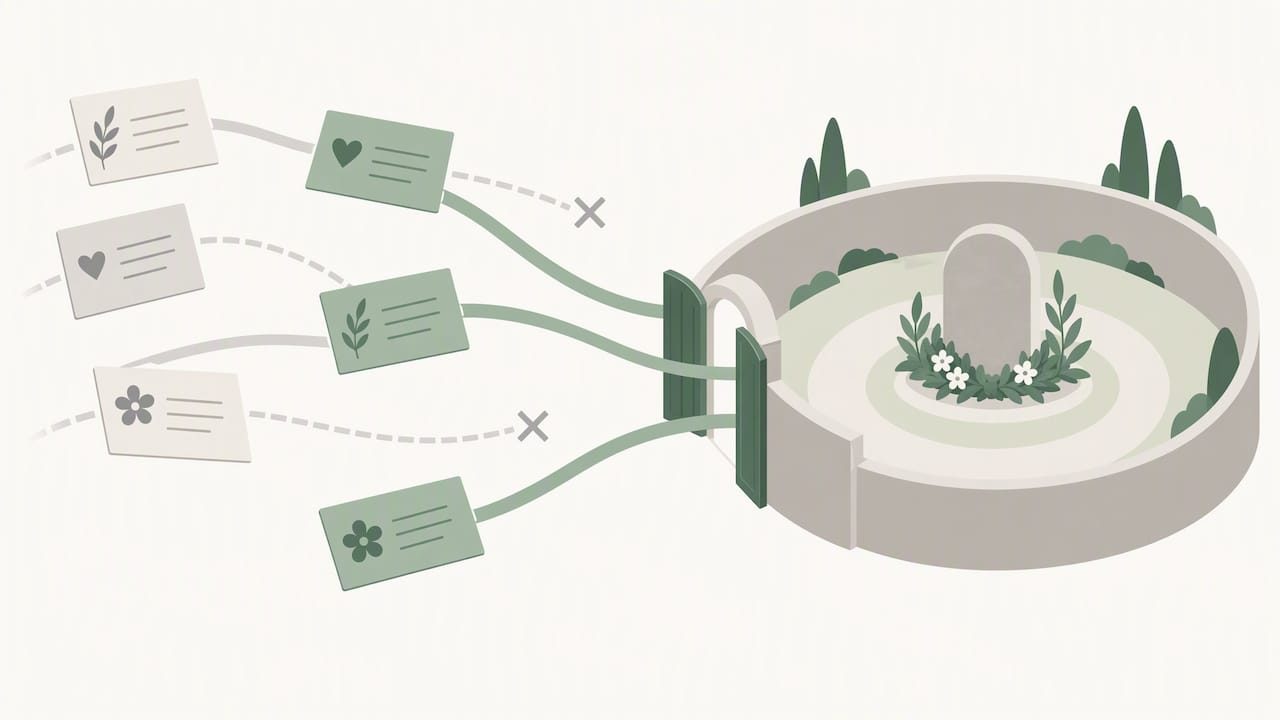
Start with privacy. Decide whether the page is fully public or limited to invited guests, and ask permission before posting medical details, cause of death, or other sensitive information that belongs to the family to share, not a visitor.
Keep content guidelines simple:
- Avoid blame, speculation, or graphic detail about the death.
- Keep the tone kind, even in humor.
- Steer clear of religious or political commentary unless the family has invited it.
For moderation, designate one or two family members as moderators, agree on a simple rule for removing posts (anything unkind, inaccurate, or distressing comes down without debate), and decide in advance how you’ll respond if something difficult gets posted, usually a private, gentle message rather than a public callout.
Pro Tip: Paste a short note at the top of the guestbook to set the tone before anyone writes a word.
Adding Photos, Videos, and Links to a Message
A photo with a short caption often means more to a grieving family than paragraphs of text, and it’s simple to do well.
- Use common formats like JPEG or PNG, and keep individual photos under about 5 to 10 megabytes so they load quickly for everyone.
- Write a one-line caption that names the moment, such as “Dad and me at the lake, summer 2019,” rather than leaving the image unlabeled.
- Add brief alt-text describing the scene so visitors using screen readers can still experience the memory.
- If you have a longer video or a full photo gallery, mention it briefly in your message and share it as a separate upload or link rather than cramming it into one entry.
Many visitors scrolling a memorial page respond more to an image paired with a short caption than to text alone, which is worth keeping in mind if you’re deciding how to contribute photos and videos to a loved one’s page.
Longer Tribute Templates for People and Pets
When you have more to say, a fuller message lets you share an anecdote, offer help, or mark the finality of a goodbye. Personalize the bracketed details with a real name, memory, or offer before posting.
For people:
- Immediate family: “I keep thinking about the way [name] always had the kettle on when we walked in, no matter the hour. That small kindness said everything about who they were. I’m here for anything you need, today and in the weeks ahead.”
- Close friend or colleague: “Working alongside [name] for [number] years taught me more about patience and humor than any training ever could. I’ll miss our Friday afternoon check-ins more than I can say.”
- Distant acquaintance: “I didn’t know [name] well, but every interaction left me smiling. My thoughts are with your family during this loss.”
For pets:
- Short owner note: “Fifteen years of muddy paws and midnight cuddles. Rest well, old friend.”
- Memory-sharing: “I’ll never forget how [pet name] used to wait by the window every evening, tail already wagging before the car pulled in.”
- Celebration of life: “A dog that loved everyone he met, and was loved by everyone who met him. We’re grateful for every walk.”
For more wording to borrow from, our article on what to write in a sympathy card offers additional structure, and our guide to coping with the loss of a pet covers pet-specific language in more depth.
Why Tone and Prompts Shape a Memorial Page
We built Memory Keep around the idea that a shared link should gather more than condolences, it should gather a life. Families collect messages, photos, and videos in one place, and we’ve noticed that pages without any prompts tend to fill up with short, repetitive lines, while a single pinned question, like “what’s your favorite memory?”, draws out real stories instead. If you’re setting one up, our help center and blog walk through examples for different kinds of loss.
— Memory Keep
Create a Memorial Page That Welcomes Every Message
We make it simple to gather guestbook messages, photos, and videos in one place that your family can return to for years. A free memorial comes with a unique shareable link, and a one-time upgrade unlocks unlimited uploads and features for that memorial, with no subscription required.
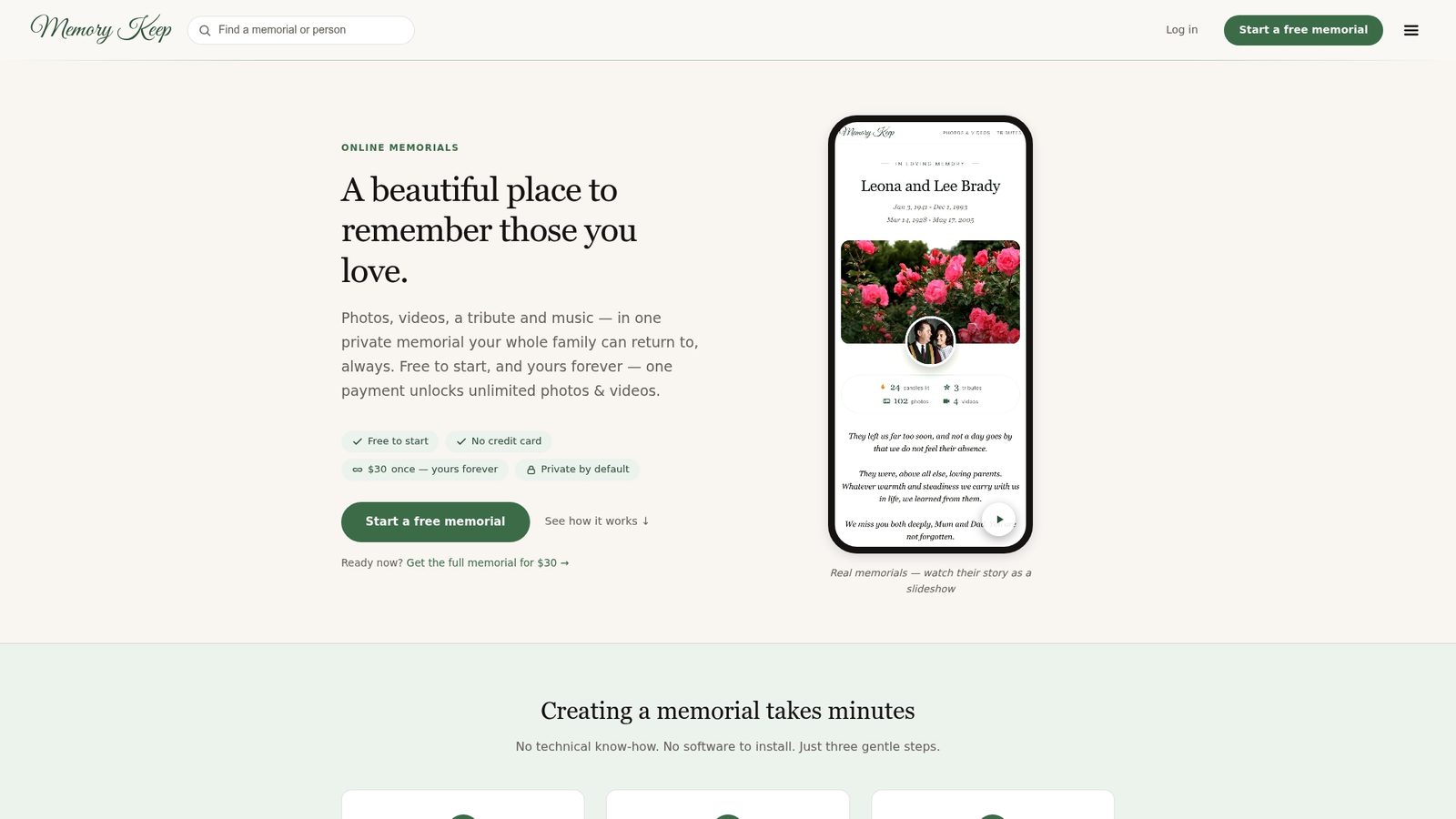
Create a memorial page today and invite the people who loved them to add their own words.
FAQ
What should I avoid writing in a memorial guestbook message?
Avoid speculation about the cause of death, graphic detail, or private medical information unless the family has shared it themselves. Keep the tone kind and brief, and if you’re unsure, a short condolence paired with one positive memory is always safe.
How long should a memorial guestbook message be?
There’s no fixed length. A one or two sentence condolence is appropriate for most visitors, while close family and friends often write a fuller paragraph that includes a specific memory or anecdote.
Can I include a photo or video in my guestbook message?
Yes, most online memorial pages, including Memory Keep, allow you to upload photos and videos alongside your written message. A short caption naming the moment makes the image more meaningful to the family.
What’s a good message for a pet’s memorial page?
A short line naming a specific habit or memory works well, such as a favorite walk, a funny quirk, or how the pet greeted people. Our pet loss guidance offers more examples by relationship and tone.
Who should moderate messages on a public memorial page?
Families typically designate one or two trusted people, often close relatives, to review new entries and remove anything unkind, inaccurate, or distressing. Setting this expectation early, along with a brief posted guideline, keeps the page a comforting space for everyone.
Memory Keep Resources and Partner Links

For more guidance, visit our help center, explore everything included with a memorial, or read about writing in-memory donation notices.
Sources
- What to say when someone dies
- What to write in a sympathy card
- Full, Free pricing
- Everything Included — Memory Keep
- How to Make an In-Memory Donation with Grace and Purpose