

Child Memorial Privacy: Keeping a Little One’s Page Safe
You can create a beautiful online memorial for your child and still keep it private. Decide who can see the page, leave out details that reveal where your family lives or goes, and read the platform’s privacy policy before you upload anything. Nothing about this has to be done in a hurry, and it can be changed later.
Grief arrives without warning, and so does the wish to put your child’s name, face and story somewhere they will be kept. We understand that wish. This guide walks you through the privacy questions, one at a time, so the memorial can stay a place of comfort for the people you choose.
TL;DR
- Choose the audience first: a page open to anyone, a page only for people you approve, or a link you share by hand. Each one is a different level of privacy.
- Leave out details that point to your home, your child’s school, daily routines and favorite places, even when they feel like part of the story.
- Ask any platform what it collects, whether it sells data or shows ads, how long it keeps content, and how you can delete the page.
- Tell relatives and friends how you would like them to contribute and share before you send the link.
- You can revisit every choice later. A memorial can start small and private and open up when you are ready.
Table of Contents
- Why a child’s memorial needs its own privacy thinking
- Who can see a memorial page
- What to leave out, and what to keep
- What the law says about children’s information online
- What to look for in a memorial platform’s privacy policy
- Inviting family and friends without losing control
- A private path, step by step
- Perspective: why we built Memory Keep around privacy
- Making a memorial with Memory Keep
- FAQ
- Sources
Why a child’s memorial needs its own privacy thinking
A memorial for a child carries a particular tenderness. The photos are often of a very young face. The stories are tied to a nursery, a classroom, a playground or a hospital. The people who find the page may include neighbors, classmates’ families and strangers who simply stumbled on it.
The U.S. Administration for Children and Families suggests parents ask two questions before posting a photo, video, story or location: could this reveal where my child lives, goes to school or spends time, and would my child be comfortable with me sharing it. That guidance is written for everyday sharing, but it fits a memorial well. It also reminds us that your other children, and the friends who loved your child, are part of the picture.
The second question is the gentle one. A child who has died cannot say what they would want. Many parents find it helps to imagine how the child would have felt and to share what feels loving and dignified. That is a personal choice, and there is no single right answer.
Who can see a memorial page
Privacy on a memorial site is rarely one switch. According to a guide on memorial page privacy, who can see a page usually depends on three separate settings: the page’s overall visibility (public, private or invite-only), which fields are shown to everyone and which are hidden from strangers, and whether search engines are allowed to index the page at all.
It helps to think about those three in plain terms.
Public, private and invite-only
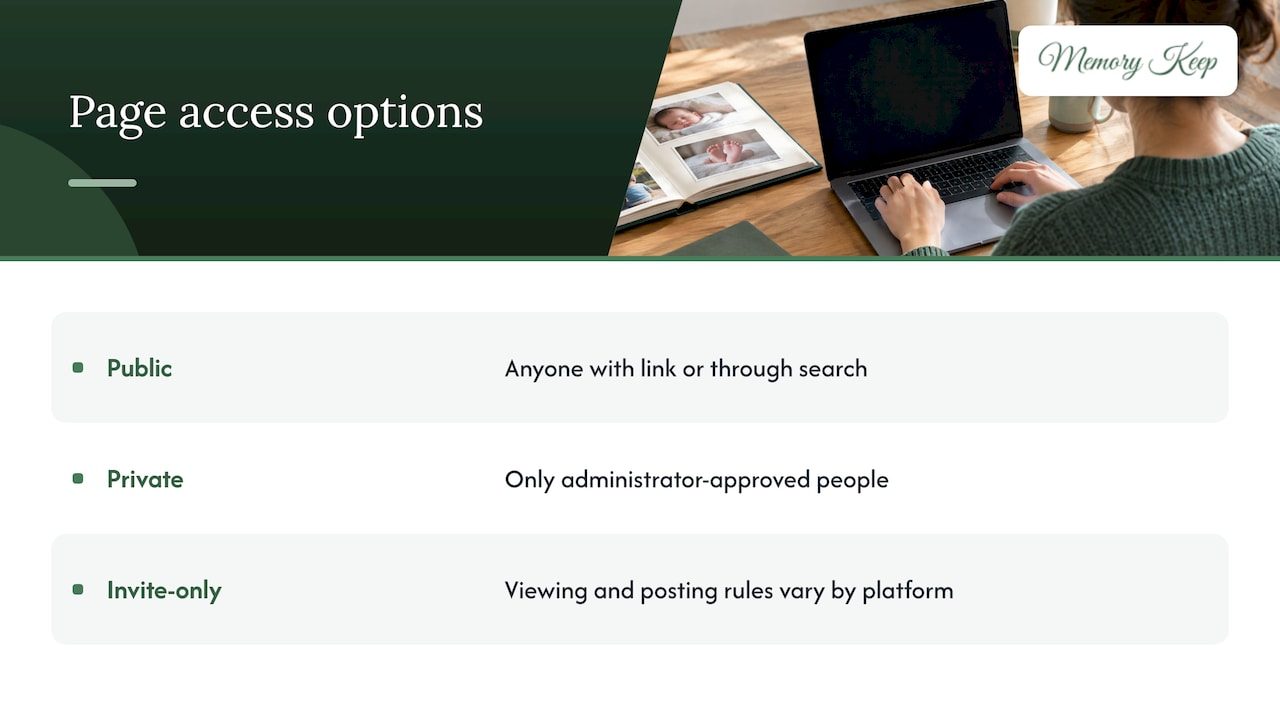
A public page can be viewed by anyone with the link or through a search. A private page can be viewed only by people the administrator approves. “Invite-only” is where platforms differ: on some, anyone with the link can look but only invited people can post, so read how your platform defines the term before relying on it.
Search engines and links
A setting that asks search engines not to list a page is not the same as locking the page. The same source explains that a noindex setting asks search engines to leave the page out of results without restricting access to anyone who has the link. So if you want a quiet page, think about both: whether it can be found, and who can open it once they have the address.
A unique link is a lovely way to bring family together across distance. It also means the link itself deserves care. Send it in a private message or an email rather than posting it on a public wall.
Fields inside the page
Even on a page you share widely, you can decide which details appear. A full birth date, a hometown or a school name might be right for a close circle and unnecessary for everyone else. A first name, a nickname or a simple “our son” can say everything the page needs to say.
What to leave out, and what to keep
The ACF lists the kinds of personal information that can reveal more than intended when shared online: names, phone numbers, addresses, school information, photos, videos, usernames, location, daily schedules and routines, favorite places, details about family members, friends and teachers, and personal feelings or family problems.
For a memorial, that list translates into a few practical habits.
- Photos with backgrounds. A picture on the front steps may show your house number. A school photo may show a uniform, a logo or a banner with the school’s name. Choose images where the background says nothing, or crop them.
- Location tags. Share the story of the park your child loved without naming the exact park, or save that detail for a private circle.
- Routines. “She walked to the bus stop on Maple every morning” is a sweet memory. It is also a schedule. Tell it in a softer way, such as “she loved mornings.”
- Names of siblings, teachers and friends. These people did not choose to be on a public page. Ask first, or use first names only.
- Hospital and medical detail. Share only what you want a stranger to read. Details about an illness or an accident are yours to give or keep.
- Family conflict. A memorial is a place for love. Hard feelings about funerals, inheritance or blame belong somewhere else.
What you can keep is nearly everything that matters: the laugh, the favorite song, the drawings, the first day of kindergarten, the way they said a particular word. Memory is made of those things, not of addresses.
If your child’s loss involved a public case, a missing child or an investigation, be especially careful about what identifying detail you post. Writing about sharing sensitive stories online safely shows how location, school and family details can travel further than a family intends, and why it is worth thinking before you publish.
What the law says about children’s information online
U.S. law protects children’s personal information online, but only in certain ways, and it is worth knowing where the protection starts and stops.
The Children’s Online Privacy Protection Act, or COPPA, is a federal law that protects the personal information of children under 13 and requires operators to obtain verifiable parental consent before collecting it online. The FTC has noted that the rule’s definition of personal information was updated to include photos, videos and audio files containing a child’s image or voice.
Here is the limit to understand. COPPA is aimed at operators collecting information from children. A memorial is typically created by an adult about a child who has died, so the law may not govern your page in the way it governs a children’s app. Think of COPPA as a useful standard for what a careful company does with children’s data, not as a guarantee about every memorial site.
Some states go further. New York’s Child Data Protection Act, effective July 1, 2025, covers all minors under 18 in the state. Maryland’s law prohibits targeted advertising and the sale of data where a business knew or should have known the person is under 18. Rules differ by state, so if you have a specific concern, a local attorney or your state attorney general’s office can tell you what applies where you live.
It can also be reassuring to know that COPPA is enforced by the FTC and state attorneys general, who can investigate complaints and require companies to change their practices.
What to look for in a memorial platform’s privacy policy
You do not need a law degree to read a privacy policy. You need five answers.
- What does it collect? Look for the information the company gathers about you and about visitors, beyond what you type into the page.
- Who gets it? Does the company sell personal information, share it with advertisers, or show ads on memorial pages?
- How long is it kept? Children’s-privacy guidelines from the Better Business Bureau’s CARU program call for a written retention and deletion policy and prohibit indefinite retention of children’s personal information. A memorial is meant to last, so what you want to know is that you control it and can remove it.
- How is it protected? Look for plain statements about storage and access, and about whether photo metadata, such as embedded location, is removed.
- Can you delete it? The FTC explains that under COPPA a privacy policy must say that a parent can review or delete a child’s information and refuse further collection. A good memorial platform tells you how to take a page down just as clearly.
The last point matters because removal is not always simple on large sites. One example from reporting on obituary sites: Legacy.com says families can email to request that an obituary and guest book be removed, after it confirms with the funeral home that the requester has the right. That article is from 2015, so check the current process, but the lesson holds: find out how removal works before you publish.
Inviting family and friends without losing control
Memorials are shared work. Grandparents add photos, a teacher writes a few lines, a cousin posts a video from a summer holiday. That is part of what makes them healing. It also means other people’s choices become part of your child’s page.
A little groundwork makes this easier.
Say what you hope for
When you send the link, add a short note in your own words. For example: “We would love your memories and photos. Please keep to first names and leave out locations and school details. We are keeping the link within the family.” Most people are relieved to be told what would feel right. They do not want to cause hurt.
Share the link privately
Personal messages travel more safely than public posts. If you do decide to post on social media, our guide on sharing a memorial on Facebook, gently and safely covers how to do it with care.
Keep the comments kind
Visitors’ messages are one of the most comforting parts of a memorial, and they deserve gentle stewardship. Our article on keeping tribute comments kind explains how to set a tone and handle a message that does not belong.
Ask before tagging or reposting
If a relative wants to repost a photo of your child, they should ask first. The same goes for photos that include other children. Other parents may not want their child’s face on a memorial, however loving the occasion.
A private path, step by step
If you are not sure where to begin, this order keeps things calm.
- Gather, don’t publish. Collect photos, drawings and stories in a folder. Take your time.
- Choose the audience. Decide whether the first version is for immediate family only.
- Remove identifying details. Scan each photo and caption against the list above.
- Read the privacy policy. Check the five questions.
- Start with the link in a private message. Invite a few trusted people first.
- Review after a few weeks. Many families open the page to a wider circle later, or close it again. Both are fine.
Perspective: why we built Memory Keep around privacy
We started Memory Keep because families told us they wanted somewhere safe to keep the people and pets they love. Nowhere is that more true than when the person is a child.
That is why we never run ads on memorials and never sell data. Your child’s photos are not material for anyone’s marketing. We also chose a single one-time payment instead of a subscription, so a memorial never depends on a renewal you might miss in a hard season.
Each memorial has its own unique link, so you decide who receives it, and family and friends anywhere in the world can leave messages of remembrance. Photos, videos, audio and writing sit in one place you can return to, and keepsakes such as photo books and slideshow videos can be made from what you have gathered.
We believe privacy is part of love. Protecting a child’s page is one more way of caring for them, and we want to make it feel simple.
Memory Keep
Making a memorial with Memory Keep
If you would like a quiet, lasting place for your child’s memories, you can start with the free plan and add photos, tributes and a unique link to share with the people closest to you. When you want unlimited photos, videos and features, the Full plan is a $15 one-time payment per memorial, with no subscription or renewal.
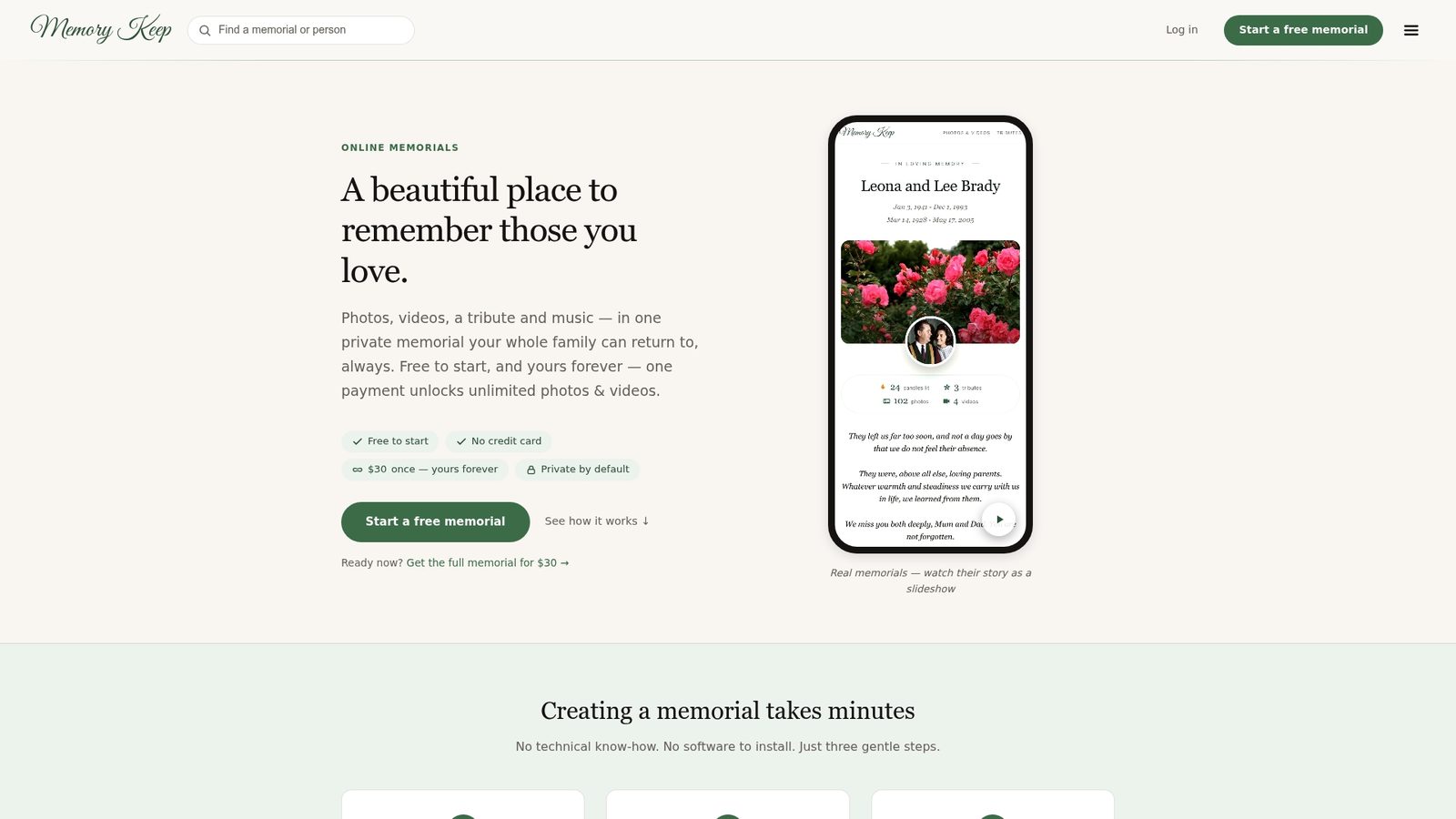
Every memorial also comes with a free scannable QR code, which families often place on a card or a headstone so that visitors can find the page in person. You can see everything included on our features page. If you want gentle ideas for what to put on the page, our online remembrance ideas are a good place to start, and our grief and bereavement resources are there whenever you need them.
FAQ
Should a child’s memorial be public or private?
There is no single answer, but many families begin private. A private or carefully shared page lets you gather memories with the people who knew your child, and you can open it more widely later if you want to. Going the other direction, from public back to private, is harder once a page has been found and copied.
Can strangers find a memorial through Google?
They can if the page is public and search engines are allowed to index it. A separate setting can ask search engines not to list a page, but it does not stop anyone who already has the link from opening it. Share the link thoughtfully as well.
Does COPPA protect my child’s memorial?
COPPA protects the personal information of children under 13 when operators collect it online. It is not designed to govern a memorial that an adult writes about a child who has died, so rely on your own choices and the platform’s policy. Some states have additional rules, and an attorney can explain the ones where you live.
What if I change my mind later?
You can. Review the privacy settings, remove photos or captions you no longer want public, or ask the platform how to delete the page. Before you choose a platform, find out how deletion works so you are never stuck.
How do I ask relatives not to share certain things?
Send a short, kind note with the link that explains what you would prefer: first names only, no locations, no reposting without asking. People generally want to honor your wishes and are glad to be told what they are.
Sources
- Protect Your Family’s Privacy Online, Administration for Children and Families
- Who Can See an Online Memorial Page? Privacy Settings
- Additional Compliance for New York Child Data Protection Act, Phillips Lytle
- Taking Care: The American Approach to Protecting Children’s Privacy, FTC
- U.S. Cybersecurity and Data Privacy Review and Outlook 2025, Gibson Dunn
- The EdTech Service Provider’s Guide to Student Privacy, Future of Privacy Forum
- Complying with COPPA: Frequently Asked Questions, FTC
- Missing Persons Blog: How to Read, Write and Share Cases